Chapter 4: Accessories 33
Accessories
Chapter 4: Accessories
The iLook system has several accessories and peripherals. This chapter contains information on
installing and using the accessories and peripherals.
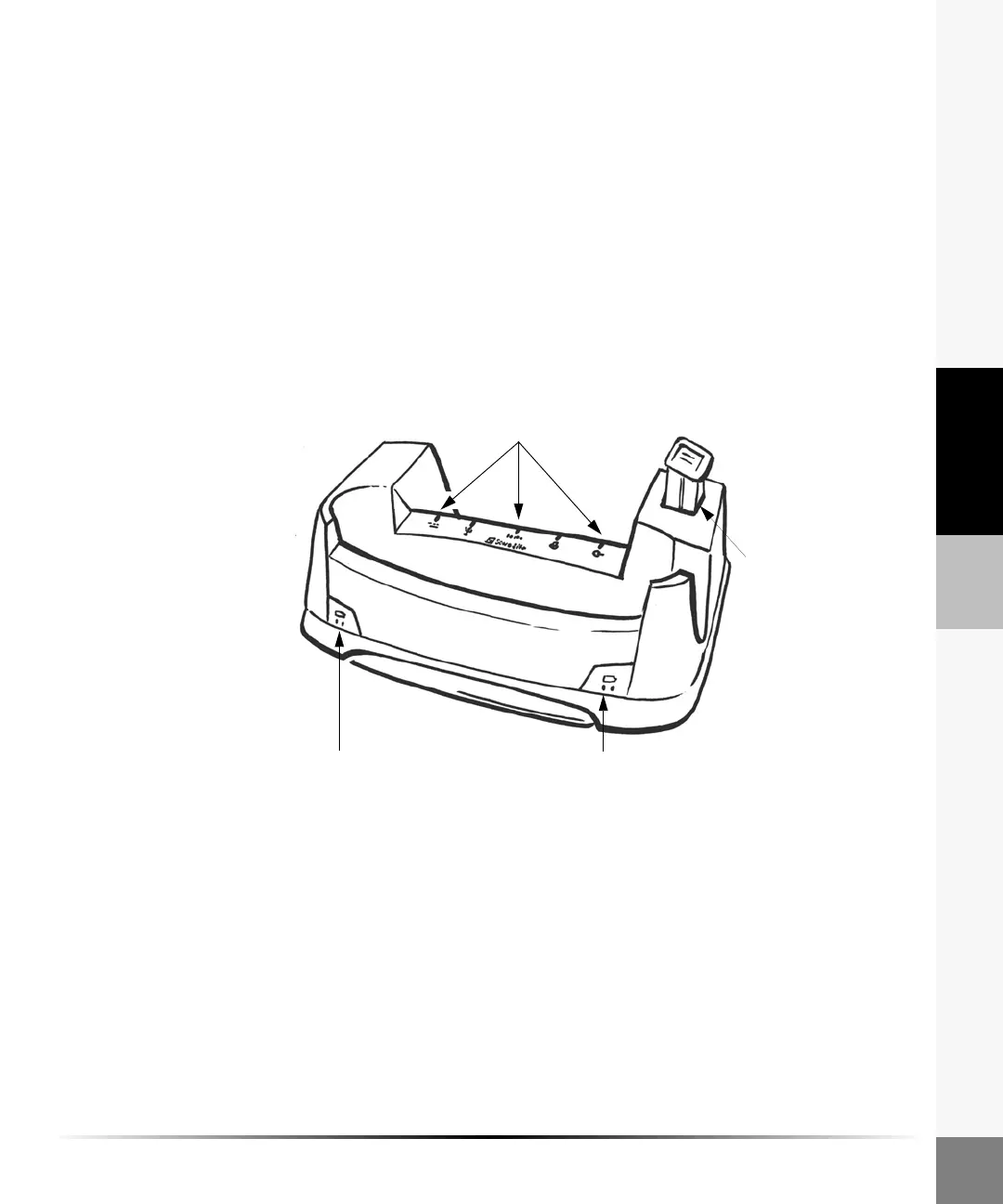
Docking Station
The docking station stores the iLook ultrasound system when it is not in use. The docking station
charges the battery in the system and an extra battery. The docking station provides connections for
the power supply, an RS-232 cable for downloading images to a personal computer (PC), and a
video cable for connecting a printer.
Note: The USB and print control connectors are not active.
Figure 1 Docking Station
Charging status for
system battery
Charging status for
extra battery
Battery
charger
Docking station
connectors



 To Next Page