Chapter 3: The Exam 23
Exam
To select exam type:
1 Press the Patient key.
2 Highlight or tap Exam Type from the on-screen menu.
3 Use the right or left arrows or tap the touch screen to choose Abd or Card for C15 or Supr or
Vasc for L25 from the on-screen menu.
The exam type is displayed in the status bar on the bottom of the screen.
4 Select or tap Exit or press the Patient key to save changes and return to live imaging.
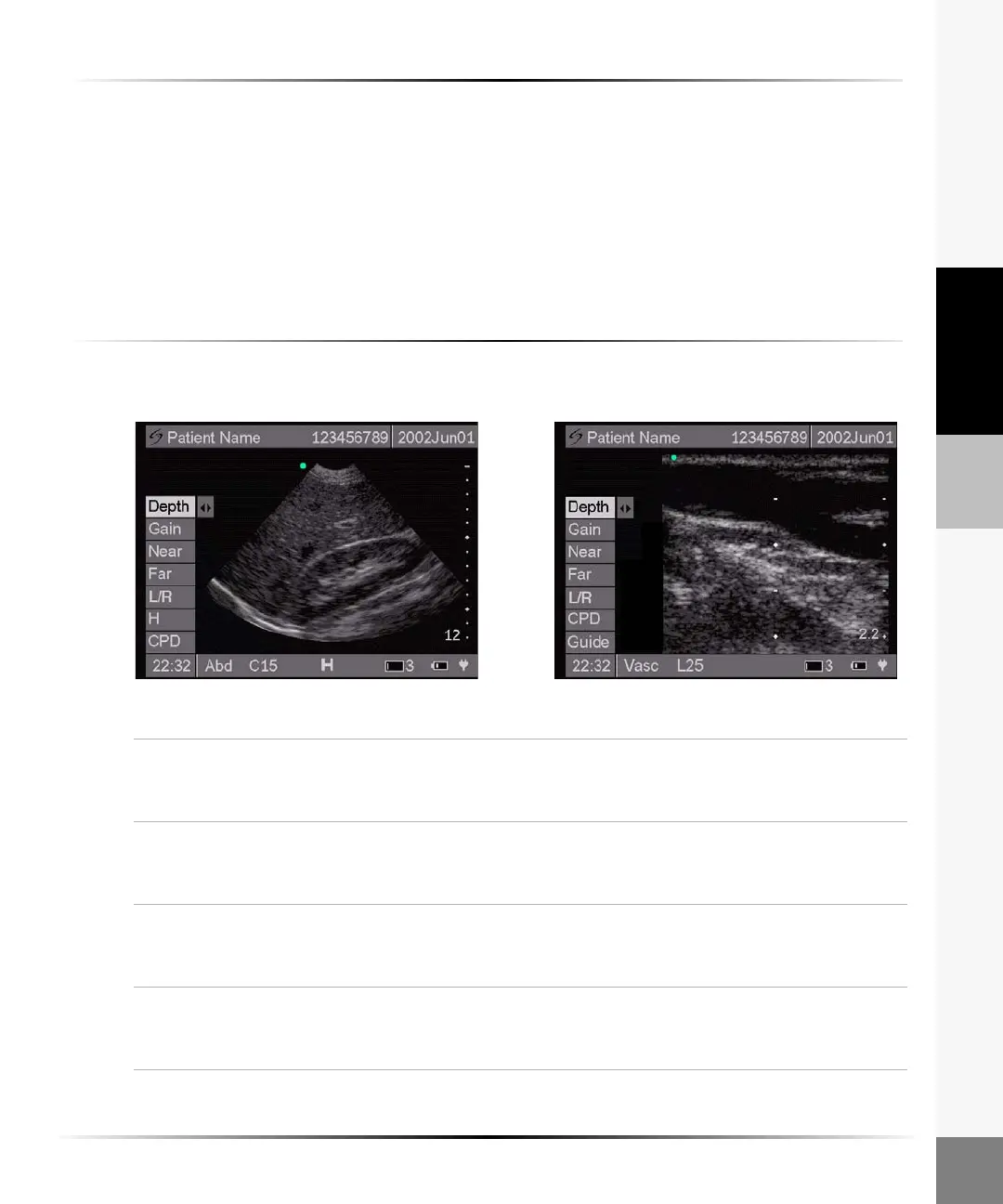
2D Image
To optimize the 2D image:
Note: The touch screen is not active during live imaging.
Depth 1 Highlight Depth from the on-screen menu.
2 Arrow right to increase depth and left to decrease depth.
Note: The number in the lower right corner indicates the depth in centimeters.
Gain 1 Highlight Gain from the on-screen menu.
2 Arrow right to increase gain and left to decrease gain.
Note: Gain adjusts the overall gain applied to the entire image.
Near 1 Highlight Near from the on-screen menu.
2 Arrow right to increase gain and left to decrease gain.
Note: Near adjusts the gain applied to the near field of the image.
Far 1 Highlight Far from the on-screen menu.
2 Arrow right to increase gain and left to decrease gain.
Note: Far adjusts the gain applied to the far field of the image.
For C15 For L25



 To Next Page