Chapter 4: Accessories 39
Accessories
Kensington
®
Security Cable
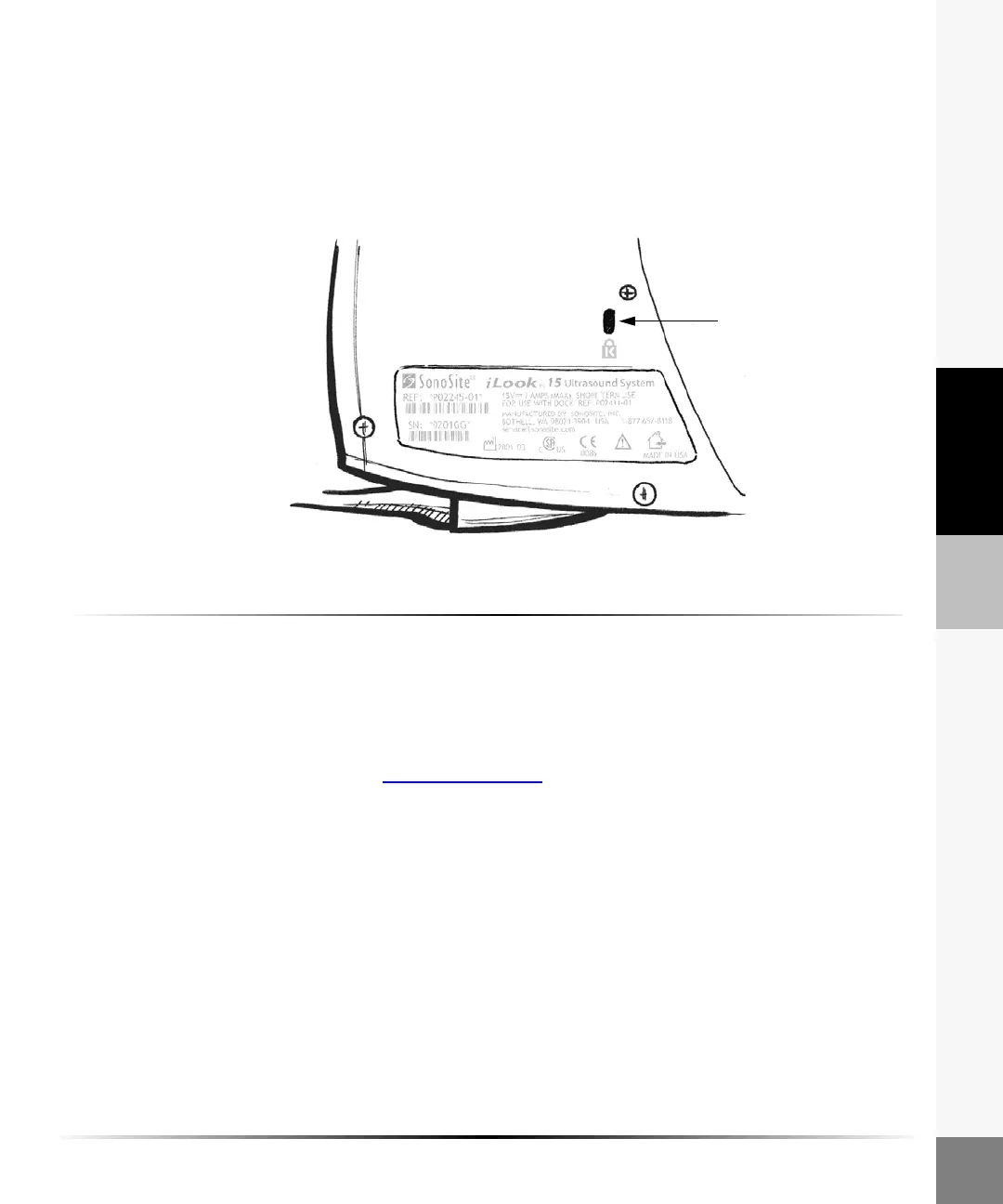
The iLook system is equipped with Kensington Security Slot which is compatible with a Kensington
security cable.
To prevent unauthorized removal of the ultrasound system, you may use a Kensington security
cable (optional) to attach the system to an immovable object. The iLook system has a Kensington
Security Slot located on the back of the system.
Figure 5 Kensington Security Slot
To attach a Kensington Security Cable:
1 Wrap the cable around an immovable object.
2 Turn the key to the right, ensuring that the rotating T-bar is lined up with the two side bars
(unlocked position).
3 Insert the lock into the Kensington Security Slot.
4 Turn the key to the left (locked position).
For more information, visit www.kensington.com
Kensington
security slot



 To Next Page