Chapter 3: The Exam 27
Exam
Distance Measurement
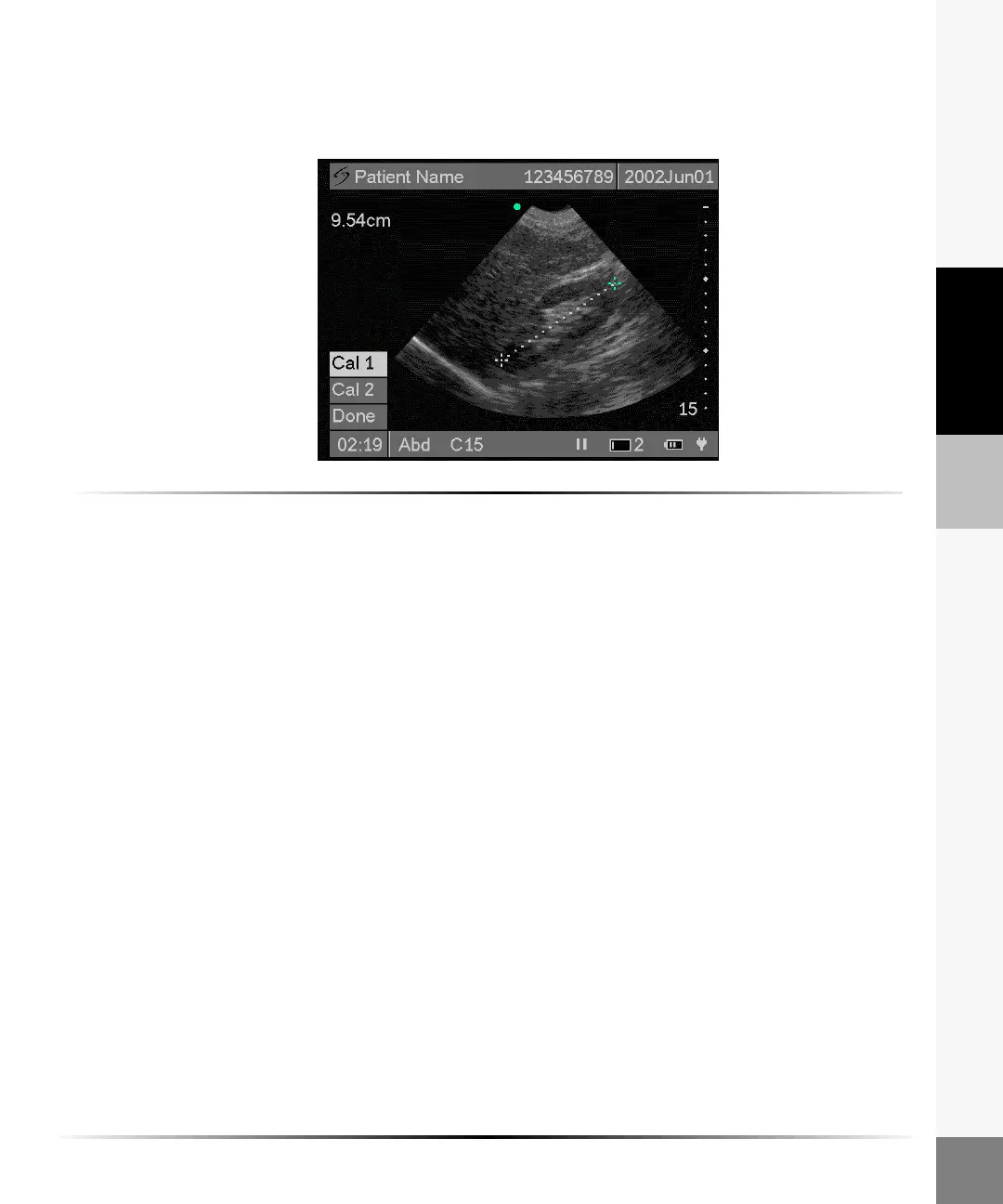
A single linear distance measurement can be made on a frozen image. The measurement can be
performed using the touch screen, the directional control, or a combination of both.
To perform a measurement using the touch screen:
Note: Place calipers by tapping the desired location.You cannot drag the caliper to a location.
1 On a frozen image, tap Meas from the on-screen menu.
Two measurement calipers are displayed on the screen. Cal 1 is active and is highlighted green.
2 Position the first caliper by tapping the touch screen on the desired location.
Use the right, left, up, or down arrows on the directional controller to make fine adjustments.
The measurement is displayed in the upper left section of the screen and is updated as the
caliper moves.
3 Tap Cal 2 to activate the second caliper. Cal 2 is highlighted green.
4 Position the second caliper by tapping the touch screen on the desired location.
5 To reposition a caliper, tap Cal 1 or Cal 2 and tap on the desired location.
6 Tap Done from the on-screen menu to remove the measurement menu.
The measurement and calipers are removed from the screen.
7 Press the Freeze key to return to live imaging.



 To Next Page