30 Chapter 3: The Exam
Exam
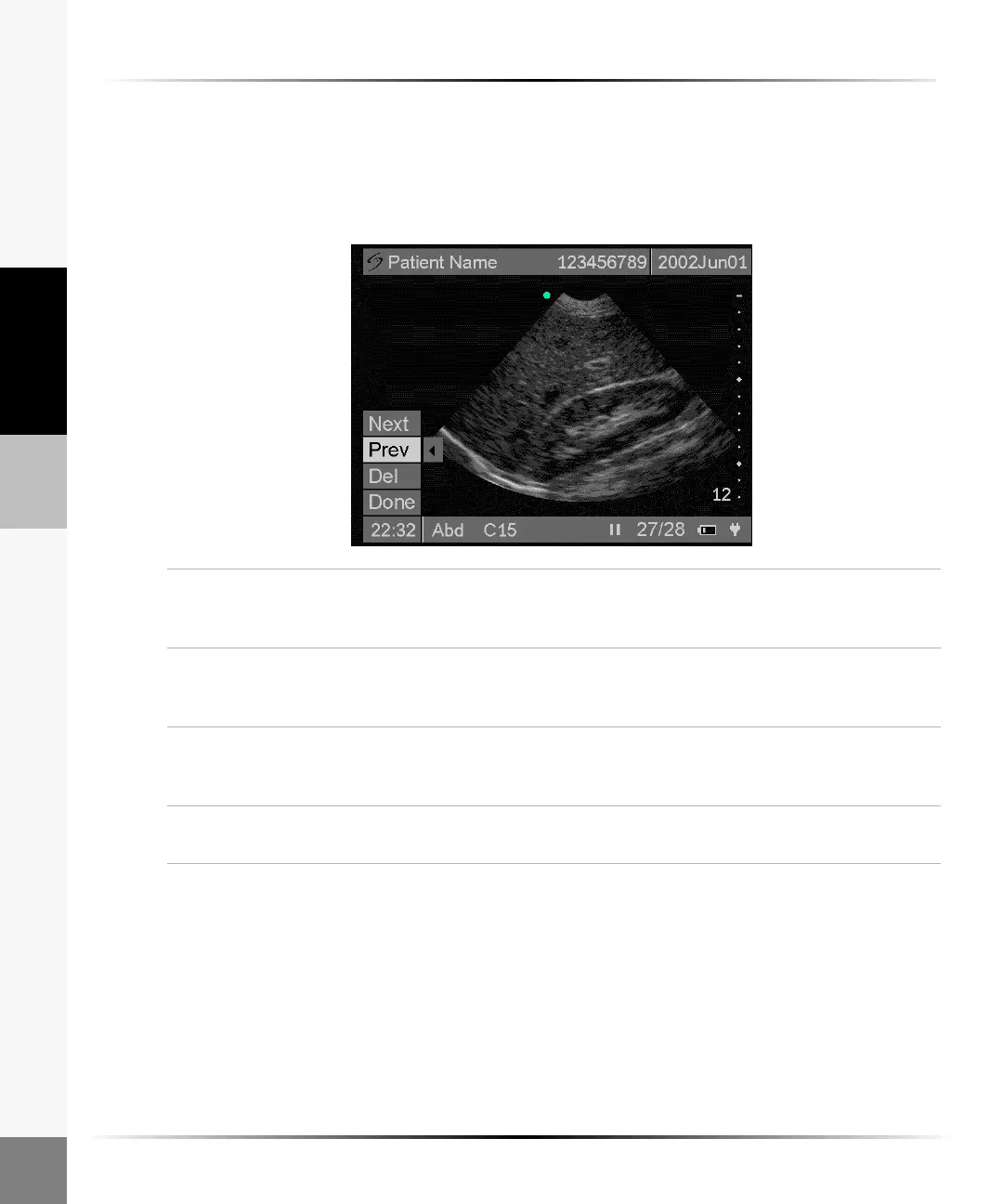
To review or delete individual images:
1 Press the Patient key.
2 Select or tap Image Review... from the on-screen menu
The last saved image appears, and the status bar at the bottom of the screen identifies the total
number of images saved in the system memory.
Note: The Image Review menu is active only when there are saved images.
Next 1 Highlight Next from the on-screen menu.
2 Arrow right or tap on Next to advance to the next image stored in the system
memory.
Previous 1 Highlight Prev from the on-screen menu.
2 Arrow left or tap on Prev to return to the previous image stored in the system
memory.
Delete 1 Select or tap Del from the on-screen menu to delete a single image. A
confirmation screen appears.
2 Select Yes to delete the image or No to cancel.
Done Select Done from the on-screen menu to exit image review or press the Patient
key to return to live imaging.



 To Next Page