Protecting
images
(Protect)
You can protect images against accidental erasure.
'1
MENU
button
---.
[EJ
1 ---.
[Protect]
---.
[Marked
images]
•
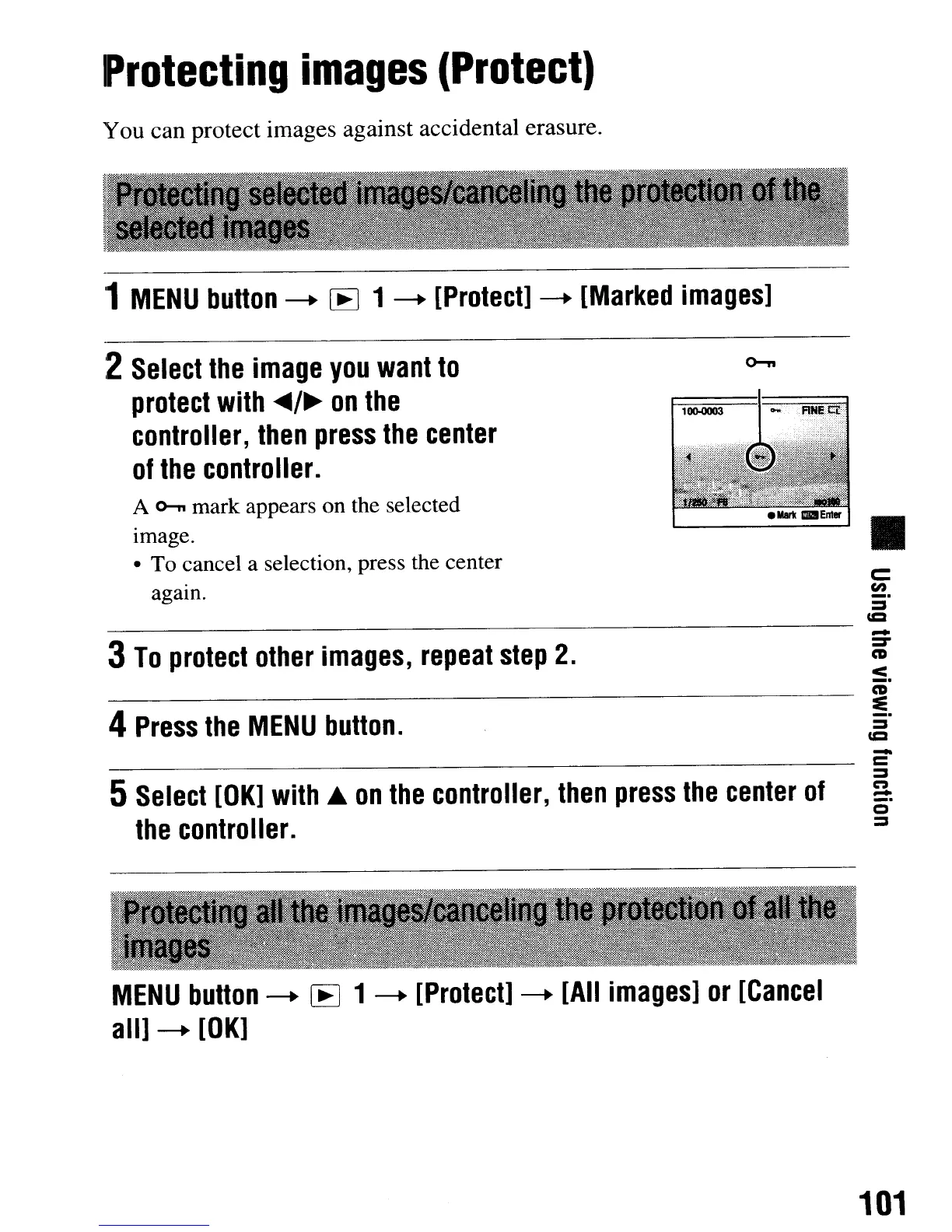
A
o--n
mark appears on the selected
Image.
• To cancel a selection, press the center
agam.
4
Press
the
MENU
button.
2
Select
the
image
you
want
to
protect
with
..
/~
on
the
controller,
then
press
the
center
of
the
controller.
c::
en
_.
=
----------------------
~
3
To
protect
other
images,
repeat
step
2.
~
:5.
CD
!5.
=
CCI
5
Select
[OK]
with.
on
the
controller,
then
press
the
center
of
the
controller.
-
=
~
n
-
_.
o
~
MENU
button
---.
[E
1
---.
[Protect]
---.
[All
images]
or
[Cancel
all]
---.
[OK]
101
Protecting
images
(Protect)
You can protect images against accidental erasure.
'1
MENU
button
---.
[EJ
1 ---.
[Protect]
---.
[Marked
images]
•
A
o--n
mark appears on the selected
Image.
• To cancel a selection, press the center
agam.
4
Press
the
MENU
button.
2
Select
the
image
you
want
to
protect
with
..
/~
on
the
controller,
then
press
the
center
of
the
controller.
c::
en
_.
=
----------------------
~
3
To
protect
other
images,
repeat
step
2.
~
:5.
CD
!5.
=
CCI
5
Select
[OK]
with.
on
the
controller,
then
press
the
center
of
the
controller.
-
=
~
n
-
_.
o
~
MENU
button
---.
[E
1
---.
[Protect]
---.
[All
images]
or
[Cancel
all]
---.
[OK]
101













 To Next Page