I
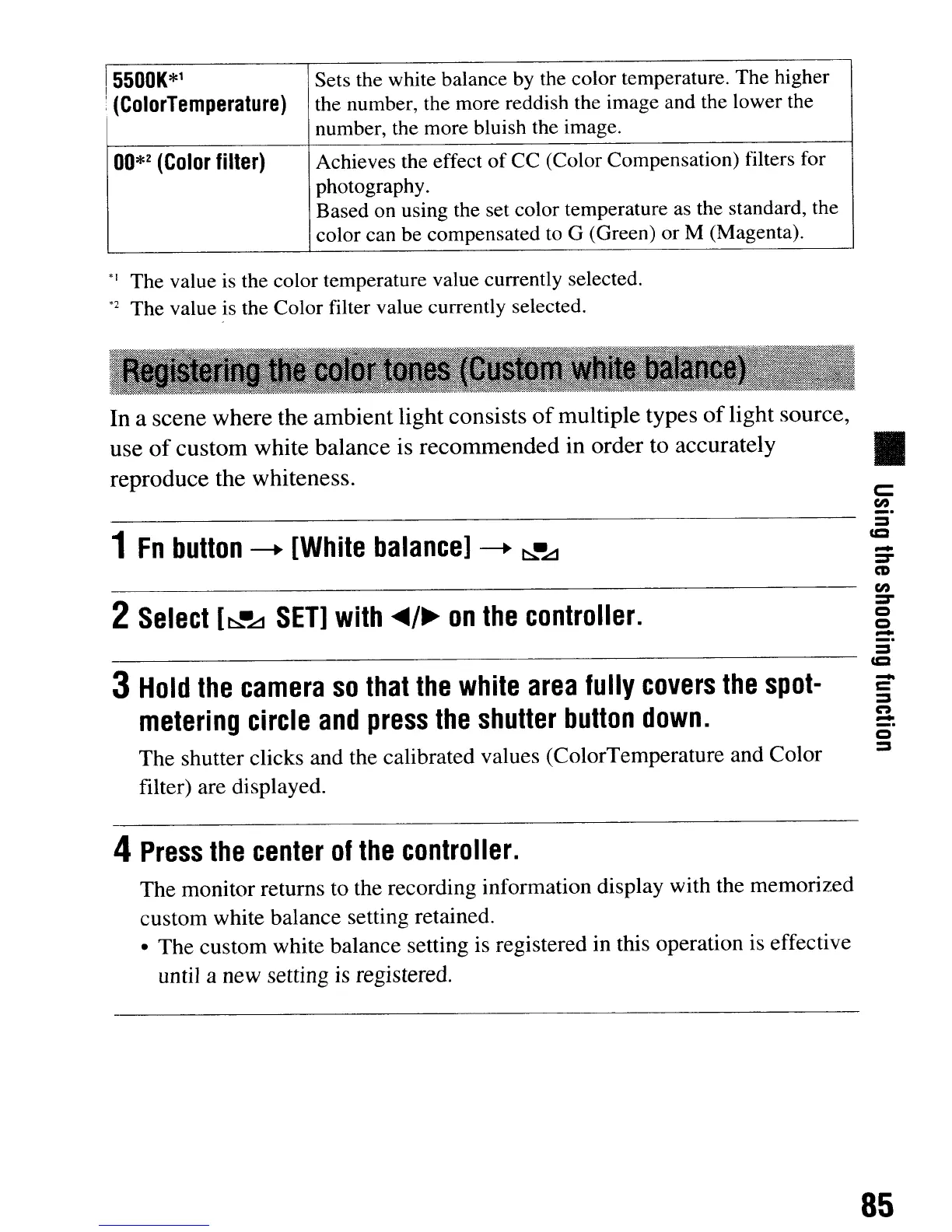
5500K*1
Sets the white balance by the color temperature. The higher
I
!
(ColorTemperature)
the number, the more reddish the image and the lower the
number, the more bluish the image.
OO*z
(Color
filter)
Achieves the effect
of
CC
(Color Compensation) filters for
photography.
Based on using the set color temperature as the standard, the
color can be compensated to G (Green)
or
M (Magenta).
*1
The value is the color temperature value currently selected.
*2
The
value is the
Color
filter value currently selected.
In a scene where the
ambient
light consists
of
multiple types
of
light source,
use
of
custom
white balance is
recommended
in order to accurately
reproduce the whiteness.
1
Fn
bulton
-+
[White
balance]
-+
~~
2
Select
[~·LJ
SET]
with
..
/~
on
the
controller.
3
Hold
the
camera
so
that
the
white
area
fully
covers
the
spot-
metering
circle
and
press
the
shutter
button
down.
The shutter clicks and the calibrated values (ColorTemperature and Color
filter) are displayed.
4
Press
the
center
of
the
controller.
The monitor returns to the recording information display with the memorized
custom white balance setting retained.
• The custom white balance setting is registered in this operation is effective
until a new setting is registered.
•
c::
fn
_.
=
CD
-
=-
CD
fn
=-
C)
C)
-
_.
-
c
=
C':»
-
_.
85
I
5500K*1
Sets the white balance by the color temperature. The higher
I
!
(ColorTemperature)
the number, the more reddish the image and the lower the
number, the more bluish the image.
OO*z
(Color
filter)
Achieves the effect
of
CC
(Color Compensation) filters for
photography.
Based on using the set color temperature as the standard, the
color can be compensated to G (Green)
or
M (Magenta).
*1
The value is the color temperature value currently selected.
*2
The
value is the
Color
filter value currently selected.
In a scene where the
ambient
light consists
of
multiple types
of
light source,
use
of
custom
white balance is
recommended
in order to accurately
reproduce the whiteness.
1
Fn
bulton
-+
[White
balance]
-+
~~
2
Select
[~·LJ
SET]
with
..
/~
on
the
controller.
3
Hold
the
camera
so
that
the
white
area
fully
covers
the
spot-
metering
circle
and
press
the
shutter
button
down.
The shutter clicks and the calibrated values (ColorTemperature and Color
filter) are displayed.
4
Press
the
center
of
the
controller.
The monitor returns to the recording information display with the memorized
custom white balance setting retained.
• The custom white balance setting is registered in this operation is effective
until a new setting is registered.
•
c::
fn
_.
=
CD
-
=-
CD
fn
=-
C)
C)
-
_.
-
c
=
C':»
-
_.
85













 To Next Page