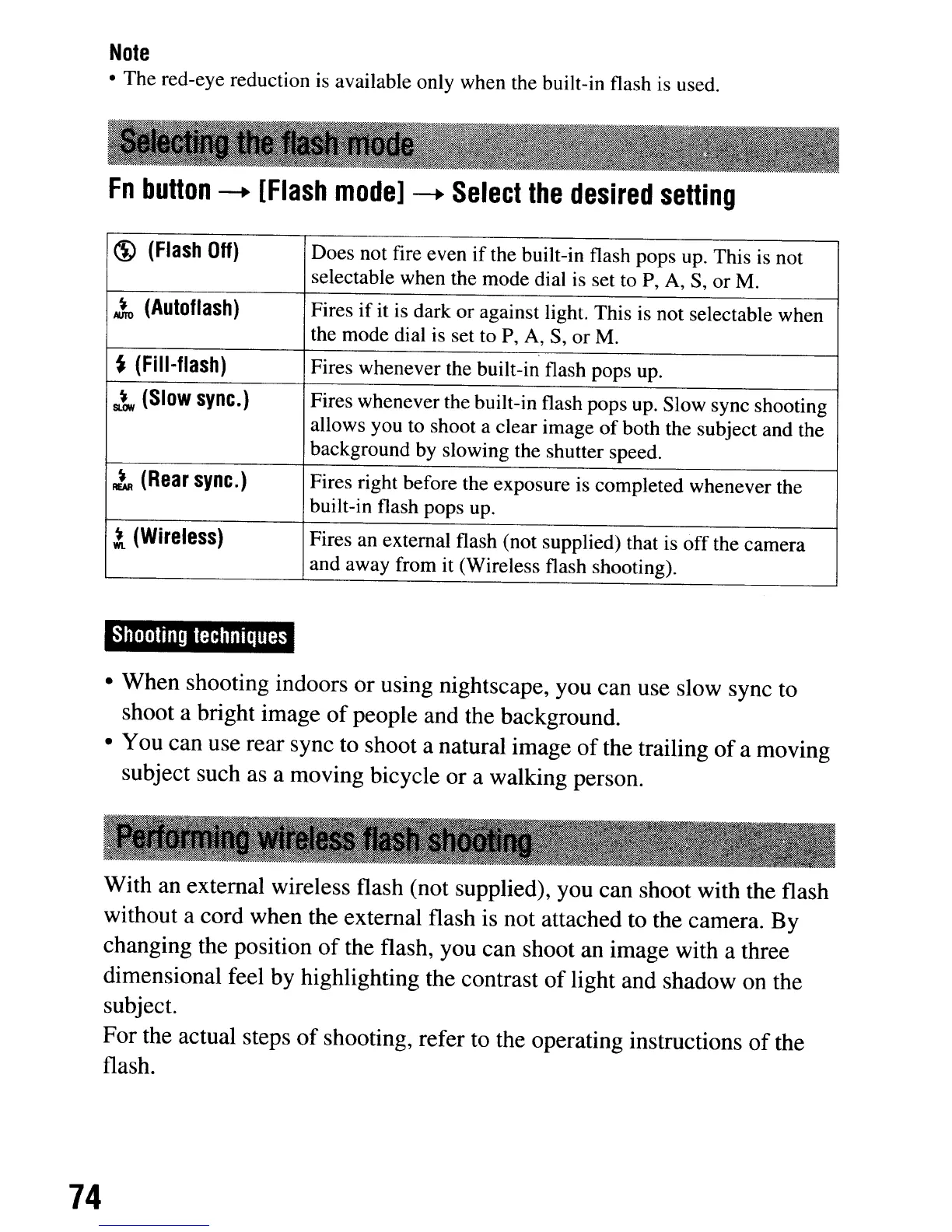
Note
• The red-eye reduction is available only when the built-in flash is used.
Fn
button
--.
[Flash
model
--.
Select
the
desired
setting
~
(Flash
Off)
Does not fire even
if
the built-in flash pops up. This
is
not
selectable when the mode dial is set to
P,
A,
S, or M.
~
(Autoflash)
Fires ifit
is
dark or against light. This is not selectable when
the mode dial is set to
P,
A,
S,
or M.
~
(Fill-flash)
Fires whenever the built-in flash pops up.
sl.t
(Slow
sync.)
Fires whenever the built-in flash pops up. Slow sync shooting
allows you to shoot a clear image
of
both the subject and the
background
by
slowing the shutter speed.
~
(Rear
sync.)
Fires right before the exposure is completed whenever the
built-in flash pops up.
1
(Wireless)
Fires an external flash (not supplied) that
is
off the camera
and away from it (Wireless flash shooting).
Shooting
techniques
• When shooting indoors or using nightscape, you can use slow sync to
shoot a bright image
of
people and the background.
• You can use rear sync to shoot a natural image
of
the trailing
of
a moving
subject such as a moving bicycle or a walking person.
With
an
external wireless flash (not supplied), you can shoot with the flash
without a cord when the external flash is not attached to the camera. By
changing the position
of
the flash, you can shoot an image with a three
dimensional feel by highlighting the contrast
of
light and shadow on the
subject.
For the actual steps
of
shooting, refer to the operating instructions
of
the
flash.
74
Note
• The red-eye reduction is available only when the built-in flash is used.
Fn
button
--.
[Flash
model
--.
Select
the
desired
setting
~
(Flash
Off)
Does not fire even
if
the built-in flash pops up. This
is
not
selectable when the mode dial is set to
P,
A,
S, or M.
~
(Autoflash)
Fires ifit
is
dark or against light. This is not selectable when
the mode dial is set to
P,
A,
S,
or M.
~
(Fill-flash)
Fires whenever the built-in flash pops up.
sl.t
(Slow
sync.)
Fires whenever the built-in flash pops up. Slow sync shooting
allows you to shoot a clear image
of
both the subject and the
background
by
slowing the shutter speed.
~
(Rear
sync.)
Fires right before the exposure is completed whenever the
built-in flash pops up.
1
(Wireless)
Fires an external flash (not supplied) that
is
off the camera
and away from it (Wireless flash shooting).
Shooting
techniques
• When shooting indoors or using nightscape, you can use slow sync to
shoot a bright image
of
people and the background.
• You can use rear sync to shoot a natural image
of
the trailing
of
a moving
subject such as a moving bicycle or a walking person.
With
an
external wireless flash (not supplied), you can shoot with the flash
without a cord when the external flash is not attached to the camera. By
changing the position
of
the flash, you can shoot an image with a three
dimensional feel by highlighting the contrast
of
light and shadow on the
subject.
For the actual steps
of
shooting, refer to the operating instructions
of
the
flash.
74













 To Next Page