Image
processing
Fn
button
--+
[D-RangeOptimizer]
--+
Select
the
desired
setting
ID5i=F
(
Off)
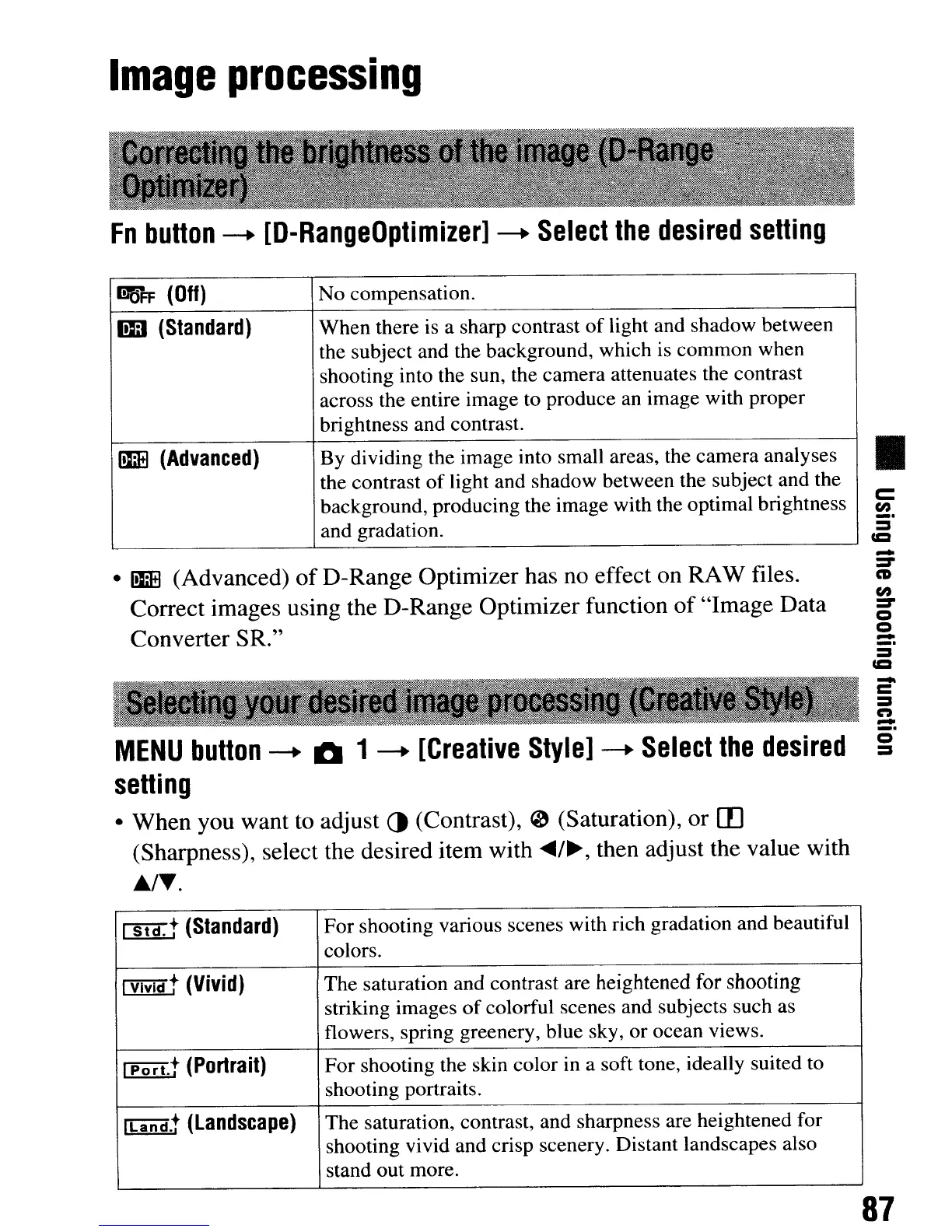
No compensation.
I!D
(Standard)
When there is a sharp contrast
of
light and shadow between
the subject and the background, which is common when
shooting into the sun, the camera attenuates the contrast
across the entire image to produce an image with proper
brightness and contrast.
1m
(Advanced)
By dividing the image into small areas, the camera analyses
the contrast
of
light and shadow between the subject and the
background, producing the image with the optimal brightness
and gradation.
•
1m
(Advanced)
of
D-Range Optimizer has no effect on RAW files.
Correct images using the D-Range Optimizer function
of
"Image Data
Converter SR."
MENU
button
--+
~
1
--+
[Creative
Style]
--+
Select
the
desired
setting
• When you want to adjust
()
(Contrast),
~
(Saturation), or m
(Sharpness), select the desired item with
~/~,
then adjust the value with
Jt..r,.
CSfi[t
(Standard)
For shooting various scenes with rich gradation and beautiful
colors.
fYiVi(ft
(Vivid)
The saturation and contrast are heightened for shooting
striking images
of
colorful scenes and subjects such as
flowers, spring greenery, blue sky, or ocean views.
rPillt
(Portrait)
For
shooting the skin color in a soft tone, ideally suited to
shooting portraits.
[[AAd.t
(Landscape)
The saturation, contrast, and sharpness are heightened for
shooting vivid and crisp scenery. Distant landscapes also
stand out more.
•
c::
en
_.
=
CC2
-
=-
CD
en
=-
Q
Q
-
_.
-
c
=n
-
87
Image
processing
Fn
button
--+
[D-RangeOptimizer]
--+
Select
the
desired
setting
ID5i=F
(
Off)
No compensation.
I!D
(Standard)
When there is a sharp contrast
of
light and shadow between
the subject and the background, which is common when
shooting into the sun, the camera attenuates the contrast
across the entire image to produce an image with proper
brightness and contrast.
1m
(Advanced)
By dividing the image into small areas, the camera analyses
the contrast
of
light and shadow between the subject and the
background, producing the image with the optimal brightness
and gradation.
•
1m
(Advanced)
of
D-Range Optimizer has no effect on RAW files.
Correct images using the D-Range Optimizer function
of
"Image Data
Converter SR."
MENU
button
--+
~
1
--+
[Creative
Style]
--+
Select
the
desired
setting
• When you want to adjust
()
(Contrast),
~
(Saturation), or m
(Sharpness), select the desired item with
~/~,
then adjust the value with
Jt..r,.
CSfi[t
(Standard)
For shooting various scenes with rich gradation and beautiful
colors.
fYiVi(ft
(Vivid)
The saturation and contrast are heightened for shooting
striking images
of
colorful scenes and subjects such as
flowers, spring greenery, blue sky, or ocean views.
rPillt
(Portrait)
For
shooting the skin color in a soft tone, ideally suited to
shooting portraits.
[[AAd.t
(Landscape)
The saturation, contrast, and sharpness are heightened for
shooting vivid and crisp scenery. Distant landscapes also
stand out more.
•
c::
en
_.
=
CC2
-
=-
CD
en
=-
Q
Q
-
_.
-
c
=n
-
87













 To Next Page