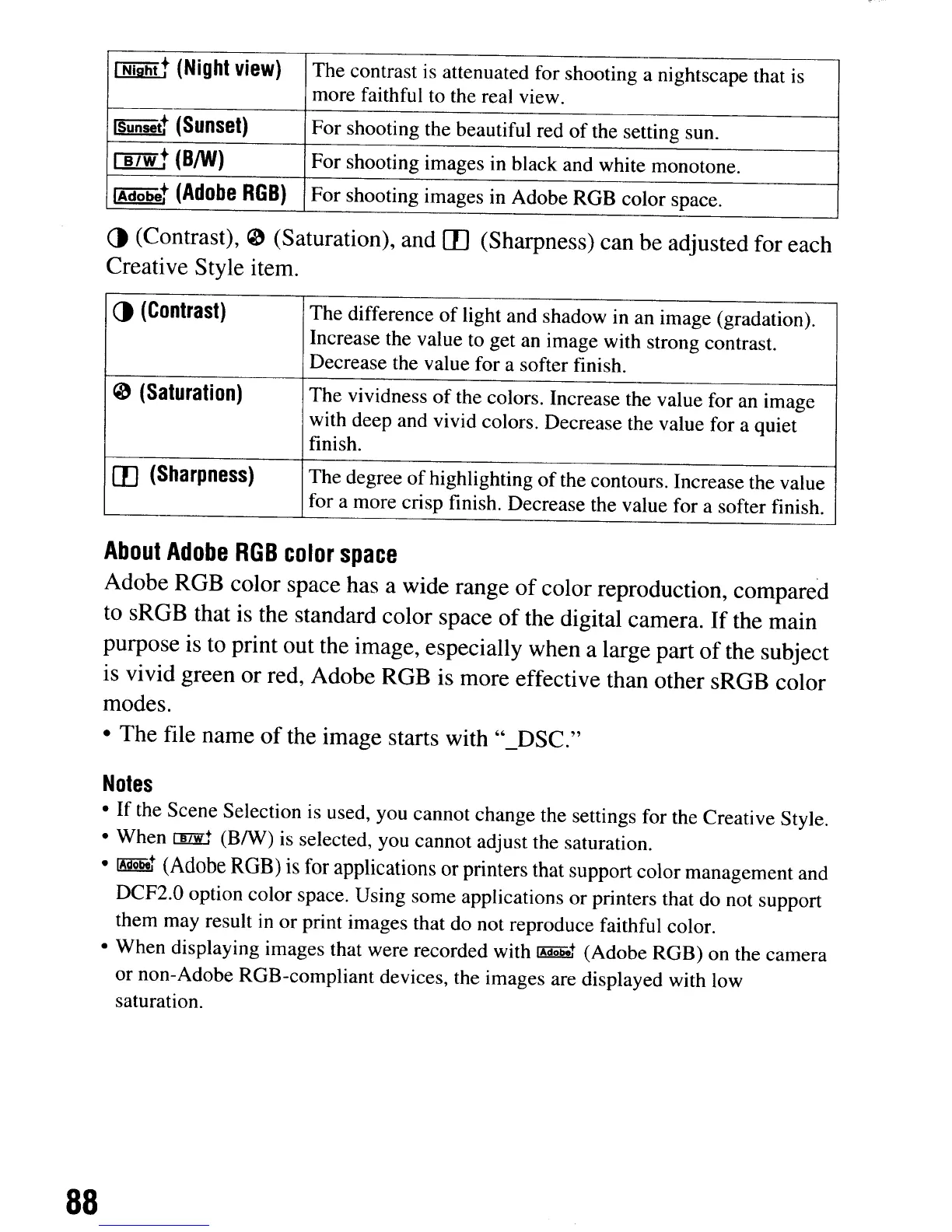
[N!jihit
(Night
view)
The contrast
is
attenuated for shooting a nightscape that
is
more faithful to the real view.
ISunsett
(Sunset)
For shooting the beautiful red of the setting sun.
IBJwt
(BIW)
For shooting images in black and white monotone.
IAdobet
(Adobe
RGB)
For shooting images in Adobe ROB color space.
()
(Contrast), 0 (Saturation), and m(Sharpness) can be adjusted for each
Creative Style item.
()
(Contrast)
The difference
of
light and shadow in an image (gradation).
Increase the value to get an image with strong contrast.
Decrease the value for a softer finish.
o
(Saturation)
The vividness of the colors. Increase the value for an image
with deep and vivid colors. Decrease the value for a quiet
finish.
m
(Sharpness)
The degree ofhighlighting
of
the contours. Increase the value
for a more crisp finish. Decrease the value for a softer finish.
About
Adobe
RGB
color
space
Adobe ROB color space has a wide range
of
color reproduction, compared
to sROB that is the standard color space
of
the digital camera.
If
the main
purpose is to print out the image, especially when a large part
of
the subject
is vivid green or red, Adobe ROB is more effective than other sROB color
modes.
• The file name
of
the image starts with "_DSC."
Notes
•
If
the Scene Selection is used, you cannot change the settings for the Creative Style.
• When
rnzE
(BIW)
is selected, you cannot adjust the saturation.
•
~
(Adobe
RGB) is for applications or printers that support color management and
DCF2.0 option color space. Using some applications or printers that do not support
them may result
in
or print images that do not reproduce faithful color.
• When displaying images that were recorded with
~
(Adobe ROB) on the camera
or non-Adobe ROB-compliant devices, the images are displayed with low
saturation.
88
[N!jihit
(Night
view)
The contrast
is
attenuated for shooting a nightscape that
is
more faithful to the real view.
ISunsett
(Sunset)
For shooting the beautiful red of the setting sun.
IBJwt
(BIW)
For shooting images in black and white monotone.
IAdobet
(Adobe
RGB)
For shooting images in Adobe ROB color space.
()
(Contrast), 0 (Saturation), and m(Sharpness) can be adjusted for each
Creative Style item.
()
(Contrast)
The difference
of
light and shadow in an image (gradation).
Increase the value to get an image with strong contrast.
Decrease the value for a softer finish.
o
(Saturation)
The vividness of the colors. Increase the value for an image
with deep and vivid colors. Decrease the value for a quiet
finish.
m
(Sharpness)
The degree ofhighlighting
of
the contours. Increase the value
for a more crisp finish. Decrease the value for a softer finish.
About
Adobe
RGB
color
space
Adobe ROB color space has a wide range
of
color reproduction, compared
to sROB that is the standard color space
of
the digital camera.
If
the main
purpose is to print out the image, especially when a large part
of
the subject
is vivid green or red, Adobe ROB is more effective than other sROB color
modes.
• The file name
of
the image starts with "_DSC."
Notes
•
If
the Scene Selection is used, you cannot change the settings for the Creative Style.
• When
rnzE
(BIW)
is selected, you cannot adjust the saturation.
•
~
(Adobe
RGB) is for applications or printers that support color management and
DCF2.0 option color space. Using some applications or printers that do not support
them may result
in
or print images that do not reproduce faithful color.
• When displaying images that were recorded with
~
(Adobe ROB) on the camera
or non-Adobe ROB-compliant devices, the images are displayed with low
saturation.
88













 To Next Page