Noles
on
using
your
camera
No
compensation
for
contents
of
the
recording
The contents
of
the recording cannot be
compensated for if recording or playback
is
not possible due to a malfunction
of
your
camera or a memory card, etc.
Back
up
recommendation
To avoid the potential risk
of
data loss,
always copy (back up) data to other
medium.
Notes
on
the
LCD
monitor
and
lens
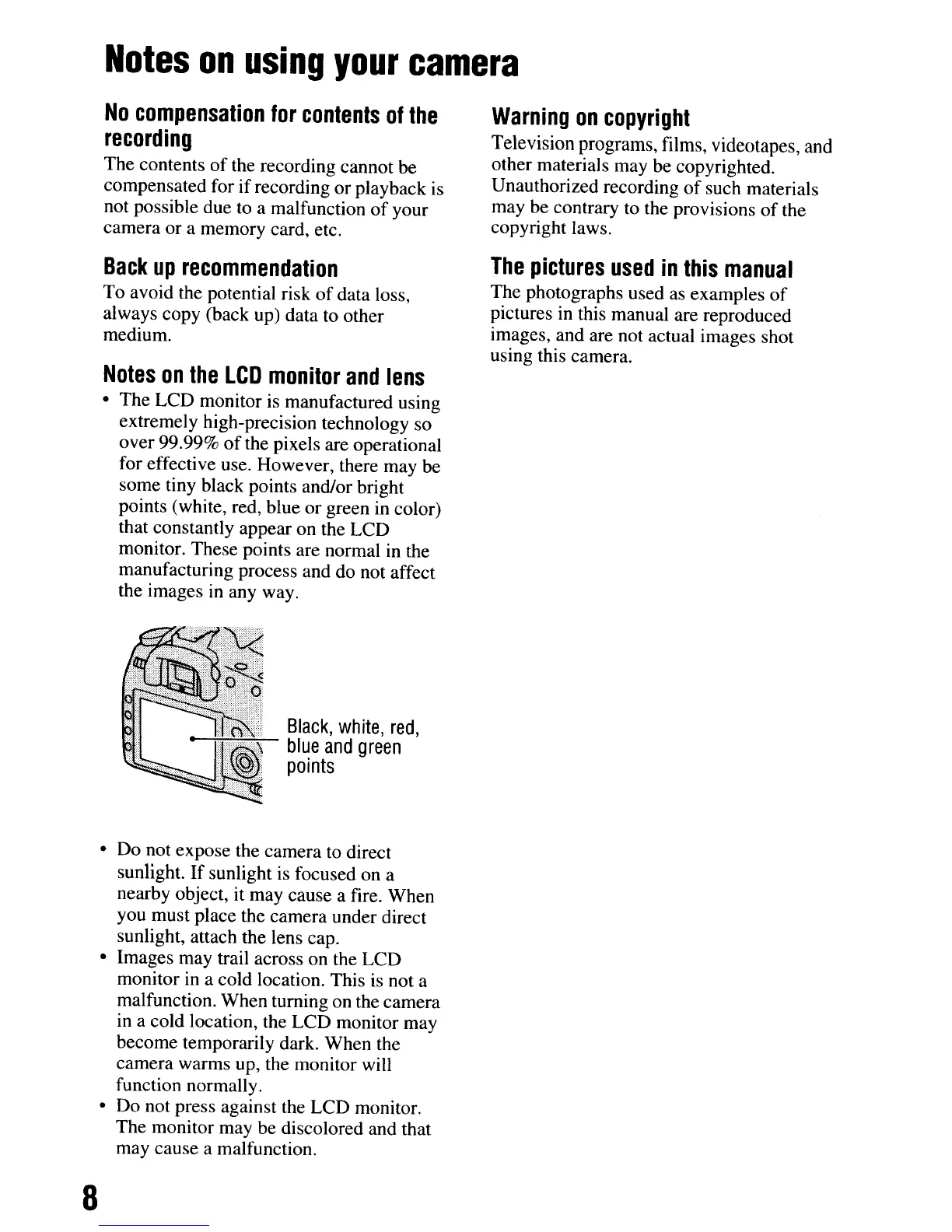
• The LCD monitor is manufactured using
extremely high-precision technology so
over 99.99%
of
the pixels are operational
for effective use. However, there may be
some tiny black points and/or bright
points (white, red, blue or green in color)
that constantly appear on the LCD
monitor. These points are normal in the
manufacturing process and do not affect
the images
in
any way.
Warning
on
copyright
Television programs, films, videotapes, and
other materials may be copyrighted.
Unauthorized recording
of
such materials
may be contrary to the provisions
of
the
copyright laws.
The
pictures
used
in
this
manual
The photographs used as examples
of
pictures in this manual are reproduced
images, and are not actual images shot
using this camera.
Black,
white,
red,
blue
and
green
points
• Do not expose the camera to direct
sunlight.
If
sunlight is focused on a
nearby object, it may cause a fire. When
you must place the camera under direct
sunlight, attach the lens cap.
• Images may trail across on the LCD
monitor in a cold location. This is not a
malfunction. When turning on the camera
in a cold location, the LCD monitor may
become temporarily dark. When the
camera warms up, the monitor will
function normally.
• Do not press against the LCD monitor.
The monitor may be discolored and that
may cause a malfunction.
8
Noles
on
using
your
camera
No
compensation
for
contents
of
the
recording
The contents
of
the recording cannot be
compensated for if recording or playback
is
not possible due to a malfunction
of
your
camera or a memory card, etc.
Back
up
recommendation
To avoid the potential risk
of
data loss,
always copy (back up) data to other
medium.
Notes
on
the
LCD
monitor
and
lens
• The LCD monitor is manufactured using
extremely high-precision technology so
over 99.99%
of
the pixels are operational
for effective use. However, there may be
some tiny black points and/or bright
points (white, red, blue or green in color)
that constantly appear on the LCD
monitor. These points are normal in the
manufacturing process and do not affect
the images
in
any way.
Warning
on
copyright
Television programs, films, videotapes, and
other materials may be copyrighted.
Unauthorized recording
of
such materials
may be contrary to the provisions
of
the
copyright laws.
The
pictures
used
in
this
manual
The photographs used as examples
of
pictures in this manual are reproduced
images, and are not actual images shot
using this camera.
Black,
white,
red,
blue
and
green
points
• Do not expose the camera to direct
sunlight.
If
sunlight is focused on a
nearby object, it may cause a fire. When
you must place the camera under direct
sunlight, attach the lens cap.
• Images may trail across on the LCD
monitor in a cold location. This is not a
malfunction. When turning on the camera
in a cold location, the LCD monitor may
become temporarily dark. When the
camera warms up, the monitor will
function normally.
• Do not press against the LCD monitor.
The monitor may be discolored and that
may cause a malfunction.
8













 To Next Page