The 10-second self-timer is convenient when the photographer appears in a
photo and the 2-second self-timer is convenient to reduce the camera shake.
1
~
/
~
button
--+
~
(Self-timer)
--+
Select
the
desired
seconds
• The number after e is the number
of
seconds that is currently selected.
2
Adjust
the
focus
and
shoot
the
subject.
• When the self-timer is activated, audio signals and the self-timer lamp
indicate the condition. The self-timer lamp flashes quickly and the audio
signal sounds quickly right before the shooting.
To
cancel
the
self-timer
To cancel the activated self-timer, press the
~
/ QJ button.
Note
• When
you
press the shutter button without looking into the viewfinder, use the
eyepiece cover (page
27).
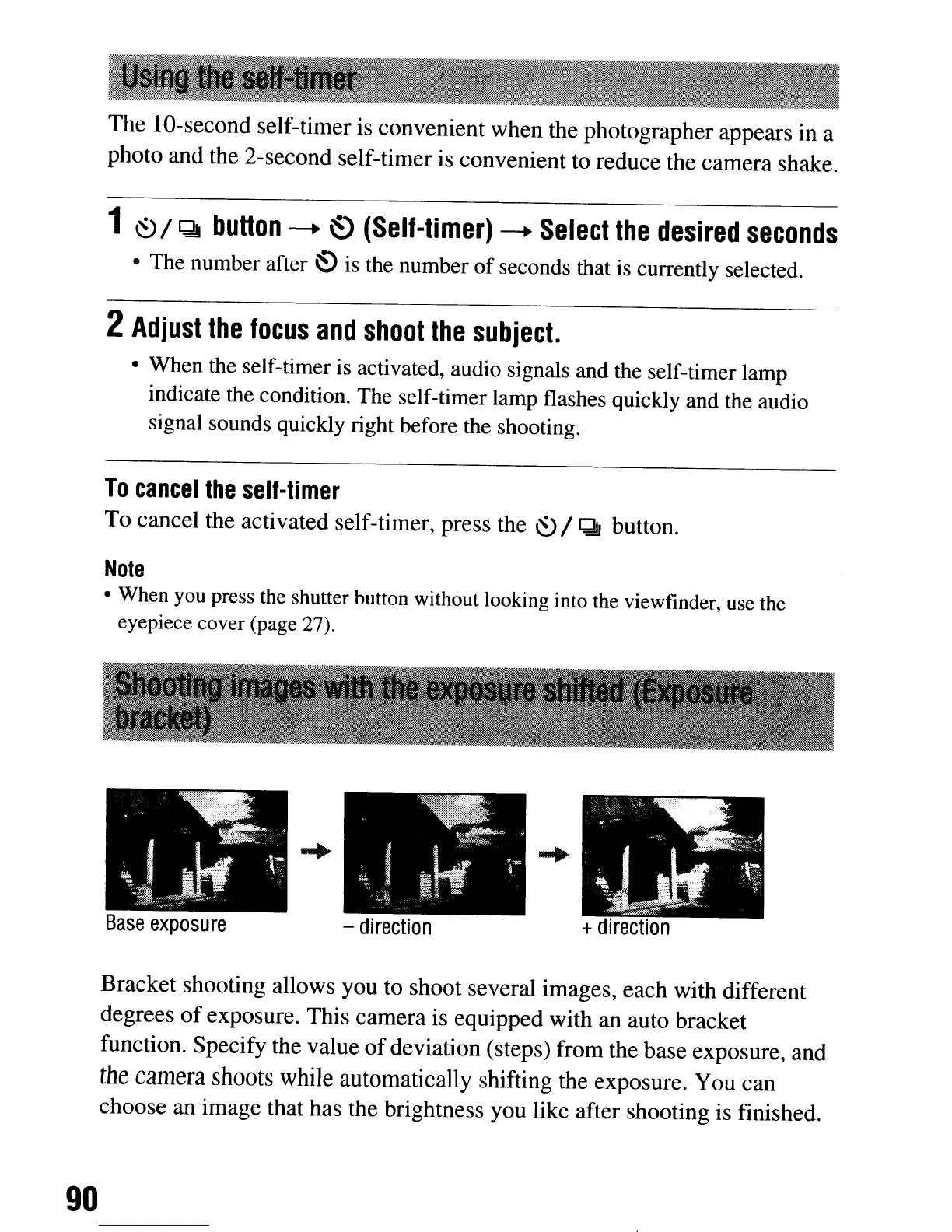
Base
exposu
re
-
direction
+
direction
Bracket shooting allows you to shoot several images, each with different
degrees
of
exposure. This camera is equipped with an auto bracket
function. Specify the value
of
deviation (steps) from the base exposure, and
the
camera
shoots
while
automatically shifting the exposure. You can
choose
an
image that has the brightness you like after shooting is finished.
90
The 10-second self-timer is convenient when the photographer appears in a
photo and the 2-second self-timer is convenient to reduce the camera shake.
1
~
/
~
button
--+
~
(Self-timer)
--+
Select
the
desired
seconds
• The number after e is the number
of
seconds that is currently selected.
2
Adjust
the
focus
and
shoot
the
subject.
• When the self-timer is activated, audio signals and the self-timer lamp
indicate the condition. The self-timer lamp flashes quickly and the audio
signal sounds quickly right before the shooting.
To
cancel
the
self-timer
To cancel the activated self-timer, press the
~
/ QJ button.
Note
• When
you
press the shutter button without looking into the viewfinder, use the
eyepiece cover (page
27).
Base
exposu
re
-
direction
+
direction
Bracket shooting allows you to shoot several images, each with different
degrees
of
exposure. This camera is equipped with an auto bracket
function. Specify the value
of
deviation (steps) from the base exposure, and
the
camera
shoots
while
automatically shifting the exposure. You can
choose
an
image that has the brightness you like after shooting is finished.
90













 To Next Page