5
Select
[Delete]
with
..
on
the
controller,
then
press
the
center
of
the
controller.
1
Press
the
~
button.
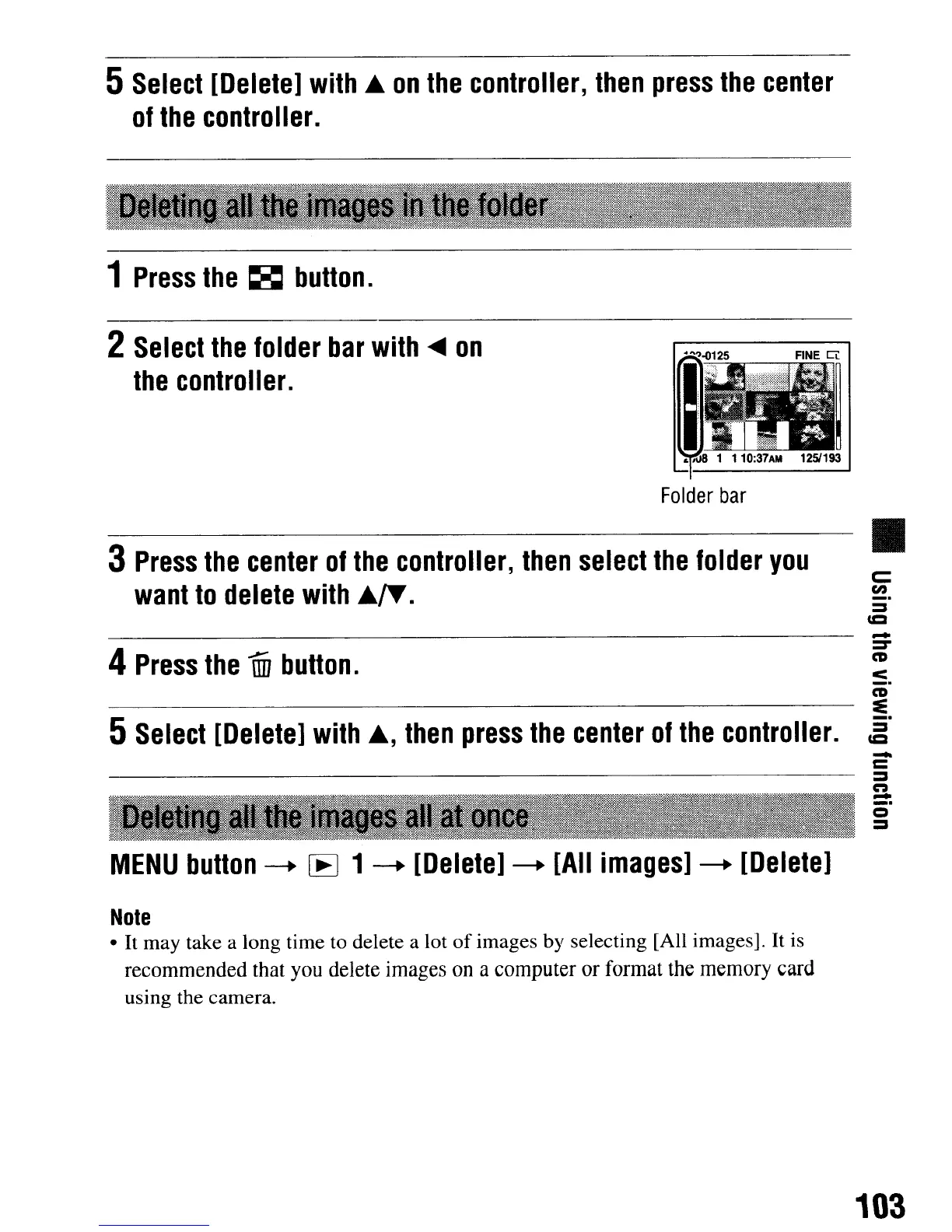
2
Select
the
folder
bar
with
.....
on
the
controller.
Folder
bar
3
Press
the
center
of
the
controller,
then
select
the
folder
you
want
to
delete
with
..
IT.
•
c::
en
_.
::::s
co
-
4
Press
the
mi
button.
:-
_.
CD
~
5
Select
[Delete]
with
..
,
then
press
the
center
of
the
controller.
~.
-
c
::::s
n
-
_.
o
::::s
MENU
button
-+
[EJ
1
-+
[Delete]
-+
[All
images]
-+
[Delete]
Note
•
It
may take a long time to delete a lot
of
images by selecting [All images].
It
is
recommended that you delete images on a computer or format the memory card
using the camera.
103
5
Select
[Delete]
with
..
on
the
controller,
then
press
the
center
of
the
controller.
1
Press
the
~
button.
2
Select
the
folder
bar
with
.....
on
the
controller.
Folder
bar
3
Press
the
center
of
the
controller,
then
select
the
folder
you
want
to
delete
with
..
IT.
•
c::
en
_.
::::s
co
-
4
Press
the
mi
button.
:-
_.
CD
~
5
Select
[Delete]
with
..
,
then
press
the
center
of
the
controller.
~.
-
c
::::s
n
-
_.
o
::::s
MENU
button
-+
[EJ
1
-+
[Delete]
-+
[All
images]
-+
[Delete]
Note
•
It
may take a long time to delete a lot
of
images by selecting [All images].
It
is
recommended that you delete images on a computer or format the memory card
using the camera.
103













 To Next Page