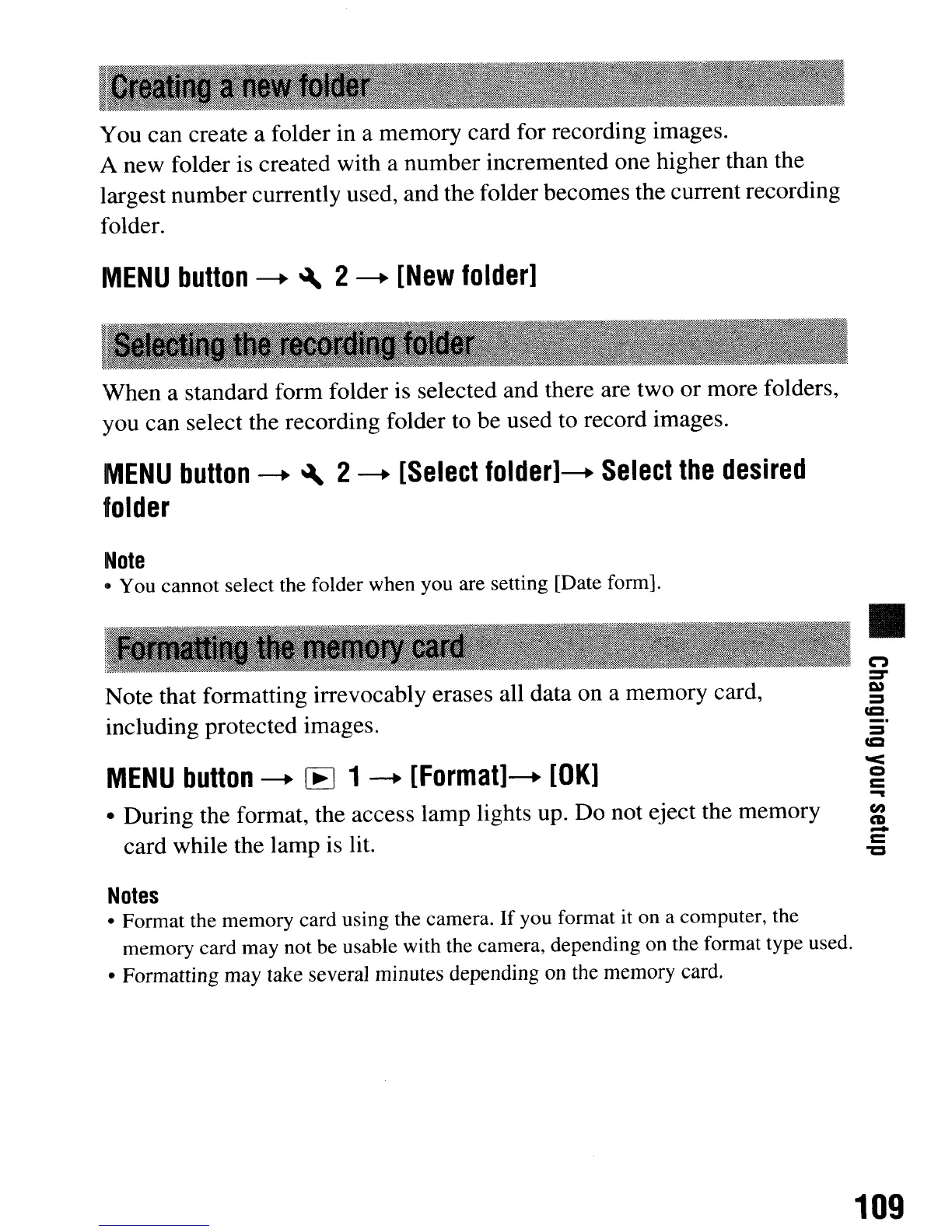
You can create a folder in a memory card for recording images.
A new folder is created with a number incremented one higher than the
largest number currently used, and the folder becomes the current recording
folder.
MENU
button
---+
~
2
---+
[New
folder]
'When a standard form folder is selected and there are two
or
more folders,
you can select the recording folder to be used to record images.
MENU
button
---+
~
2
---+
[Select
folder]---+
Select
the
desired
folder
Note
• You cannot select the folder when you are setting [Date form].
Note that formatting irrevocably erases all data on a memory card,
including protected images.
MENU
button
---+
[E
1
---+
[Format]---+
[OK]
• During the format, the access lamp lights up.
Do
not eject the memory
card while the lamp is lit.
Notes
• Format the memory card using the camera.
If
you format it on a computer, the
memory card may not be usable with the camera, depending on the format type used.
• Formatting may take several minutes depending on the memory card.
•
C")
=-
I»
=
=
_.
=
=
0<
=
C
-
fI)
CD
-
C
"'C
109
You can create a folder in a memory card for recording images.
A new folder is created with a number incremented one higher than the
largest number currently used, and the folder becomes the current recording
folder.
MENU
button
---+
~
2
---+
[New
folder]
'When a standard form folder is selected and there are two
or
more folders,
you can select the recording folder to be used to record images.
MENU
button
---+
~
2
---+
[Select
folder]---+
Select
the
desired
folder
Note
• You cannot select the folder when you are setting [Date form].
Note that formatting irrevocably erases all data on a memory card,
including protected images.
MENU
button
---+
[E
1
---+
[Format]---+
[OK]
• During the format, the access lamp lights up.
Do
not eject the memory
card while the lamp is lit.
Notes
• Format the memory card using the camera.
If
you format it on a computer, the
memory card may not be usable with the camera, depending on the format type used.
• Formatting may take several minutes depending on the memory card.
•
C")
=-
I»
=
=
_.
=
=
0<
=
C
-
fI)
CD
-
C
"'C
109













 To Next Page