1
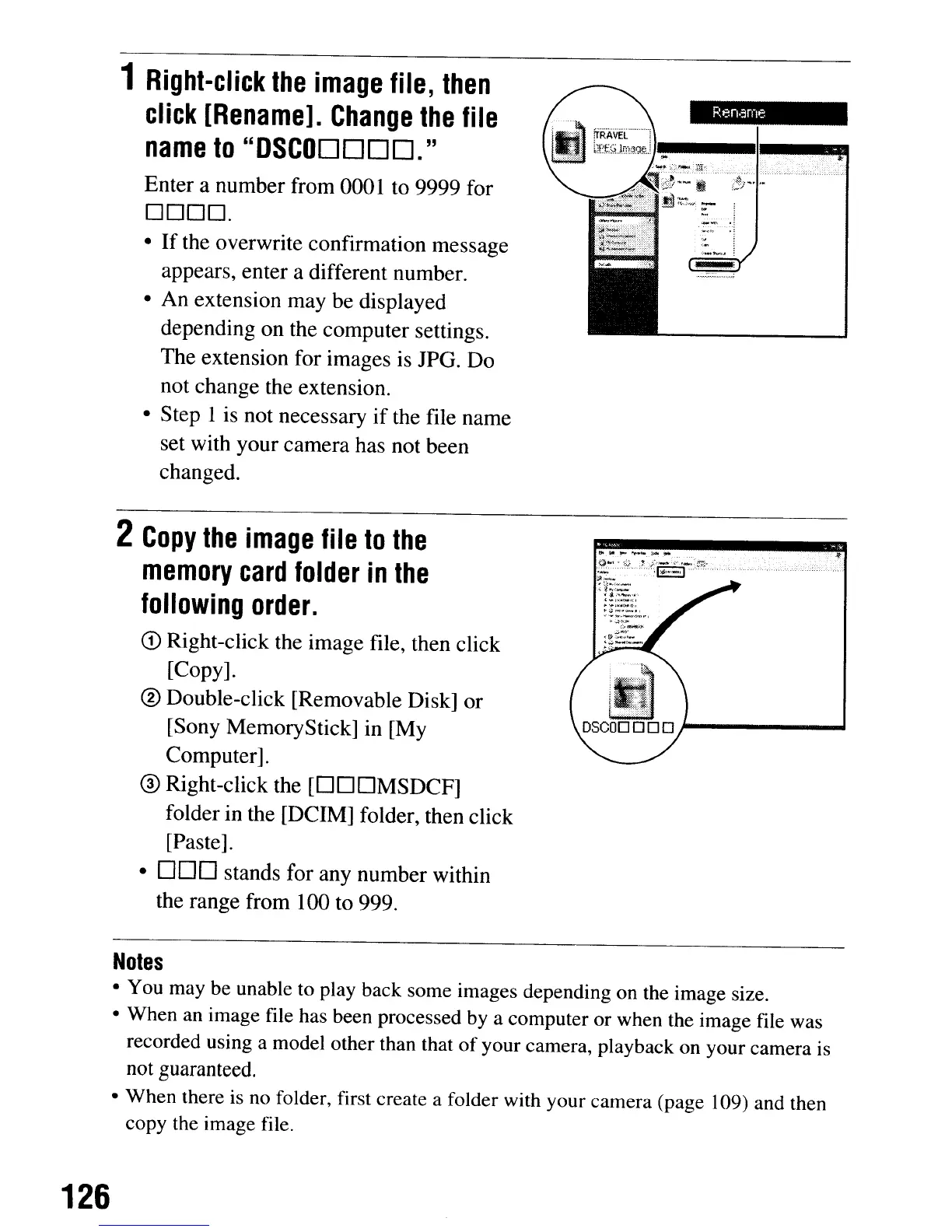
Right-click
the
image
file,
then
click
[Rename].
Change
the
file
name
to
"DSCODDDD."
Enter a number from 0001 to 9999 for
0000.
•
If
the overwrite confirmation message
appears, enter a different number.
• An extension may be displayed
depending on the computer settings.
The extension for images is JPG. Do
not change the extension.
• Step 1
is
not necessary
if
the file name
set with your camera has not been
changed.
2
Copy
the
image
file
to
the
memory
card
folder
in
the
following
order.
CD
Right-click the image file, then click
[Copy].
® Double-click [Removable Disk] or
[Sony MemoryStick] in [My
Computer].
® Right-click the
[OOOMSDCF]
folder in the [DC
1M]
folder, then click
[Paste].
•
000
stands for any number within
the range from 100 to 999.
Do
~
~
....-
t
..
,.
.g~:
:,.9"_:T.>::r;~:·,'f:.::r~:·""
c.
~,-"
:~-:1::~='
~:!,::.";:;/,;
..·
...
'Of.~&·_'
~::
.•
..:::~.,;
..
~
~';,~jo
~~:':l:~_.
..
·f.
Notes
• You may be unable to play back some images depending on the image size.
• When an image file has been processed by a computer or when the image file was
recorded using a model other than that
of
your camera, playback on your camera is
not
guaranteed.
• When there is no folder, first create a folder with your camera (page 109) and then
copy the image file.
126
1
Right-click
the
image
file,
then
click
[Rename].
Change
the
file
name
to
"DSCODDDD."
Enter a number from 0001 to 9999 for
0000.
•
If
the overwrite confirmation message
appears, enter a different number.
• An extension may be displayed
depending on the computer settings.
The extension for images is JPG. Do
not change the extension.
• Step 1
is
not necessary
if
the file name
set with your camera has not been
changed.
2
Copy
the
image
file
to
the
memory
card
folder
in
the
following
order.
CD
Right-click the image file, then click
[Copy].
® Double-click [Removable Disk] or
[Sony MemoryStick] in [My
Computer].
® Right-click the
[OOOMSDCF]
folder in the [DC
1M]
folder, then click
[Paste].
•
000
stands for any number within
the range from 100 to 999.
Do
~
~
....-
t
..
,.
.g~:
:,.9"_:T.>::r;~:·,'f:.::r~:·""
c.
~,-"
:~-:1::~='
~:!,::.";:;/,;
..·
...
'Of.~&·_'
~::
.•
..:::~.,;
..
~
~';,~jo
~~:':l:~_.
..
·f.
Notes
• You may be unable to play back some images depending on the image size.
• When an image file has been processed by a computer or when the image file was
recorded using a model other than that
of
your camera, playback on your camera is
not
guaranteed.
• When there is no folder, first create a folder with your camera (page 109) and then
copy the image file.
126













 To Next Page