To
deactivate
the
Eye-Start
AF
function
MENU
button
-+
0 1
-+
[Eye-Start
AFl
--+
[Off]
• When attaching the
FDA-MIAM
Magnifier (not supplied) or the FDA-
AIAM
Angle Finder (not supplied) to the camera, setting [Eye-Start AF]
to [Off] is recommended because the eyepiece sensors located below the
viewfinder may be activated.
'1
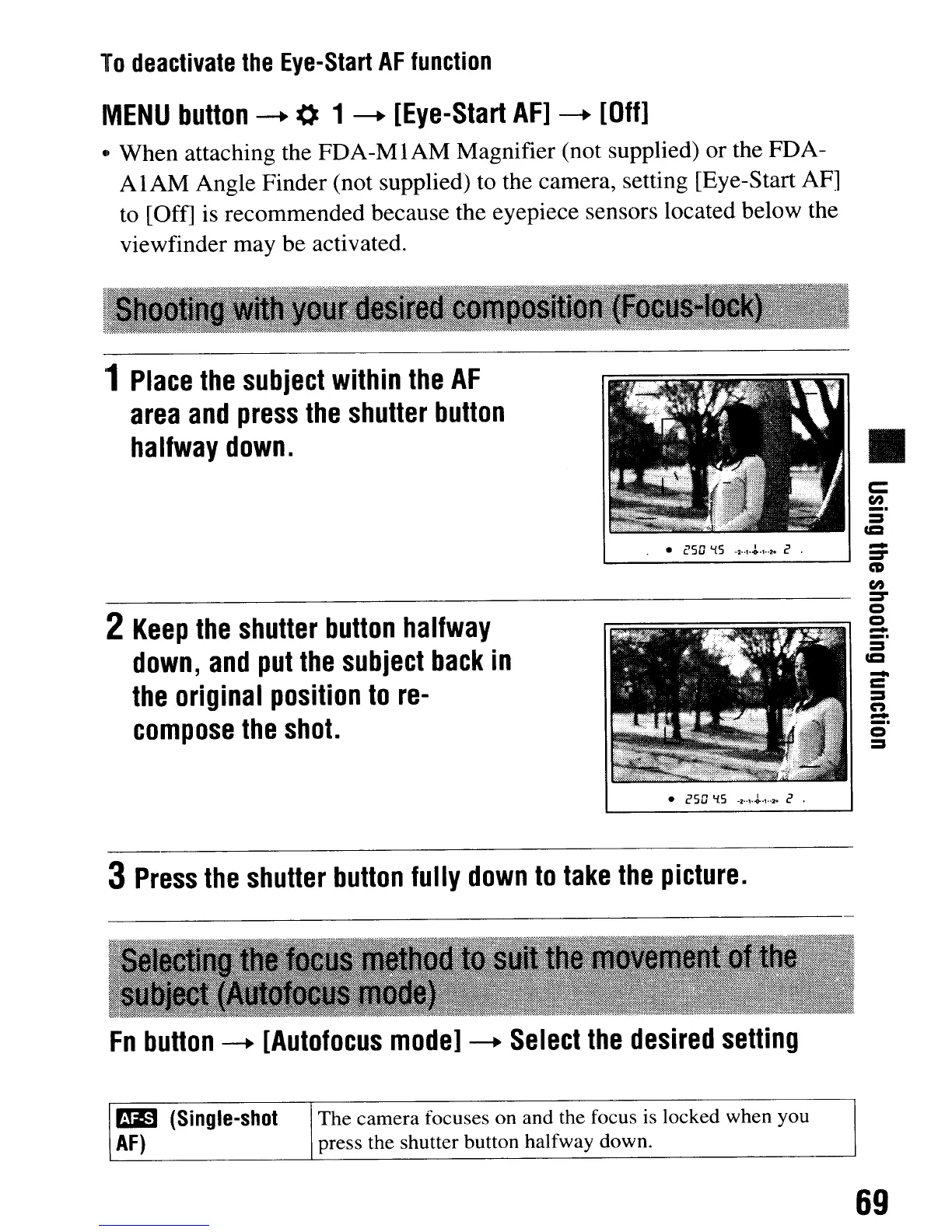
Place
the
subject
within
the
AF
area
and
press
the
shutter
button
halfway
down.
•
c:
(I)
_.
==
u=
•
('50
'15
-2
....
~·
.....
C .
2
Keep
the
shutter
button
halfway
down,
and
put
the
subject
back
in
the
original
position
to
re-
compose
the
shot.
• esO
'15
-...,.~.t
..
,.
C .
3
Press
the
shutter
button
fully
down
to
take
the
picture.
Fn
button
--+
[Autofocus
model
--+
Select
the
desired
setting
~
(Single-shot
The camera focuses
on
and the focus is locked when you
AF)
press the shutter button halfway down.
-
:::::I"
CD
(I)
:::::I"
Q
Q
-
_.
-
c
==
CO)
-
_.
69
To
deactivate
the
Eye-Start
AF
function
MENU
button
-+
0 1
-+
[Eye-Start
AFl
--+
[Off]
• When attaching the
FDA-MIAM
Magnifier (not supplied) or the FDA-
AIAM
Angle Finder (not supplied) to the camera, setting [Eye-Start AF]
to [Off] is recommended because the eyepiece sensors located below the
viewfinder may be activated.
'1
Place
the
subject
within
the
AF
area
and
press
the
shutter
button
halfway
down.
•
c:
(I)
_.
==
u=
•
('50
'15
-2
....
~·
.....
C .
2
Keep
the
shutter
button
halfway
down,
and
put
the
subject
back
in
the
original
position
to
re-
compose
the
shot.
• esO
'15
-...,.~.t
..
,.
C .
3
Press
the
shutter
button
fully
down
to
take
the
picture.
Fn
button
--+
[Autofocus
model
--+
Select
the
desired
setting
~
(Single-shot
The camera focuses
on
and the focus is locked when you
AF)
press the shutter button halfway down.
-
:::::I"
CD
(I)
:::::I"
Q
Q
-
_.
-
c
==
CO)
-
_.
69













 To Next Page