To
select
a
folder
1
Select
the
folder
bar
with
<tt4/
..
on
the
controller,
then
press
the
center.
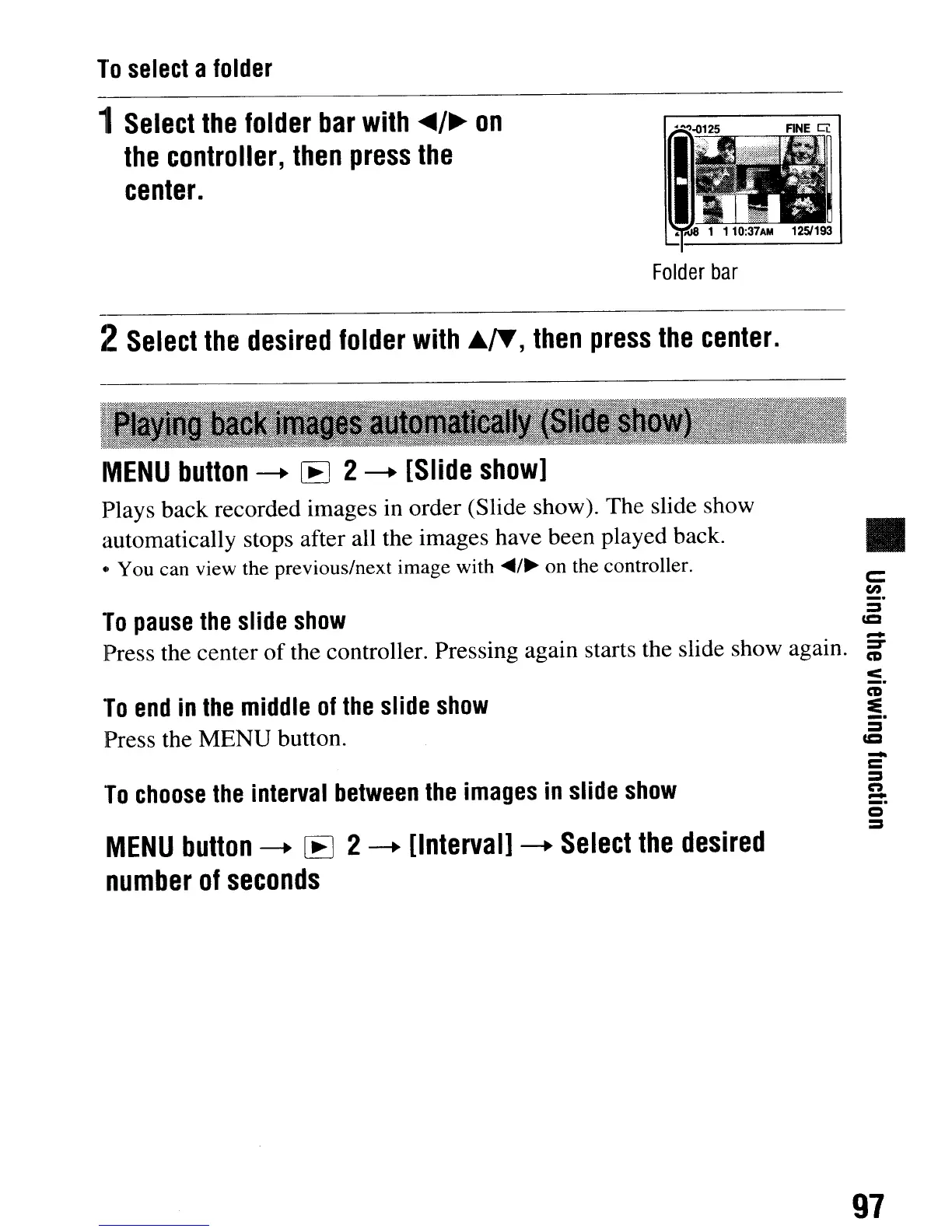
Folder
bar
2
Select
the
desired
folder
with
Ji..IT,
then
press
the
center.
c:
en
_.
:s
cc
•
To
pause
the
slide
show
-
Press the center
of
the controller. Pressing again starts the slide show again.
~
<
_.
CD
~
:s
cc
MENU
button
-+
[E
2
-+
[Slide
show]
Plays back recorded images in order (Slide show). The slide show
automatically stops after all the images have been played back.
e,
You can view the previous/next image with
~/~
on the controller.
To
end
in
the
middle
of
the
slide
show
Press the MENU button.
To
choose
the
interval
between
the
images
in
slide
show
MENU
button
-+
[E
2
-+
[Interval]
-+
Select
the
desired
number
of
seconds
-
=
:s
n
-
o
:s
97
To
select
a
folder
1
Select
the
folder
bar
with
<tt4/
..
on
the
controller,
then
press
the
center.
Folder
bar
2
Select
the
desired
folder
with
Ji..IT,
then
press
the
center.
c:
en
_.
:s
cc
•
To
pause
the
slide
show
-
Press the center
of
the controller. Pressing again starts the slide show again.
~
<
_.
CD
~
:s
cc
MENU
button
-+
[E
2
-+
[Slide
show]
Plays back recorded images in order (Slide show). The slide show
automatically stops after all the images have been played back.
e,
You can view the previous/next image with
~/~
on the controller.
To
end
in
the
middle
of
the
slide
show
Press the MENU button.
To
choose
the
interval
between
the
images
in
slide
show
MENU
button
-+
[E
2
-+
[Interval]
-+
Select
the
desired
number
of
seconds
-
=
:s
n
-
o
:s
97













 To Next Page