•
OPTIONS
Enters the release year.
Enters a new name.
Enters a new name.
Details
HOME
-~----/
~!
>c
.......
;..;;,
.........
'
Select
"Edit"
using
+/+,
and
press
0.
Select
the
item
you
want
to
edit
and
press
0.
For details about entering characters, see
"Entering characters" (page 52).
Items
1
Press
HOME.
2
Select
n
(Music)
using
+/
•.
3
Select
a
disc
using
+/+,
and
press
OPTIONS.
4
5
OPTIONS
./+/+/./
o
"'....:..~;
...
~~,;..;.::.".,.,~:,
..
-~-,.,
""««<"
..
:««-:«=-,:;"',:-:«<=:.;;""":-:."::
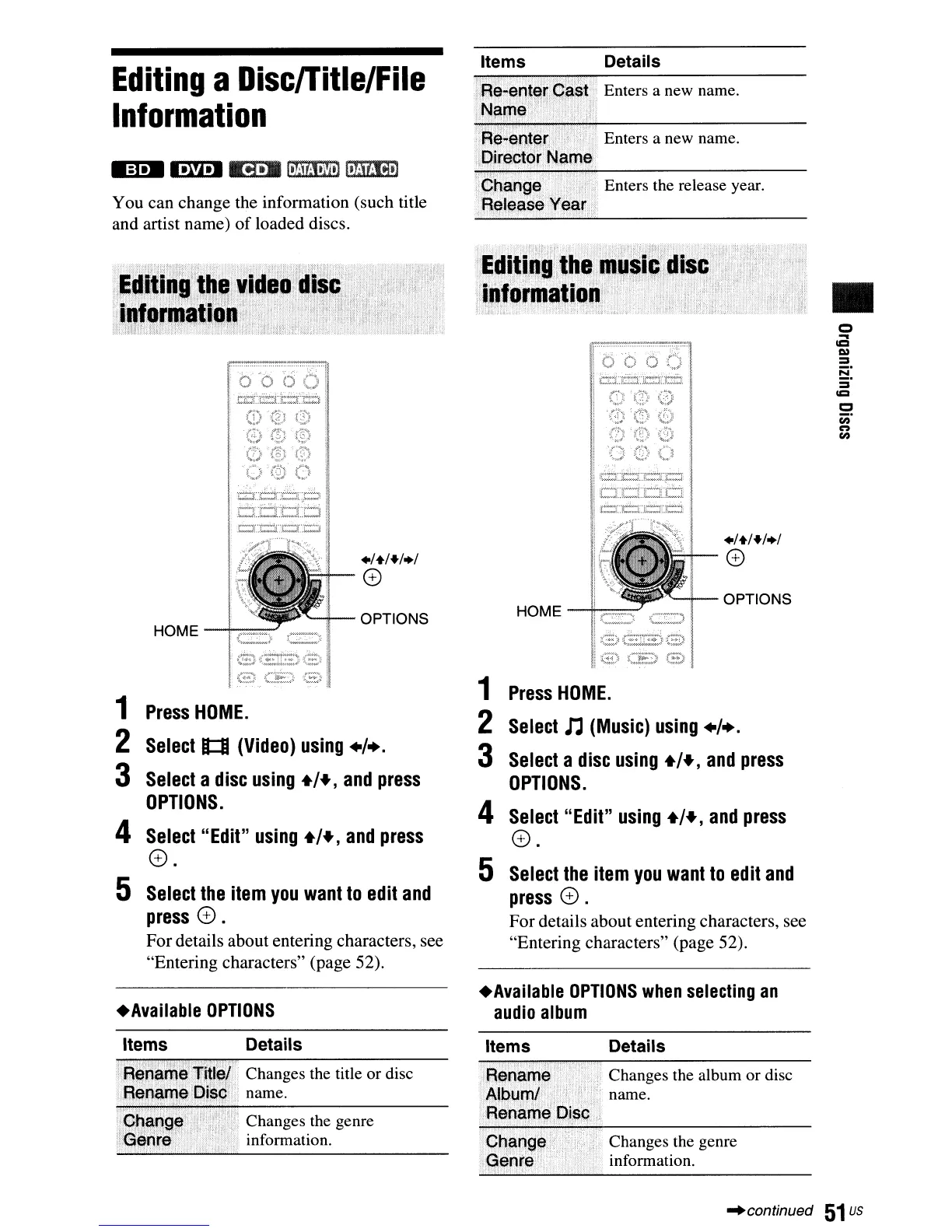
HOME
-i-==:-'
1
Press
HOME.
2
Select
It:I
(Video)
using
+/
•.
3
Select
a
disc
using
+/+,
and
press
OPTIONS.
4
Select"
Edit"
using
+/+,
and
press
0.
5
Select
the
item
you
want
to
edit
and
press
0.
For details about entering characters, see
"Entering characters" (page 52).
_=1.8'11'.4-1
fi-.1
1
7M3,v
t
)
I.Mml]
You can change the information (such title
and artist name)
of
loaded discs.
Editing
a
DiscITitle/File
Information
+Available
OPTIONS
+Available
OPTIONS
when
selecting
an
audio
album
Items Details
Items Details
Changes the title or disc
name.
Changes the genre
information.
Changes the album or disc
name.
Changes the genre
information.
"continued
51
us



 To Next Page