10
Shift On functions (Orange LED)
!™ Monitor memory card insertion slot
Insert an optional BKM-12Y Monitor Memory Card.
!£ OPTION connector
Connector for future expansion.
Location and Function of Parts
MONO
APT
COMB
F1
F2
ADDRESS
16 : 9
SYNC
BLUE
ONLY
R
G
B
F3
F4
SAFE
AREA
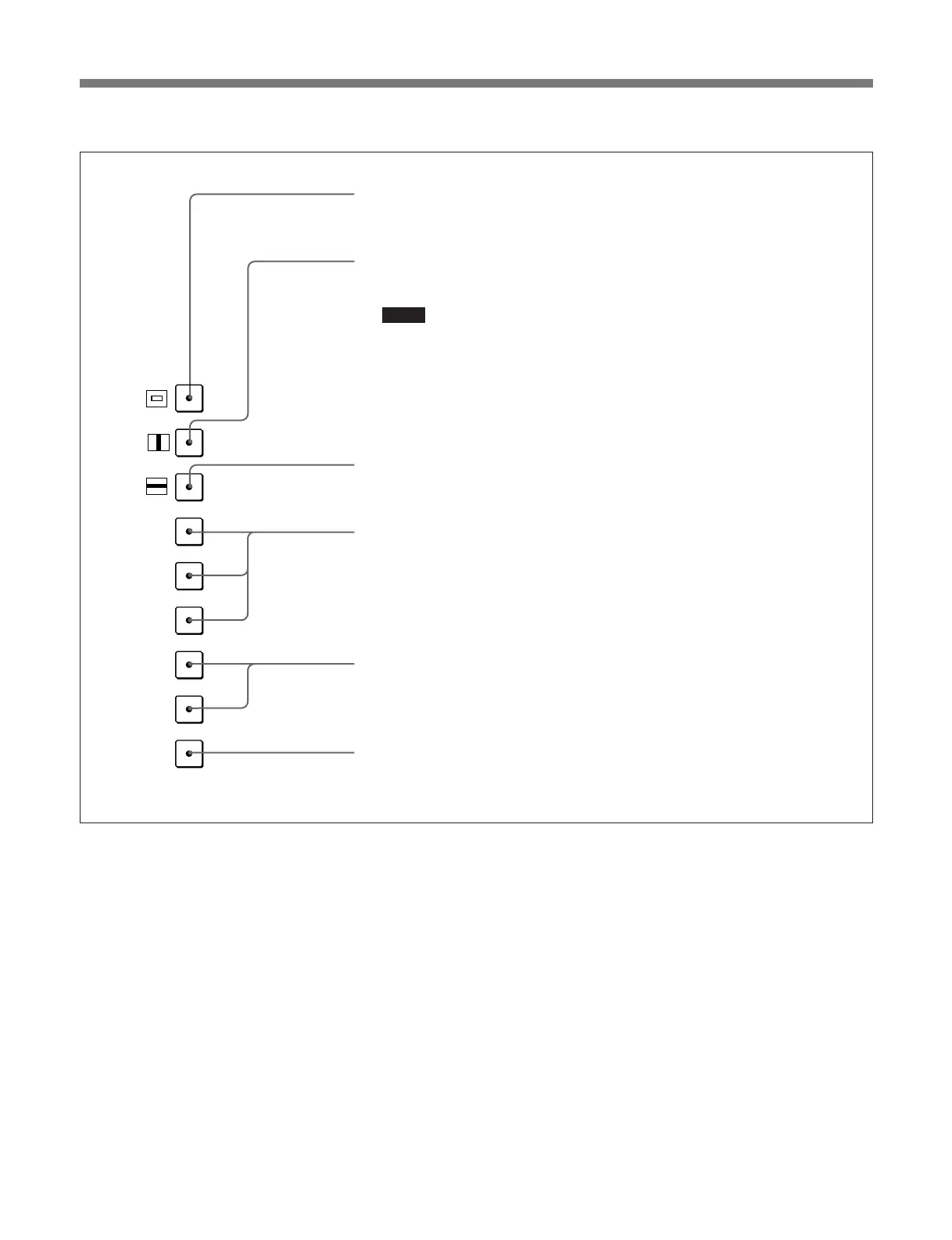
16:9: Turn to the button on to select a 16:9 aspect ratio. The aspect ration is 3:4
when the button is off.
SYNC: Turn the button on to synchronize with the sync signal input to the SYNC
connector on the rear panel (EXT SYNC). When the button is off, the sync
signal included in the video signal is used (INT SYNC).
Notes
• When selecting INT SYNC, use component or YC signals including a sync
signal on the Y signal, and use RGB signals including a sync signal on the G
signal.
• To monitor serial digital signals, select INT SYNC.
BLUE ONLY: Turn the button on to turn the red and green signals off. The blue
signal is displayed as an apparent monochrome picture. This facilitates chroma
and phase adjustments and observation of VTR noise.
R, G, and B: Turn the button on to turn the R (red), G (green), and B (blue) beams
off.
F3 and F4: These buttons are reserved for future use.
SAFE AREA (safe area): Turn the button on to display the safe area.








 To Next Page