Basic Operations
21
7 Press ( or 9 to select the cassette
side to start recording on.
To start from the upper side, press (.
To start from the lower side, press 9*.
* Recording will be made only on the lower
side.
8 Press P on the cassette deck.
Recording starts.
To stop recording
Press p on the cassette deck.
Tips
• To record non-preset stations, press
TUNING MODE repeatedly until “AUTO” and
“PRESET” disappears in step 3, then press
TUNING + or – to tune in the desired station.
• To improve broadcast reception, reorient the
supplied aerials.
• When you want to reduce the hiss noise in low
level high-frequency signals, slide DOLBY NR to
ON after step 5.
To record on
One side
Both sides*
Slide DIRECTION to
A
a
Remote (inside)
§
0
)
·ª
P
p
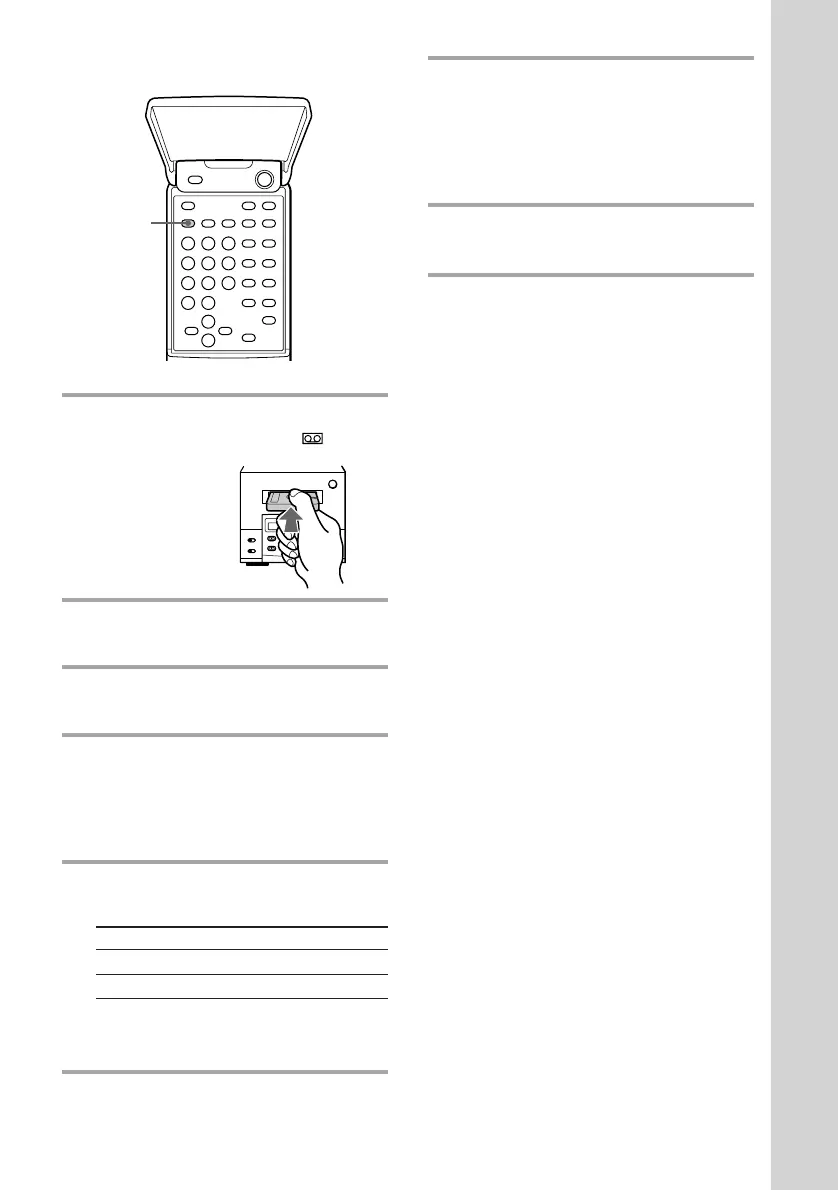
1 Insert a cassette.
The cassette is pulled in and
appears.
2 Press BAND repeatedly until the
band you want appears.
3 Press TUNING MODE repeatedly
untill “PRESET” appears.
4 Press TUNING + or – to tune in the
desired preset station.
Press TUNING + for higher preset
numbers and TUNING – for lower
preset numbers.
5 Slide DIRECTION to select dual or
single-sided recording.
* Recording always stops at the end of the
lower side. Be sure to start from the upper
side.
6 Press REC on the cassette deck.
The cassette deck stands by for
recording.
3



 To Next Page