7
4 Set the current minute by pressing
TIMER + or – and press ENTER.
The clock starts working.
To correct the clock setting.
Repeat steps 1 through 4.
About the time indication
• The built-in clock shows the time in the display
when power is off.
• The upper dot of the “:” in the time display flashes
for the 0 to 29 seconds and the lower dot flashes
for the 30 to 59 seconds.
continued
n
Step 3: Presetting
radio stations
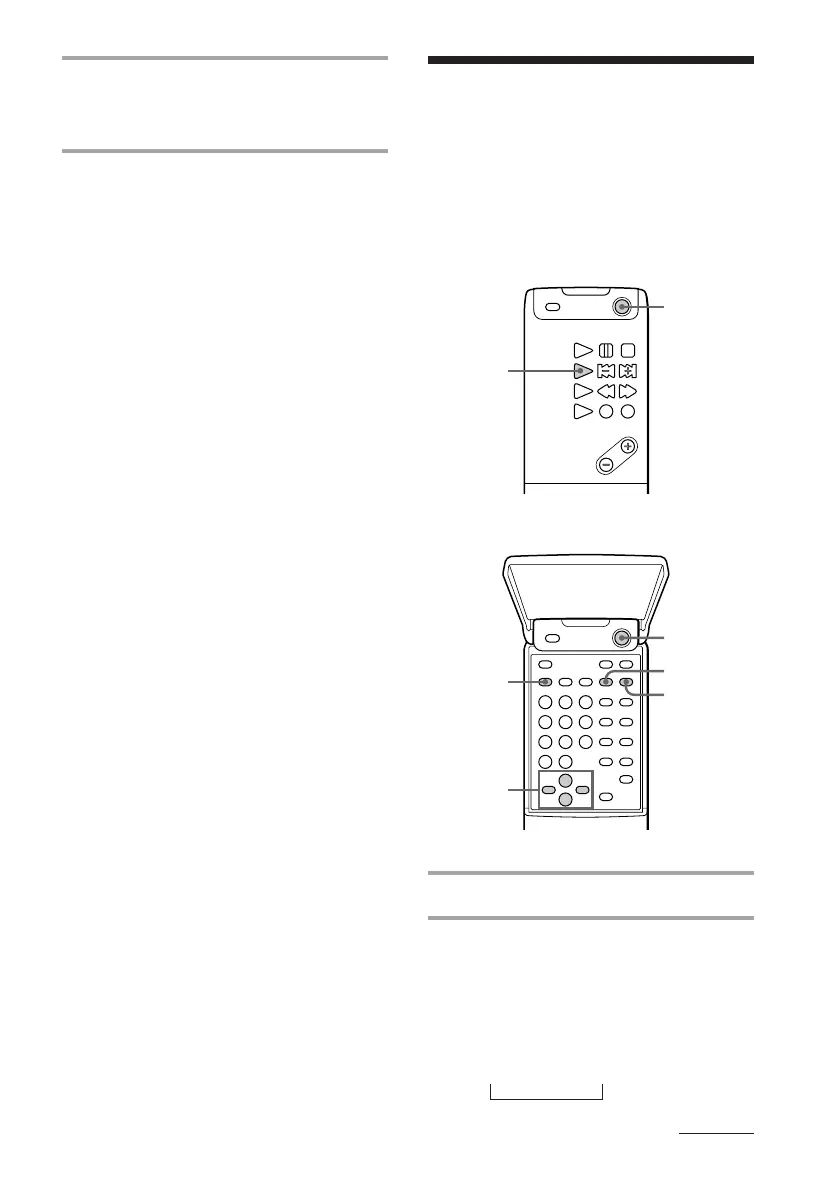
Remote (inside)
Remote (outside)
1 Press POWER to turn on the system.
2 Press TUNER/BAND repeatedly
until the band you want appears in
the display of the tuner CD player.
2 band model:
FM ˜ AM
3 band model:
FM n MW n LW
2
3
4,7
6,8
1
5
1
The 2 band model lets you preset up to 30
stations, 20 for FM and 10 for AM. The 3
band model lets you preset up to 40 stations,
20 for FM, 10 for MW and 10 for LW.



 To Next Page