24
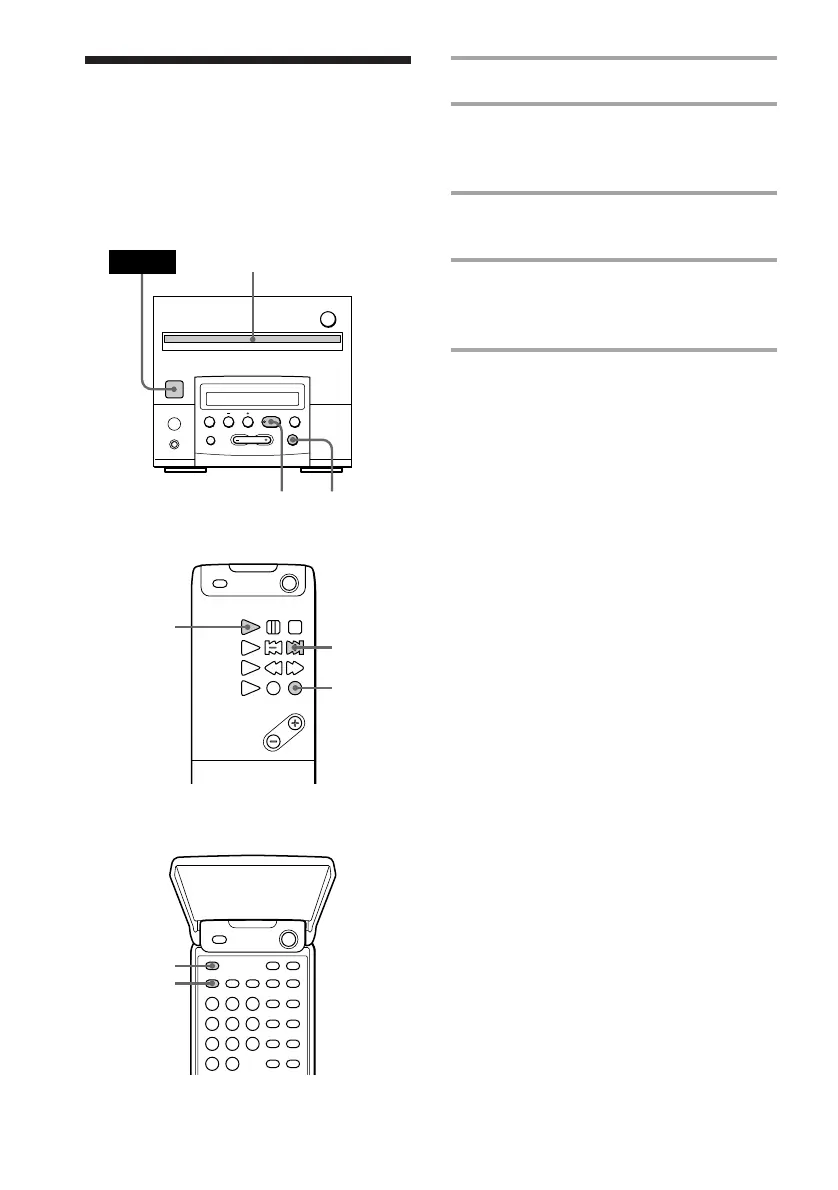
1 Insert a CD.
2 Press FUNCTION repeatedly until
“CD” appears in the display of the
tuner CD player.
3 Press PLAY MODE repeatedly until
“SHUFFLE” appears.
4 Press ^ (CD ( on the remote).
“J” appears, then all the tracks play in
random order.
To cancel Shuffle Play
Press PLAY MODE repeatedly until
“SHUFFLE” disappears.
Tips
• You can start Shuffle Play during normal play by
pressing PLAY MODE repeatedly until
“SHUFFLE” appears.
• To skip a track, press CD + on the remote. You
cannot go back to the preceding track by pressing
CD =.
Remote (outside)
Playing the CD tracks
in random order
–– Shuffle Play
You can play all the tracks in random order.
Remote (inside)
Tuner CD player
§
0
)
=
+
·P p
4
POWER
2
1
4
2
+
3
2



 To Next Page