38
0
)
=
+
·P p
§
1 2 3,4
0
)
=
+
·P p
§
• REC
When you record from a CD (digital
recording), the track numbers are
automatically marked. In addition, you can
mark track numbers:
• At any point while recording.
• Automatically while recording.
Marking track numbers at
a specific point while
recording
– Level Syncro recording
You can mark track numbers at any time
while recording, regardless of the type of
sound source.
Marking track
numbers
(for the customers who purchased
MDS-MX101 only)
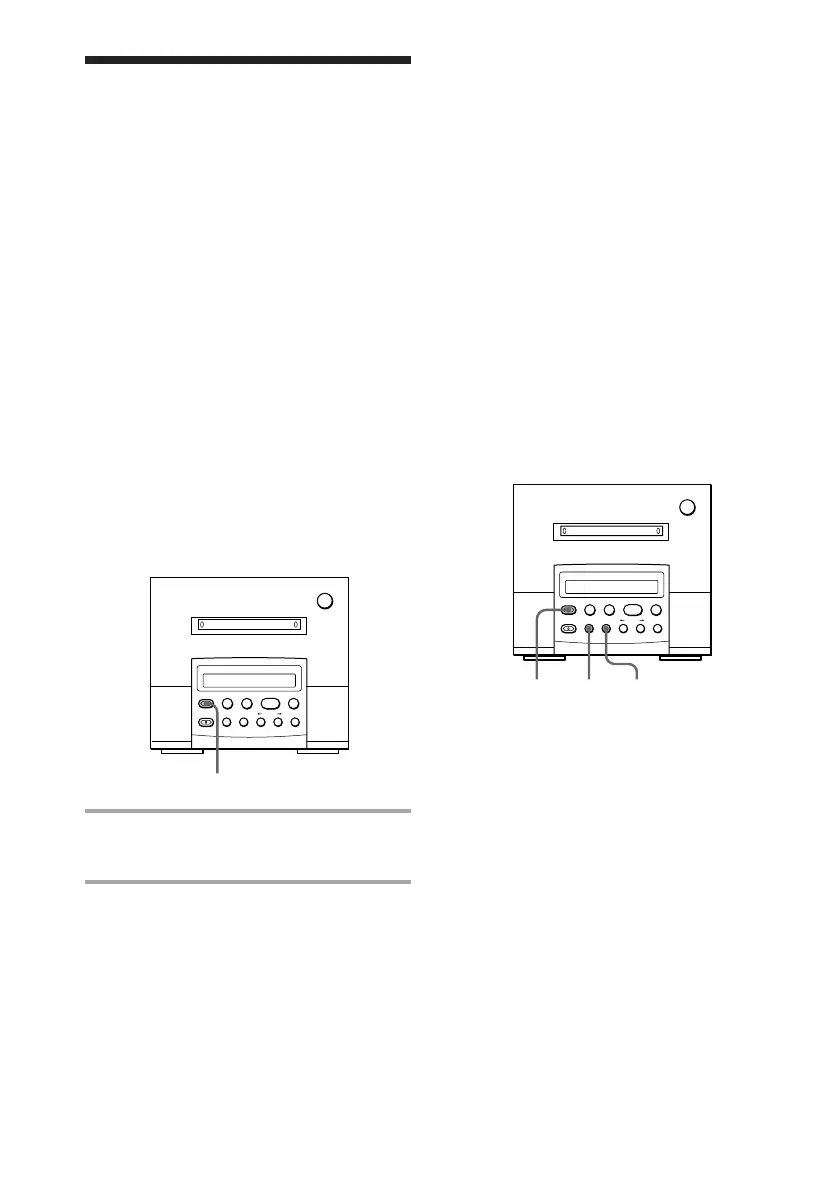
Press •REC while recording at the point
you want to add a track mark.
Marking track numbers
automatically while
analog recording
The MD deck adds track marks differently in
the following cases:
• When recording from CDs
The MD deck marks track numbers
automatically. The track numbers are
marked as they are found on the original.
• When recording a radio programme or
from a tape
While “LEVEL-SYNC” lights up, the MD
deck marks a new track number whenever
the signal level drops and rises to a certain
point.
If “LEVEL-SYNC” does not light up, do as
follows.
MD deck (option)
MD deck (option)



 To Next Page