44
1
1
2
2
43
3
Combining recorded
tracks
— Combine Function
(for the customers who purchased
MDS-MX101 only)
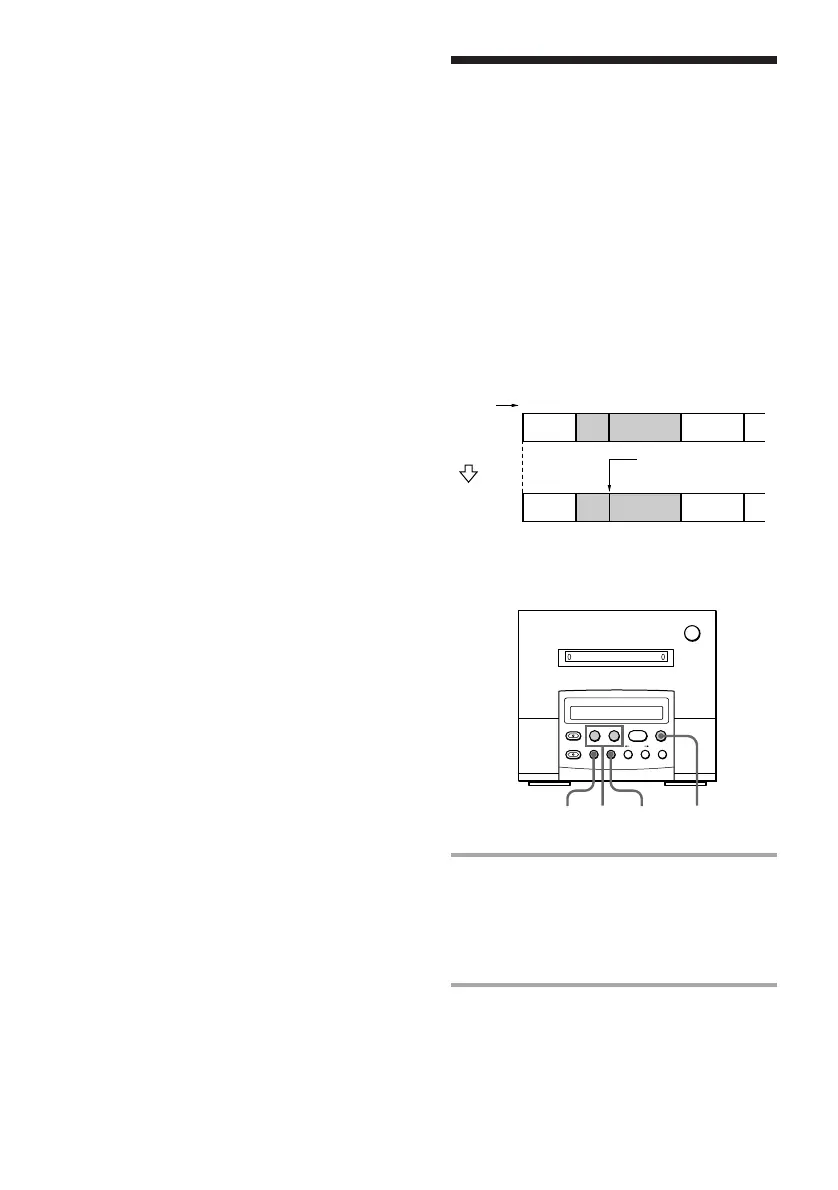
This function lets you put several tracks or
several independently recorded portions into
a single track. The total number of tracks
decrease by one and all the tracks following
the combined ones are renumbered.
Example: Combining tracks B and C.
AB C D
Original
tracks
Track
number
DAB C
Combine tracks B
and C.
Combine
MD deck (option)
1 Press =0 or )+ until the
second track of the two to be
combined appears.
For example, to combine tracks 3 and 4,
select track 4.
2 Press EDIT/NO repeatedly until
“Combine?” appears in the display
of the MD deck.
Dividing recorded tracks
— Divide Function (continued)
Tips
• You can also divide tracks while recording.
Press •REC at the desired point.
• To combine the divided tracks again, use Combine
Function on this page.



 To Next Page