42
0
)
=
+
·P p
§
2 1,4
p
3,5
Moving recorded
tracks
— Move Function
(for the customers who purchased
MDS-MX101 only)
By using the Move Function, you can change
the order of any track on the disc. When you
move tracks, the tracks are automatically
renumbered.
Example: Moving track C to position 2.
1
1
2
2
43
43
AB C D
Track
number
Original
tracks
Move track C to the
second position.
DCBA
Move
The original
track number
New track
position
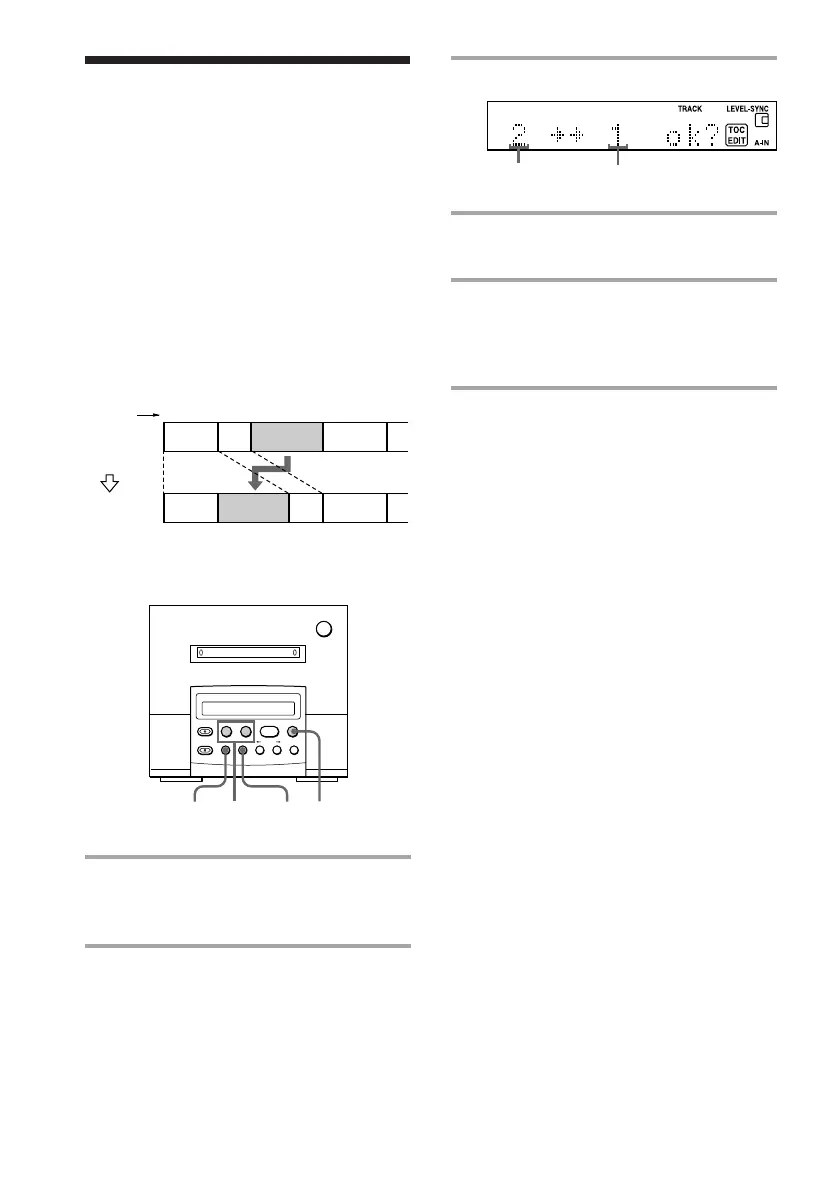
3 Press YES.
4 Press =0 or )+ until the
new track position appears.
5 Press YES.
“Complete” appears for a few seconds.
If you move the track while playing, the
moved track start playing.
To cancel moving recorded tracks
Press EDIT/NO or p.
MD deck (option)
1 Press =0 or )+ until the
track number you want to move
appears.
2 Press EDIT/NO repeatedly until
“Move ?” appears in the display of
the MD deck.



 To Next Page