54
N
N
Falling asleep to
music
— Sleep Timer
You can let the system turn off at a preset
time, so you can sleep to the music. You can
preset the time to be turned off by 10 minutes.
Make sure you have set the clock (see page 6).
1 Play your favorite sound source.
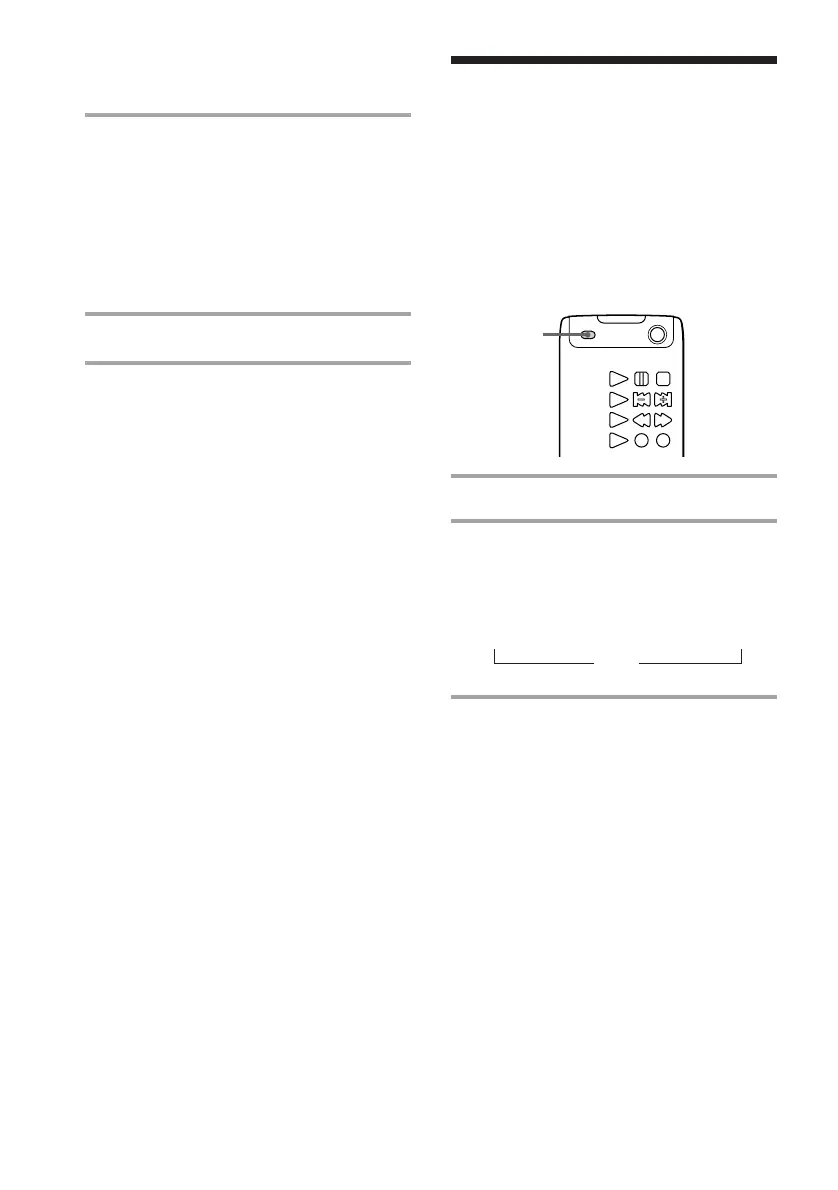
2 Press SLEEP.
Each time you press the button, the
minute display (the turn-off time)
changes as follows:
90min n 80min n 70min n… n 10min
OFF
To check the remaining time
Press SLEEP once.
To change the time to turn off
Select the time you want by pressing SLEEP.
To cancel the Sleep Timer function
Press SLEEP repeatedly until “SLEEP OFF”
appears.
Note
While the sleep timer is activated, the daily and
recording timer function do not work.
9 Repeat steps 6 through 8 to
complete the name.
If you made a mistake, press ? or
/ on the remote until the character
you want to change flashes, then
repeat steps 6 through 8. To erase
the character, press CLEAR while
the character is flashing.
10 Press YES.
To cancel labelling
Press p on the tuner CD player.
To erase the name
1 Repeat steps 1 to 5, then press EDIT/NO
repeatedly until all the letters are erased.
2 Press YES.
The name is erased.
To check the labelled name
Press DISPLAY.
Each time you press the button, the display
changes as follows:
Preset number and frequency range
Station name*
* If it is not labelled, it is not displayed.
Remote (outside)
˜
Labelling the preset stations
— Station Name (continued)



 To Next Page