46
Labelling an MD
(for the customers who purchased
MDS-MX101 only)
You can create titles (names) for your
recorded MDs and tracks. You can use up to
1700 characters each for a disc.
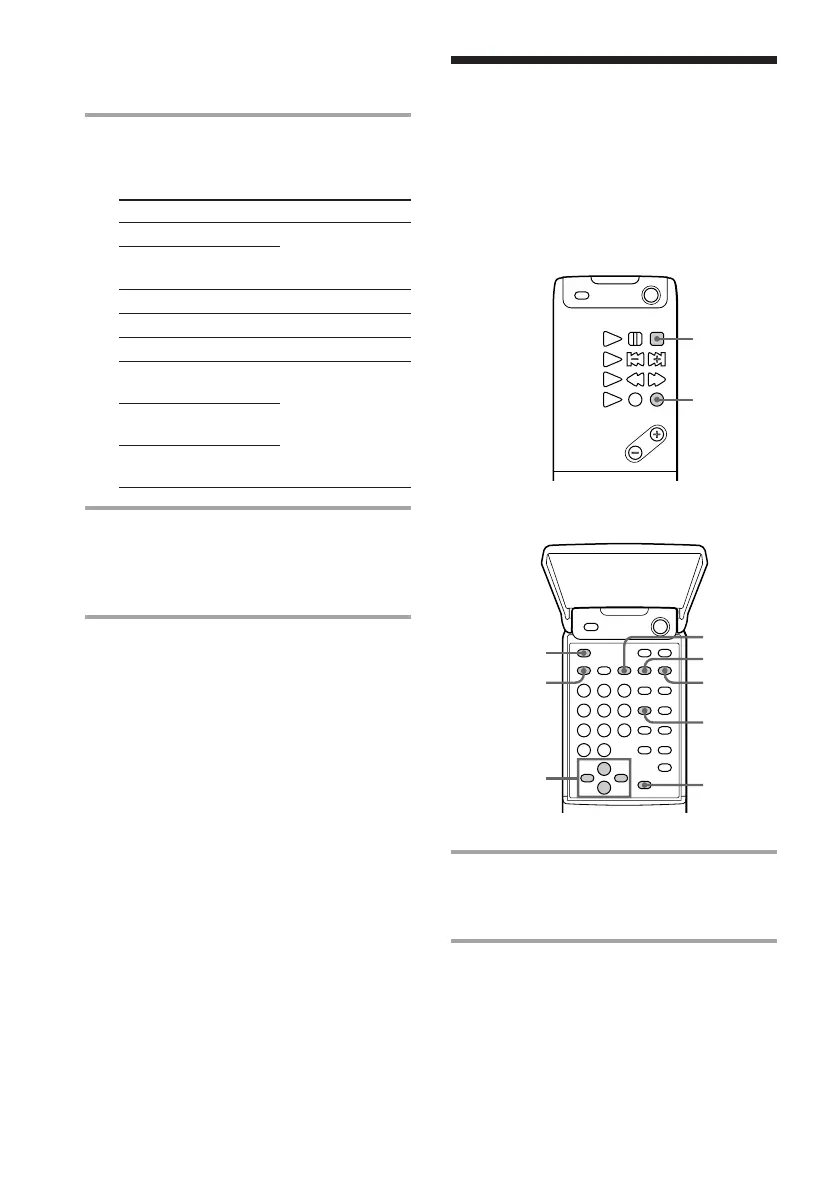
Remote (inside)
1 Press FUNCTION repeatedly until
“MD” appears in the display of the
tuner CD player.
2 To labell a disc, press p and stop
playing the disc.
To labell a track, press / until the
desired track number appears.
Note
When “SHUFFLE” or ”PROGRAM” appears
in the display, press PLAY MODE repeatedly
until the indication disappears.
Remote (outside)
2 Press YES.
One of the following messages appears,
depending on the last edit.
Editing done:
Erasing a single track
Erasing all tracks
on an MD
Dividing a track
Combining tracks
Moving a track
Labelling a track or
an MD
Changing an existing
title
Erasing all titles
on an MD
Message:
“Erase Undo?”
“Divide Undo?”
“Combine Undo?”
“Move Undo?”
“Name Undo?”
3 Press YES again.
“Complete” appears for a few seconds
and the contents of the MD are restored
to the condition before the edit.
To cancel the Undo Function
Press EDIT/NO or p.
Undoing the last edit
— Undo Function (continued)
2,6,
7,8
1
4,9
5
3
PLAY MODE
CLEAR
SCROLL



 To Next Page