30
0
)
=
+
·P p
§
3
Playing the MD tracks
in random order
–– Shuffle Play
(for the customers who purchased
MDS-MX101 only)
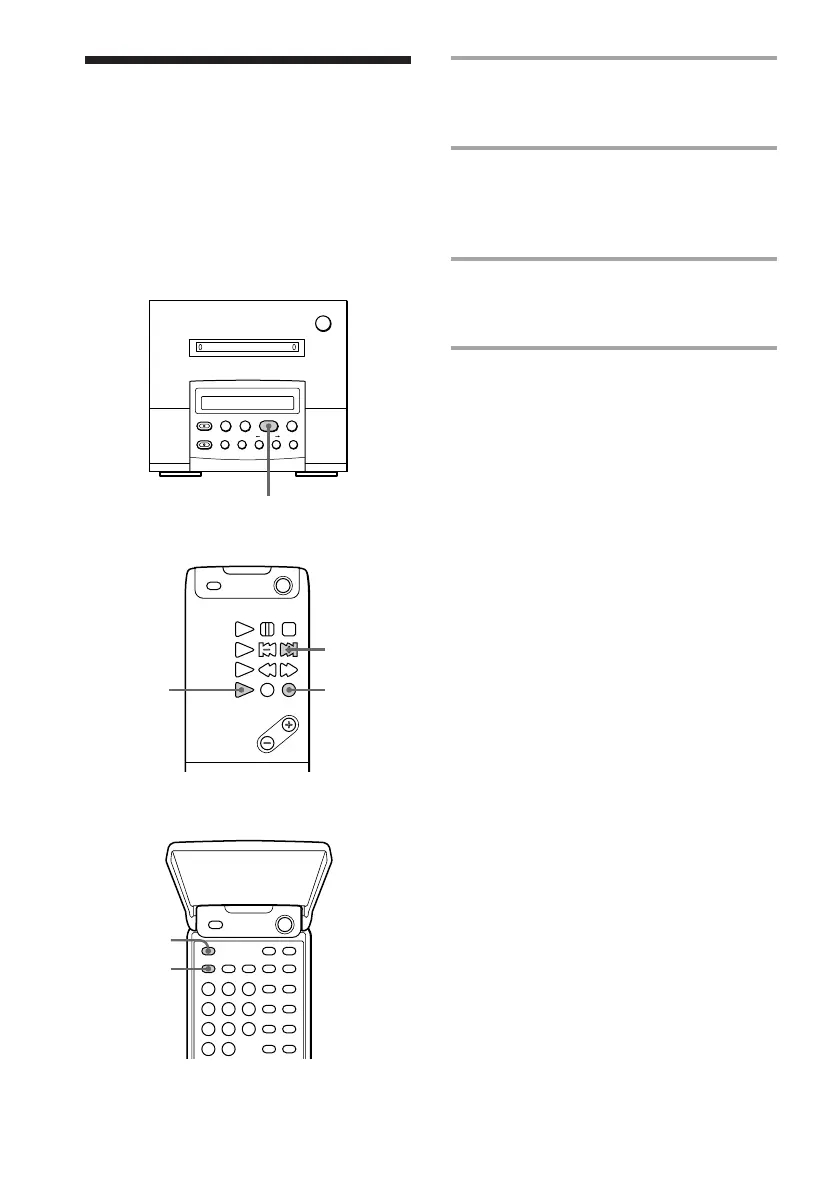
You can play the tracks in random order.
Remote (inside)
Remote (outside)
1 Press FUNCTION repeatedly until
“MD” appears in the display of the
tuner CD player.
2 Press PLAY MODE repeatedly in
stop mode until “SHUFFLE”
appears in the display of the MD
deck.
3 Press ^ (MD ( on the remote).
“J” appears, then all the tracks play in
random order.
To cancel Shuffle Play
Press PLAY MODE repeatedly until
“SHUFFLE” disappears.
Tip
To skip the tracks, press MD + on the remote.
You can not go back to the preceding track by
pressing MD =.
MD deck (option)
31
+
1
2



 To Next Page