49
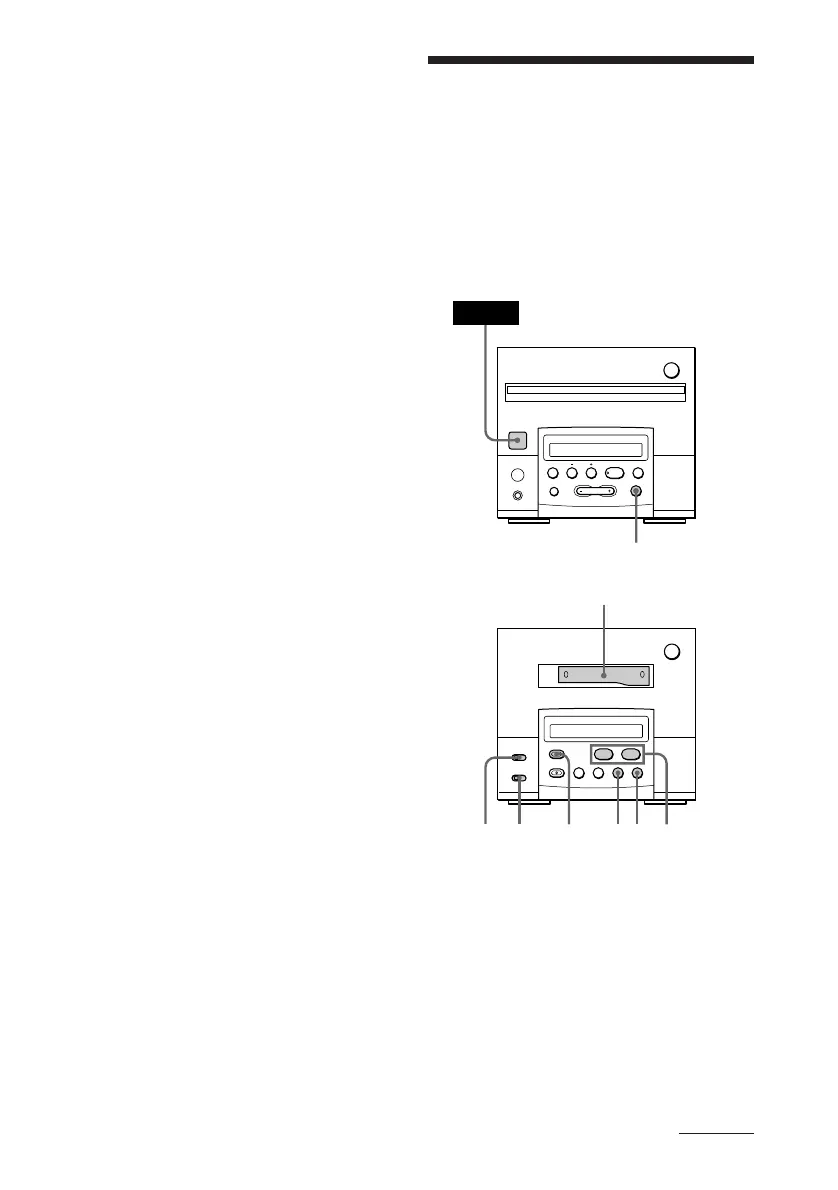
Recording a CD, etc.,
on a tape manually
(for the customers who purchased
TC-TX101 only)
You can record a CD as you like, for instance,
record just the songs you want, or you can
record from any point on the tape.
To cancel programme edit
Press p on the cassette deck.
Notes
• If the last portion of the track is recorded on the
leader at the end of the tape, recording may not be
made completely.
• When programming for side B after pausing at the
end of side A, make sure the tracks programmed
for side A do not exceed the length of a single side.
Otherwise recording cannot be made correctly.
To start recording partway
through a tape
• Play or record on the tape for more than a few
seconds, then press CD SYNC. As soon as you
start recording, CD starts playing.
• When you press CD SYNC after inserting a
cassette, CD play will start 10 seconds after
recording starts. Because the stereo system is
designed to prevent recording on the leader at the
beginning of the tape, this will happen even when
starting recording on any other part of the tape.
continued
Cassette deck
(option)
Tuner CD player
§
0
)
=
+
·P p
2
POWER
§
0
)
·ª
p
P
1
5743 6
p



 To Next Page