148
Selecting image quality and
size
34
RET.
EXEC
Rr
EXIT
1152
MEM SET 1
STILL SET
BURST
QUALITY
IMAGESIZE 1152 × 864
640 × 480
REMAIN
12
EXIT
RET.
EXEC
Rr
MEM SET 1
STILL SET
BURST
QUALITY
IMAGESIZE
OFF
Sélection de la qualité et de la
taille d’image
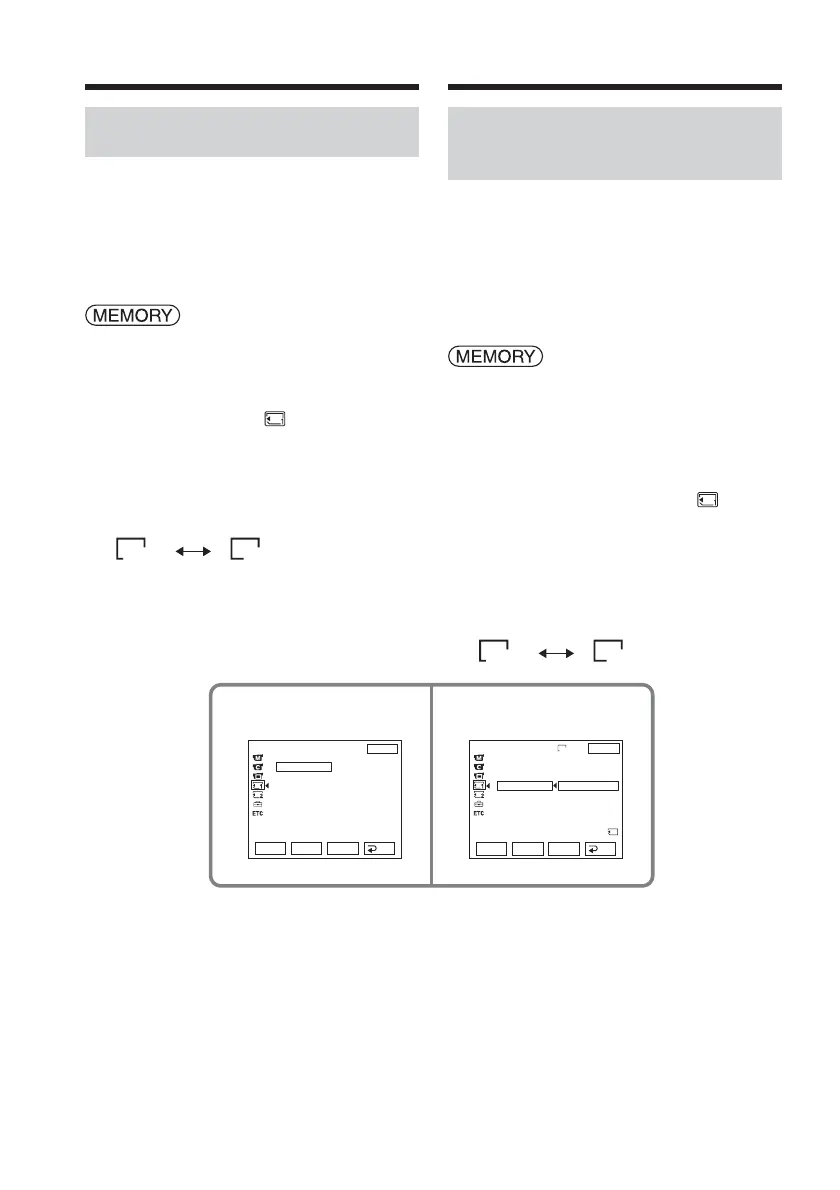
Selecting the still image size
(DCR-TRV33E only)
You can select image size 1152 × 864 or 640 ×
480 (When the POWER switch is set to
CAMERA or VCR, the image size is
automatically set to 640 × 480.)
The default setting is 1152 × 864.
The POWER switch should be set to
.
Operate by touching the panel.
(1) Press FN to display PAGE1.
(2) Press MENU to display the menu.
(3) Select STILL SET in
, then press
EXEC (p. 245).
(4) Select IMAGESIZE, then press EXEC.
(5) Select a desired image size, then press
EXEC.
The indicator changes as follows:
1152 640
Sélection de la taille des
images fixes (DCR-TRV33E
uniquement)
Vous pouvez sélectionner les tailles d’image
1152 × 864 ou 640 × 480. (Lorsque le
commutateur POWER est réglé sur CAMERA
ou VCR, la taille d’image est automatiquement
réglée sur 640 × 480.)
Le réglage par défaut est 1152 × 864.
Réglez le commutateur POWER sur
.
Effectuez cette opération à l’aide de l’écran
tactile.
(1) Appuyez sur FN pour afficher PAGE1.
(2) Appuyez sur MENU pour afficher le
menu.
(3) Sélectionnez STILL SET sous
, puis
appuyez sur EXEC (p. 255).
(4) Sélectionnez IMAGESIZE, puis appuyez
sur EXEC.
(5) Sélectionnez la taille d’image souhaitée,
puis appuyez sur EXEC.
L’indicateur change comme suit :
1152 640














 To Next Page