182
You can view the moving pictures recorded in
the “Memory Stick.”
The POWER switch should be set to
.
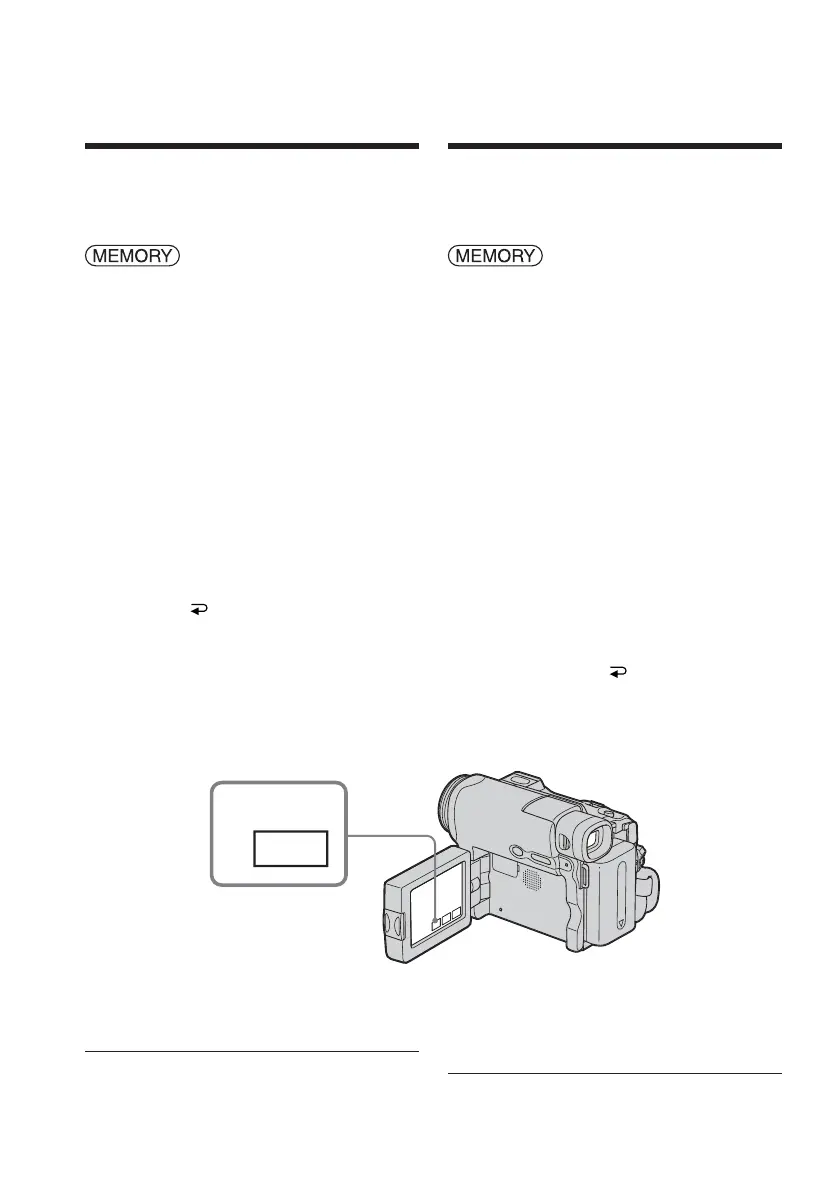
Operate by touching the panel.
(1) Press PLAY. The last recorded image
appears.
(2) Press – (to see the previous picture)/+
(to see the next picture) to select a
desired moving pictures.
(3) Press MPEG N X to start playback.
(4) Adjust the volume following the steps
below.
1 Press FN and select PAGE3.
2 Press VOL. The screen to adjust
volume appears.
3 Press – (to turn down the volume)/
+ (to turn up the volume) to adjust
the volume.
4 Press
OK to return to PAGE3.
5 Press EXIT to return to FN.
To cancel MPEG MOVIE playback
Press MPEG N X.
When no file is in the folder
The “NO FILE AVAILABLE” indicator
appears.
1
PLAY
Viewing a moving
picture – MPEG
MOVIE playback
Visionnage d’images
animées – Lecture
d’un film au format
MPEG MOVIE
Vous pouvez visionner des images animées
enregistrées sur un « Memory Stick ».
Réglez le commutateur POWER sur
.
Effectuez cette opération à l’aide de l’écran
tactile.
(1) Appuyez sur PLAY. La dernière image
enregistrée s’affiche.
(2) Appuyez sur – (pour afficher l’image
précédente) ou + (pour afficher l’image
suivante) pour sélectionner une image
animée.
(3) Appuyez sur MPEG N X pour lancer
la lecture.
(4) Réglez le volume en suivant les étapes
ci-dessous.
1 Press FN and select PAGE3.
2 Appuyez sur VOL. L’écran de
réglage du volume s’affiche.
3 Réglez le volume en appuyant sur –
(pour baisser le volume) ou sur +
(pour augmenter le volume).
4 Appuyez sur
OK pour revenir à
PAGE3.
5 Appuyez sur EXIT pour revenir à
FN.
Pour annuler la lecture d’un film
au format MPEG MOVIE
Appuyez sur MPEG N X.
Lorsque le dossier ne contient aucun fichier
L’indicateur « NO FILE AVAILABLE »
s’affiche.














 To Next Page