96
Your camcorder automatically searches for a
desired scene having the tape counter value of
“0:00:00.” Use the Remote Commander for this
operation.
The POWER switch should be set to
1)
/
2)
.
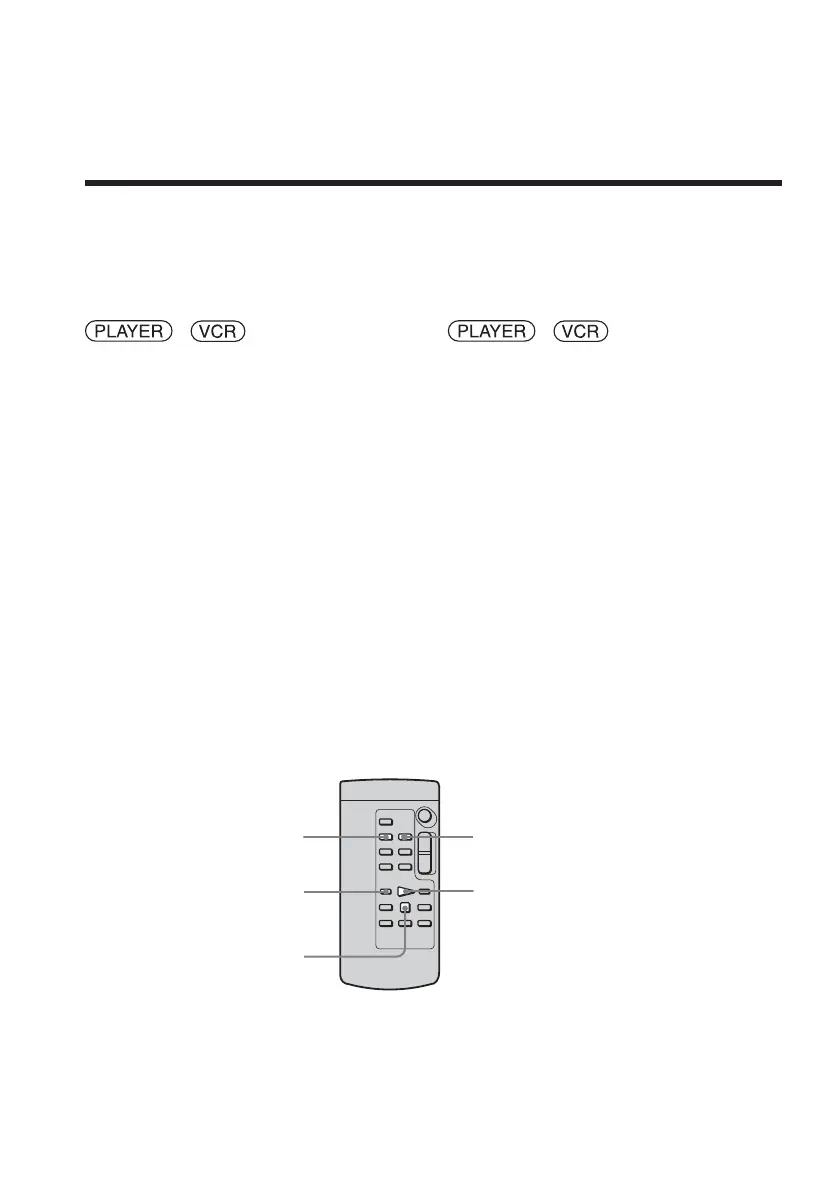
(1) During playback, press ZERO SET
MEMORY on the Remote Commander
at the point you want to locate later. The
tape counter shows “0:00:00,” then starts
counting. The ZERO SET MEMORY
indicator flashes. If the indicators do not
appear, press DISPLAY.
(2) Press x when you want to stop
playback.
(3) Press m to rewind the tape to the tape
counter’s zero point. The tape stops
automatically when the tape counter
reaches approximately zero.
(4) Press N. Playback starts from the
counter’s zero point.
1)
DCR-TRV14E
2)
DCR-TRV19E/TRV22E/TRV33E
ZERO SET MEMORYDISPLAY
N
m
x
Quickly locating a
scene – Zero set
memory (DCR-TRV14E/
TRV19E/TRV22E/TRV33E
only)
Recherche rapide d’une
scène – Mémoire à zéro
réglable (DCR-TRV14E/
TRV19E/TRV22E/TRV33E
uniquement)
Votre caméscope recherche automatiquement
la scène dont la valeur de compteur de bande
est de « 0:00:00 ». Utilisez la télécommande
pour effectuer cette opération.
Réglez le commutateur POWER sur
1)
/
2)
.
(1) En cours de lecture, appuyez sur ZERO
SET MEMORY sur la télécommande à
l’endroit que vous souhaitez retrouver
plus tard. Le compteur de bande
indique « 0:00:00 », puis lance le compte.
L’indicateur ZERO SET MEMORY
clignote. Si les indicateurs ne s’affichent
pas, appuyez sur DISPLAY.
(2) Pour arrêter la lecture, appuyez sur x.
(3) Pour rembobiner la cassette jusqu’au
point zéro du compteur de bande,
appuyez sur m. La cassette s’arrête
automatiquement lorsque le compteur
de bande se rapproche de zéro.
(4) Appuyez sur N. La lecture commence
à partir du point zéro du compteur.
1)
DCR-TRV14E
2)
DCR-TRV19E/TRV22E/TRV33E














 To Next Page