173
“Memory Stick” Operations (DCR-TRV22E/TRV33E only)
Opérations « Memory Stick » (DCR-TRV22E/TRV33E uniquement)
You can duplicate selected scenes
(programmes) for editing onto the “Memory
Stick.”
Making the programme
The POWER switch should be set to .
Operate by touching the panel.
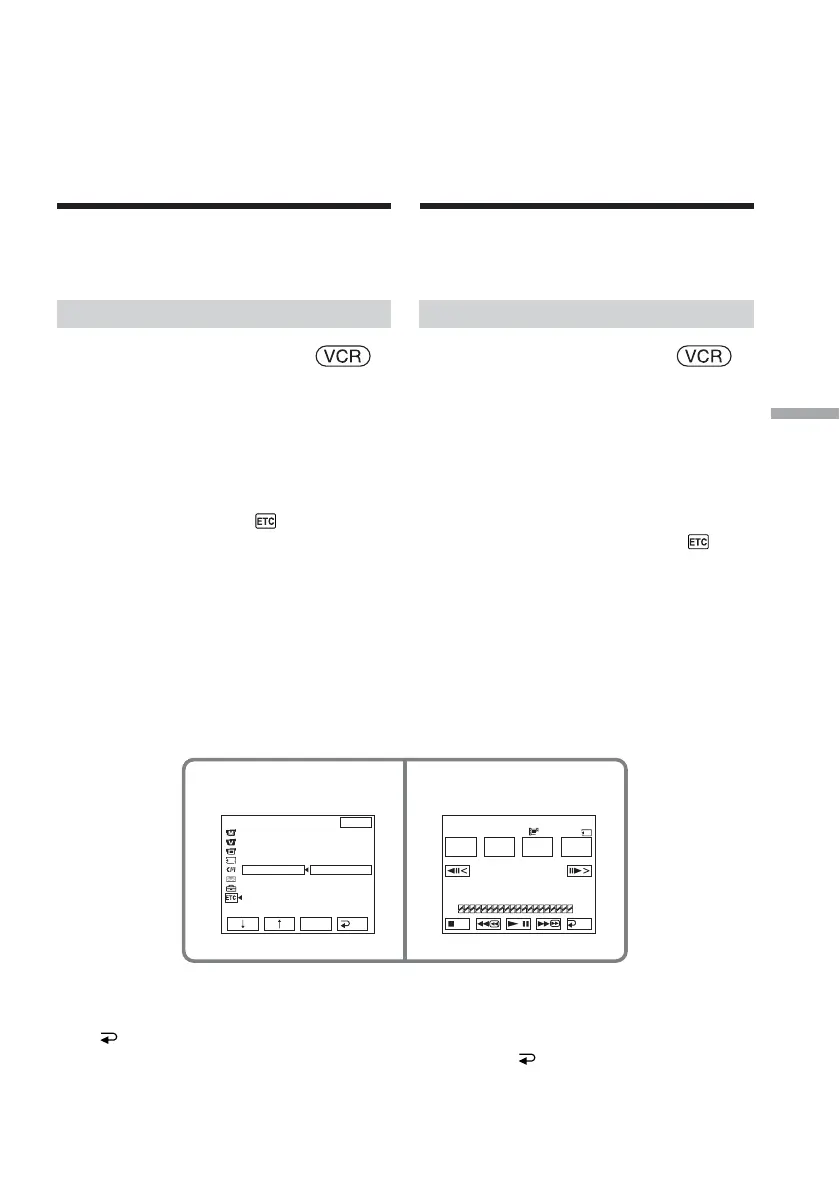
(1) Insert the tape for playback, and the
“Memory Stick” for recording into your
camcorder.
(2) Press FN to display PAGE1.
(3) Press MENU to display the menu.
(4) Select VIDEO EDIT in
, then press
EXEC (p. 251).
(5) Select MEMORY, then press EXEC.
(6) Repeat pressing IMAGESIZE to select a
desired size. The image size changes
when you press IMAGESIZE.
(7) Follow steps 6 to 10 on pages 117 and
118.
To finish making programmes
Press END.
The programme is stored in memory until the
tape is ejected.
Recording edited
pictures from tape as
a moving picture
– Digital program
editing (on “Memory
Stick”)
45
OTHERS
DATA CODE
BEEP
COMMANDER
DISPLAY
V
I
DEO ED
I
T
EXIT
RET.
EXEC
RETURN
TAPE
MEMORY
0:32:30:14
TOTAL
SCENE
0:00:00
0
V I DEO ED I T
MARK
I
N
START
IMAGE
SIZE
UNDO
320
15sec
END
Enregistrement d’images
montées sous forme
d’images animées –
Montage numérique
d’un programme (sur
« Memory Stick »)
Vous pouvez copier des scènes sélectionnées
(programmes) pour les monter sur un
« Memory Stick ».
Réalisation d’un programme
Réglez le commutateur POWER sur .
Effectuez cette opération à l’aide de l’écran tactile.
(1) Insérez la cassette à lire dans votre
caméscope, puis le « Memory Stick »
pour l’enregistrement.
(2) Appuyez sur FN pour afficher PAGE1.
(3) Appuyez sur MENU pour afficher le
menu.
(4) Sélectionnez VIDEO EDIT sous
, puis
appuyez sur EXEC (p. 261).
(5) Sélectionnez MEMORY, puis appuyez
sur EXEC.
(6) Appuyez à plusieurs reprises sur
IMAGESIZE pour sélectionner la taille
souhaitée. La taille d’image change
lorsque vous appuyez sur IMAGESIZE.
(7) Suivez les étapes 6 à 10 des pages 117 et
118.
Pour terminer la création de
programmes
Appuyez sur END.
Le programme est enregistré en mémoire
jusqu’à l’éjection de la cassette.














 To Next Page