272
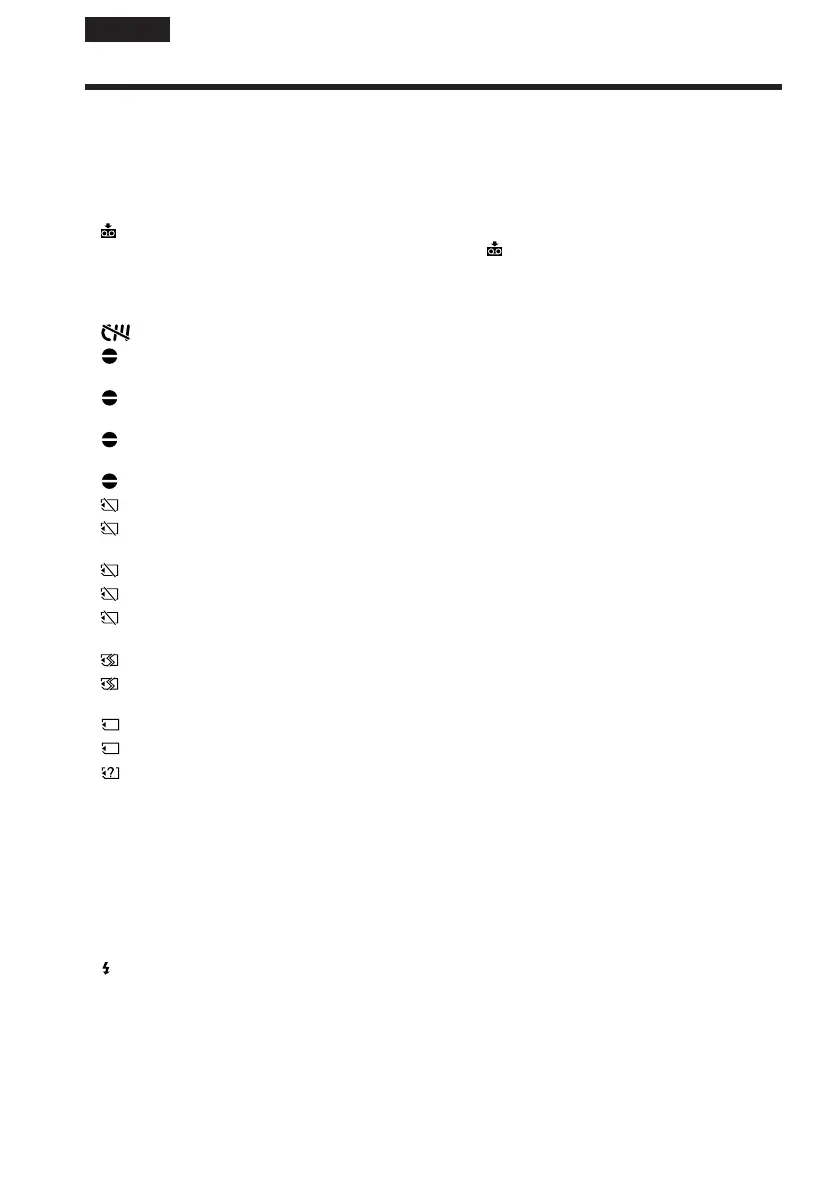
If messages appear on the screen, check the following. See the page in parentheses
“( )” for details.
• CLOCK SET Set the date and time (p. 31).
• FOR ”InfoLITHIUM” Use an “InfoLITHIUM” battery pack (p. 25).
BATTERY ONLY
• CLEANING CASSETTE The video heads are dirty (p. 297).
The x indicator and “ CLEANING CASSETTE“ message
appear one after another on the screen.
• COPY INHIBIT
4)
You tried to record a picture that has a copyright control signal
(p. 285).
1)
•
FULL The Cassette Memory is full (p. 135, 139, 140).
1)
• 16BIT
AUDIO MODE is set to 16BIT.
1)
You cannot dub new sound (p. 131,
248).
• REC MODE REC MODE is set to LP.
1)
The tape was recorded in different
colour system. You cannot dub new sound
(p. 131, 248).
• TAPE There is no recorded portion on the tape.
1)
You cannot dub new
sound.
• ”i.LINK” CABLE i.LINK cable is connected.
1)
You cannot dub new sound (p. 131).
• FULL
3)
The “Memory Stick” is full (p. 155).
1)
• -
3)
The write-protect tab on the “Memory Stick” is set to LOCK
(p. 142).
1)
• NO FILE
3)
No image is recorded or recognised on the “Memory Stick”.
1)
• NO MEMORY STICK
3)
No “Memory Stick” is inserted.
1)
• AUDIO ERROR
3)
You are trying to record an image with sound that cannot be
recorded by your camcorder on the “Memory Stick” (p. 171).
1)
• MEMORY STICK ERROR
3)
The “Memory Stick” data is corrupted (p. 146).
1)
• FORMAT ERROR
3)
The “Memory Stick” is not recognised (p. 246).
1)
Check the format.
• PLAY ERROR
3)
The image is distorted and cannot be played back.
1) 2)
• REC ERROR
3)
Turn the power off once, then on again.
1)
• INCOMPATIBLE The “Memory Stick” inserted is not compatible
MEMORY STICK
3)
with your camcorder.
1)
•
READ-ONLY MEMORY STICK
3)
A read-only “Memory Stick” is inserted.
1)
• Q Z TAPE END The tape has reached the end of the tape.
1)
• Q NO TAPE Insert a cassette.
1)
• DELETING
3)
You press PHOTO on your camcorder while deleting data in
the “Memory Stick.”
1)
• FORMATTING
3)
You press PHOTO on your camcorder while formatting the
“Memory Stick.”
1)
• NOW CHARGING Charging an external flash (optional) does not work correctly.
1)
• FOLDER NO. FULL
3)
You have reached the maximum number of folders that can be
created.
1)
•
USB STREAMING ON GOING
3)
USB streaming is being performed.
1)
You hear the melody or beep sound.
2)
Reinsert the “Memory Stick” and play back.
3)
DCR-TRV22E/TRV33E only
4)
DCR-TRV19E/TRV22E/TRV33E only
Warning messages
English














 To Next Page