67
Advanced Recording Operations Opérations d’enregistrement avancées
You can record still images and moving
pictures using the self-timer recording feature.
You can also use the Remote Commander for
this operation (except for DCR-TRV12E).
Recording on the tape
The POWER switch should be set to
.
Operate by touching the panel.
(1) During standby, press FN and select
PAGE2.
(2) Press SELFTIMER.
The
(self-timer) indicator appears on
the screen.
(3) Press EXIT to return to FN.
(4) Press START/STOP.
The self-timer starts counting down
from about 10 while beeping. In the last
2 seconds of the countdown, the beep
gets faster, then recording starts
automatically.
To stop the countdown for
recording on the tape
Press START/STOP. To restart the countdown,
press START/STOP again.
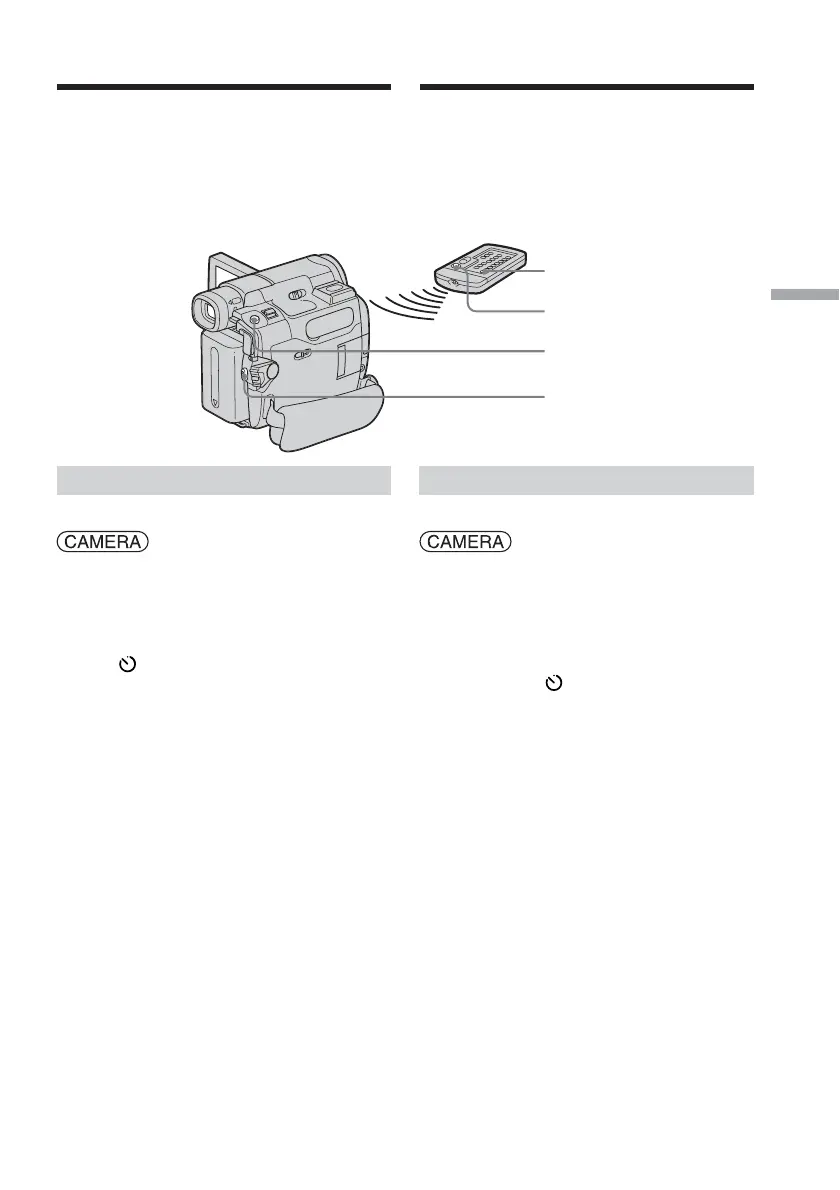
Self-timer recording
START/STOP
START/STOP
PHOTO
PHOTO
Prise de vue avec le
retardateur
Vous pouvez enregistrer des images fixes et
des images animées à l’aide de la fonction de
prise de vue par retardateur.
Vous pouvez également effectuer cette
opération à partir de la télécommande (sauf
pour le DCR-TRV12E).
Enregistrement sur la cassette
Réglez le commutateur POWER sur
.
Effectuez cette opération à l’aide de l’écran
tactile.
(1) En mode d’attente, appuyez sur FN,
puis sélectionnez PAGE2.
(2) Appuyez sur SELFTIMER.
L’indicateur
(retardateur) s’affiche à
l’écran.
(3) Appuyez sur EXIT pour revenir à FN.
(4) Appuyez sur START/STOP.
La minuterie du retardateur entame le
décompte à partir de 10 en émettant un
bip. Dans les 2 dernières secondes du
décompte, le bip devient plus rapide,
puis la prise de vue démarre
automatiquement.
Pour mettre fin au décompte
pour l’enregistrement sur la
cassette
Appuyez sur START/STOP. Pour relancer le
décompte, appuyez de nouveau sur START/
STOP.














 To Next Page