183
“Memory Stick” Operations (DCR-TRV22E/TRV33E only)
Opérations « Memory Stick » (DCR-TRV22E/TRV33E uniquement)
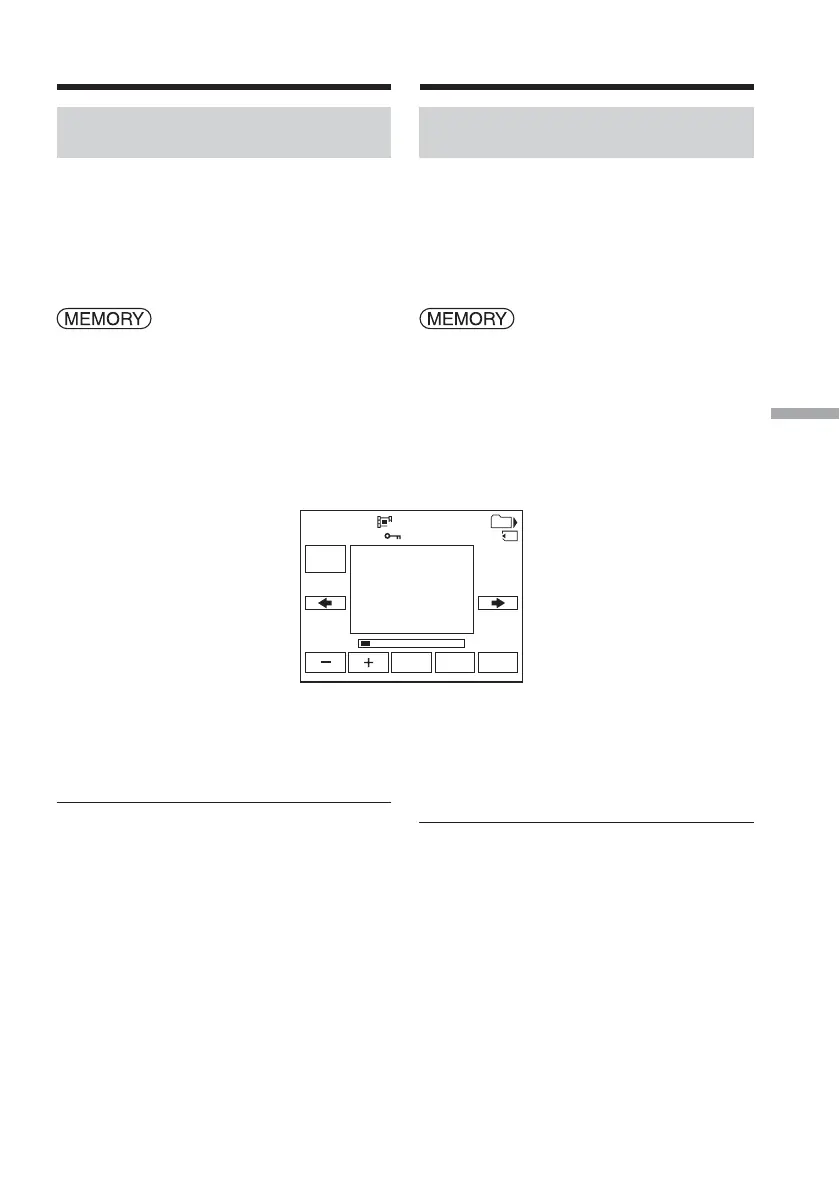
Playing back a picture from a
particular segment
Moving pictures recorded on a “Memory
Stick” can be divided into a maximum of 60
parts.
You can select a part and begin playback from
that point.
The POWER switch should be set to
.
Operate by touching the panel.
(1) Follow steps 1 and 2 on page 182.
(2) Press < (to see previous part)/, (to
see next part) to select the point where
you want to play back.
(3) Follow steps 3 and 4 on page 182.
To cancel MPEG MOVIE playback
Press MPEG N X.
When recording time is too short
The moving picture may not be divided into
parts.
101
1 / 8
FN
MPEG
N X
INDEXCAM
320
0
:
00
:
00MOV00001
Viewing a moving picture
– MPEG MOVIE playback
Visionnage d’images animées
– Lecture d’un film au format
MPEG MOVIE
Lecture d’une image à partir
d’un segment précis
Les images animées enregistrées sur le
« Memory Stick » peuvent être divisées en 60
parties maximum.
Vous pouvez sélectionner un point et lancer la
lecture à partir de ce point.
Réglez le commutateur POWER sur
.
Effectuez cette opération à l’aide de l’écran
tactile.
(1) Suivez les étapes 1 et 2 de la page 182.
(2) Appuyez sur < (pour visionner une
partie précédente)/, (pour visionner
une partie suivante) pour sélectionner le
point à lire.
(3) Suivez les étapes 3 et 4 de la page 182.
Pour annuler la lecture d’un film
au format MPEG MOVIE
Appuyez sur MPEG N X.
Lorsque la durée d’enregistrement est
insuffisante
Les images animées peuvent ne pas être
divisées en différentes parties.














 To Next Page