215
Viewing images with your computer Visualisation d’images à l’aide de votre ordinateur
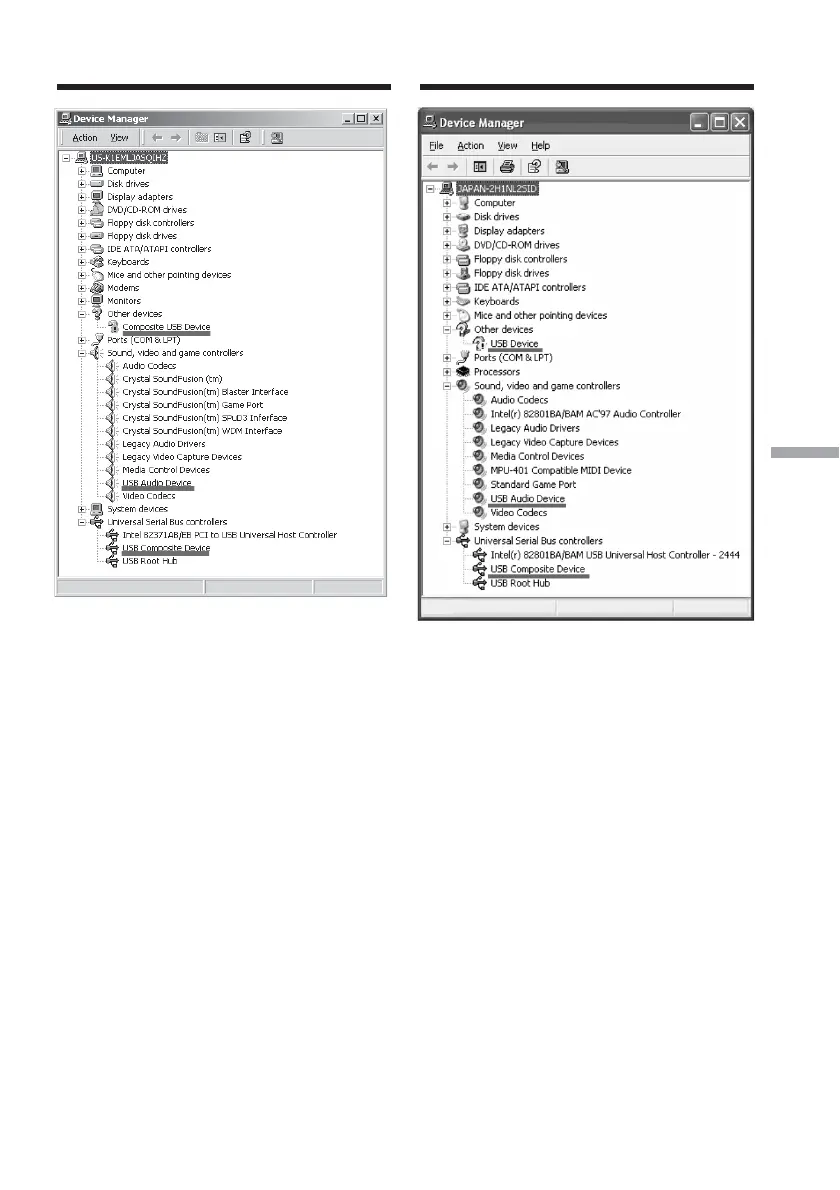
Windows 2000
Windows XP
6 Set the POWER switch to OFF (CHG) on
your camcorder, then disconnect the
USB cable.
7 Restart the computer.
Step 2: Install the USB driver on the
supplied CD-ROM
Follow the entire procedure in “Installing the
USB driver” on page 206.
Connecting your camcorder to a
computer using the USB cable
(For Windows users)
Raccordement de votre caméscope à
votre ordinateur à l’aide du câble USB
(pour les utilisateurs de Windows)
6 Réglez le commutateur POWER sur OFF
(CHG) sur votre caméscope, puis
débranchez le câble USB.
7 Redémarrez l’ordinateur.
Etape 2 : Installez le pilote USB à partir du
CD-ROM fourni
Effectuez toute la procédure décrite dans la
section « Installation du pilote USB » à la page
206.














 To Next Page