Bluetooth Application Operation
115-GB
Tips
•If you leave your camcorder on standby for more than five minutes:
– When using Remote Camera, your camcorder does not turn off.
– Standby is cancelled.
– Next time you record, it will take some time for recording to start.
•You can check the status of your camcorder from the connected device.
You can select DSPL ON or DSPL OFF in CAM INFO in RMTCAM SET in in the
menu settings.
Using as a Remote Camera
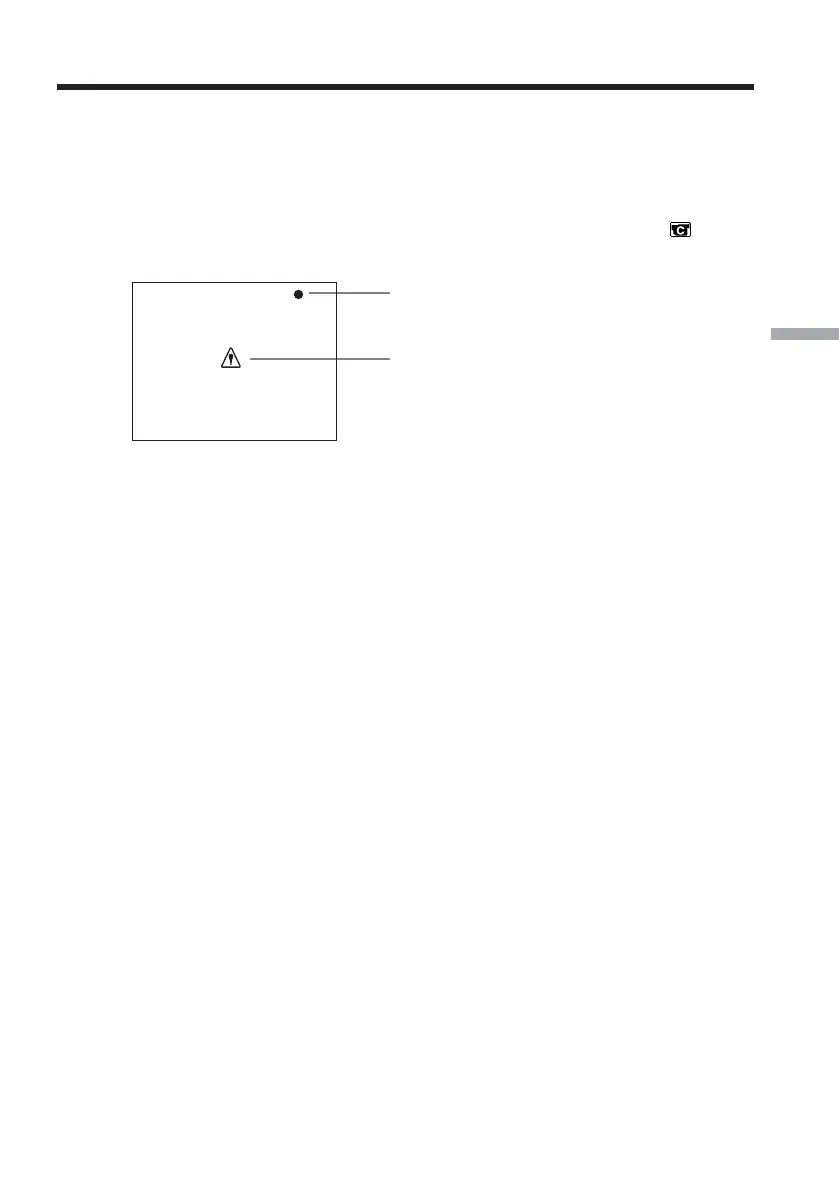
This appears during tape recording
This appears when an error occurs on your
camcorder.
Examples:
– You tried to start tape recording without
inserting a cassette.
– You tried to record a still image on “Memory
Stick” without inserting a “Memory Stick.”














 To Next Page