58-GB
Changing the communication devices
Changing from a USB device to a Bluetooth device
Unplug the USB device from (USB) jack of your camcorder. When a Bluetooth device
is registered, your camcorder automatically selects the Bluetooth device as a
communication device.
Selecting other Bluetooth devices from the list
Tap the Bluetooth device you want to specify in step 4 of 2 on page 55. The device
information is indicated.
Tap [OK].
Deleting a registered Bluetooth device from the list
To delete a Bluetooth device from the list, follow the procedure below.
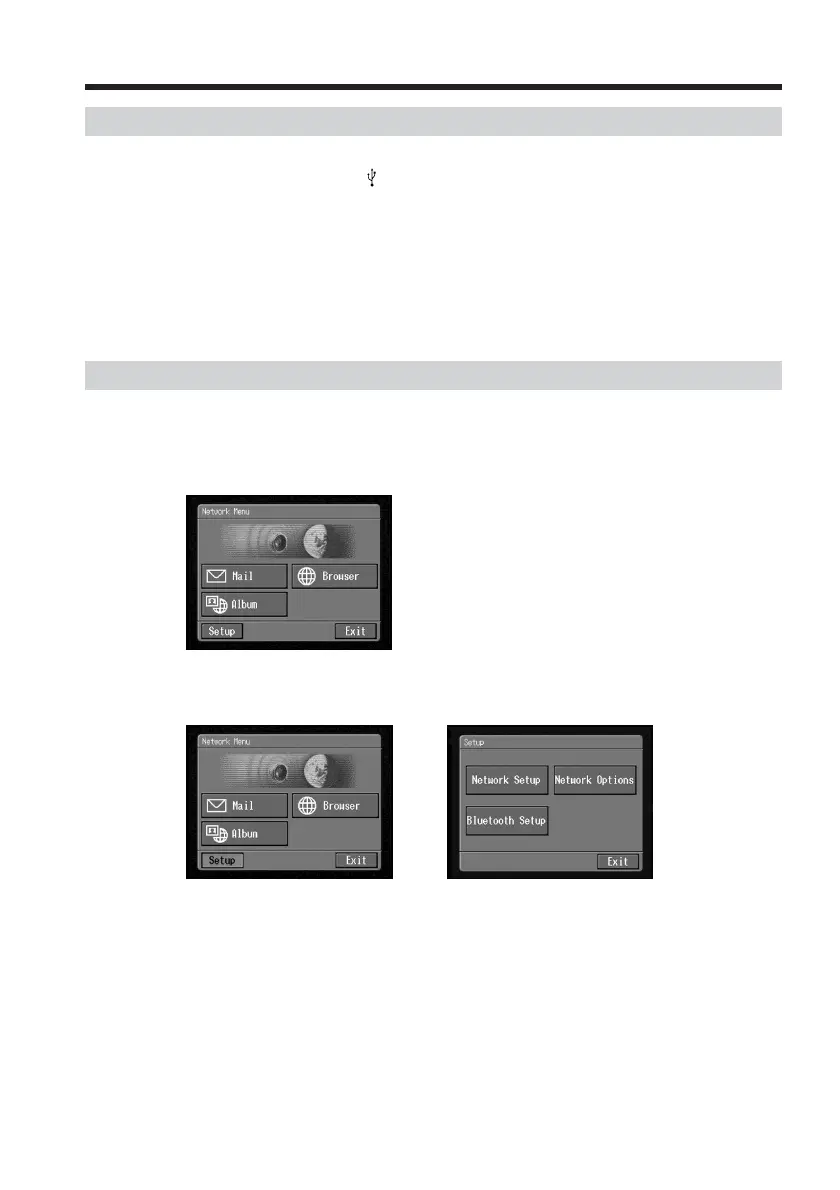
(1) Open the Network Menu.
For details of how to open the Network Menu, see page 7.
(2) Tap [Setup].
The Setup screen appears.
,
Registering Bluetooth devices














 To Next Page