73-GB
Network Operation
Finishing viewing or editing your Album on the Web
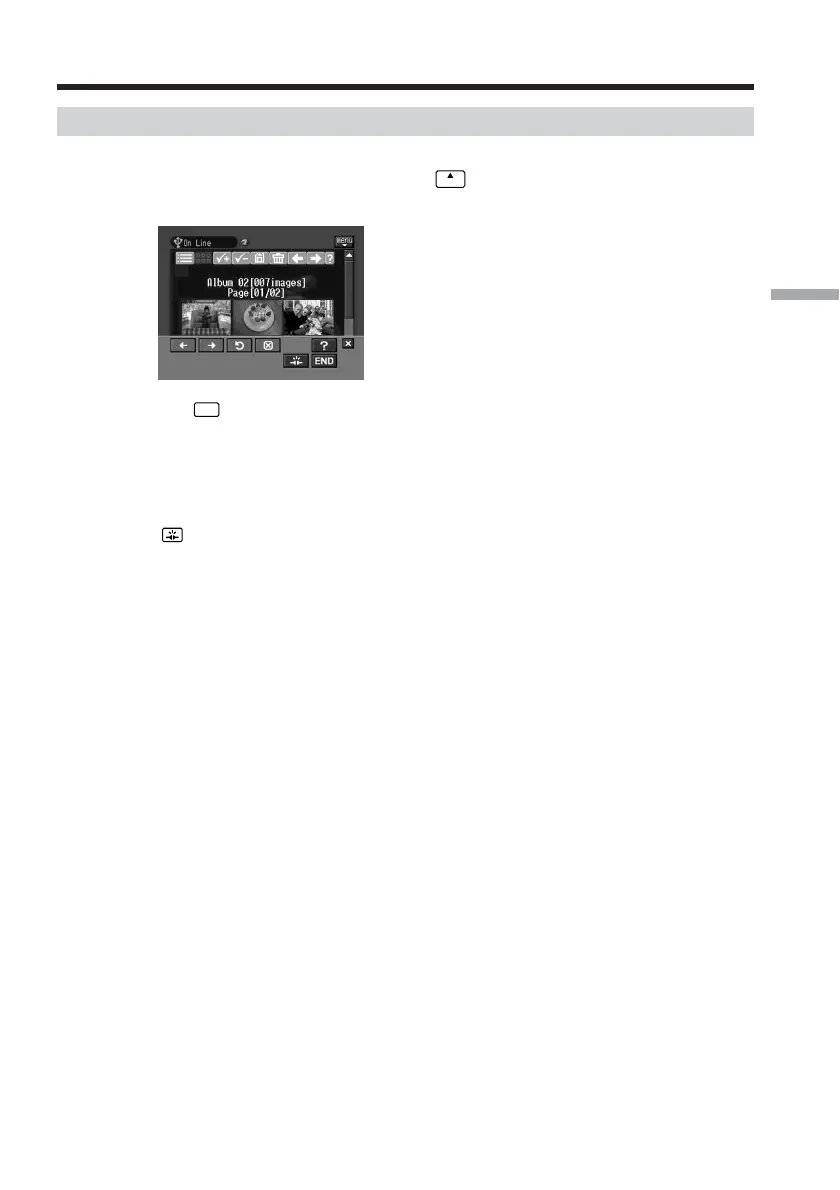
To finish viewing or editing your Album on the Web
(1) If the menu bar is not displayed, tap
menu
on the upper right of the LCD screen.
The menu bar appears.
(2) Tap
END
.
Your Album on the Web is closed.
When you use a dial-up connection, the telephone line is disconnected
automatically.
To only disconnect the line
Tap . Only the line is disconnected.
Tip
If you only disconnect the line, you can continue to view the album displayed on the
screen. If you try to download still images and/or moving pictures, delete still images
and/or moving pictures, or view another Album on the Web, the screen for verifying
the connection appears. Tap [Connect].
Making your Album on the Web














 To Next Page