96-GB
(6) Follow the procedure described in “3 Entering the text of a message” (p. 78)
to modify the message.
Tip
You can enter up to 512 characters in a message. The excess characters are
deleted.
(7) Follow the procedure described in “4 Sending email” (p. 79) from step 3.
Deleting received email
You can receive and store up to 50 email messages on a “Memory Stick.” The 51st email
message cannot be received and an error message appears.
Before operation
•Release the lock on the “Memory Stick.”
•Insert the “Memory Stick” that contains the email message you want to delete into
your camcorder.
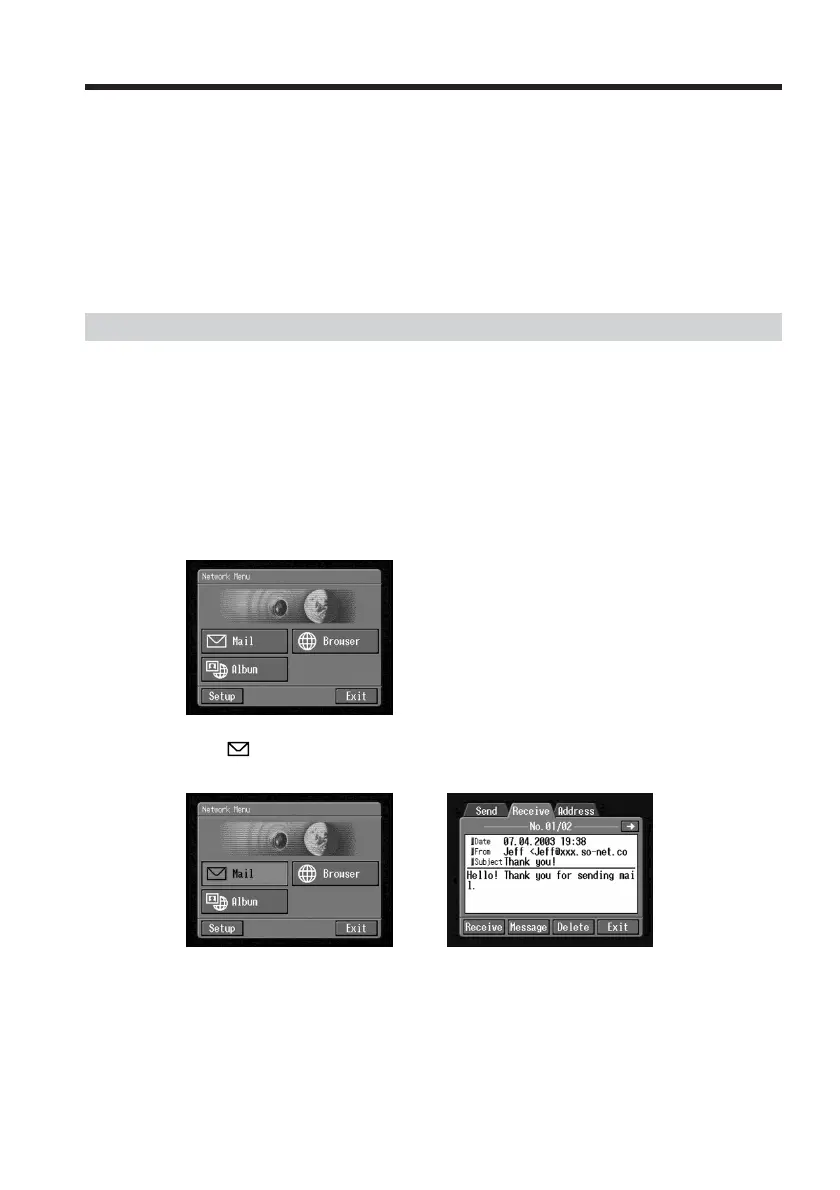
(1) Open the Network Menu.
For details of how to open the Network Menu, see page 7.
(2) Tap [
Mail].
Select Receive from Send, Receive and Address. The Receive screen appears.
,
Using email














 To Next Page