6-GB
– DCR-TRV80E only
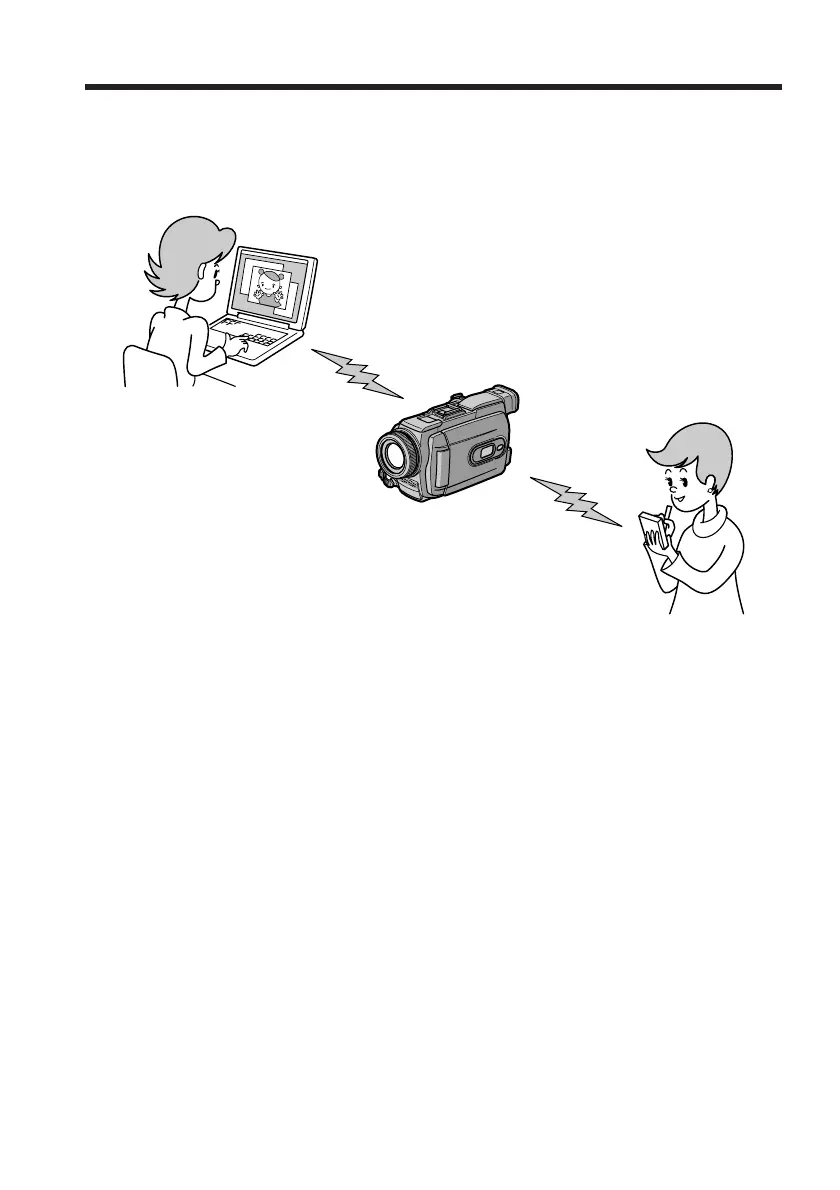
Your camcorder is designed to communicate with another Bluetooth device, such as a
computer, or a PDA. Without connecting a cable, you can transfer still images, and can
use your camcorder as a remote camera to shoot remotely from a computer or a PDA.
Using as a Remote Camera
You can operate your camcorder remotely from a BIP* compatible computer or PDA
with Bluetooth function.
Transferring still images – Image Transport
You can transfer still images between your camcorder and a BIP* compatible computer
or PDA with Bluetooth function.
* About BIP (Basic Imaging Profile)
The “Basic Imaging Profile” (BIP) is the Bluetooth specification used when transferring
images between Bluetooth devices. To connect with your camcorder, the Bluetooth
device must be compatible with the “Image Push Feature” or the “Remote Camera
Feature” of the “Basic Imaging Profile” (BIP). Before using the Bluetooth device, check
the BIP specifications of the device.
For details of Bluetooth Function, see page 52.
The Bluetooth function on your
camcorder














 To Next Page