33-GB
Preparation for Network Operation
Setting your provider preferences for other providers
This setup is required to use the Album on the Web. If you do not use the Album on the
Web, after following steps 1 to 3 of 1 below, go to “2 Selecting your provider”.
1 Entering your Login name (ID) and password
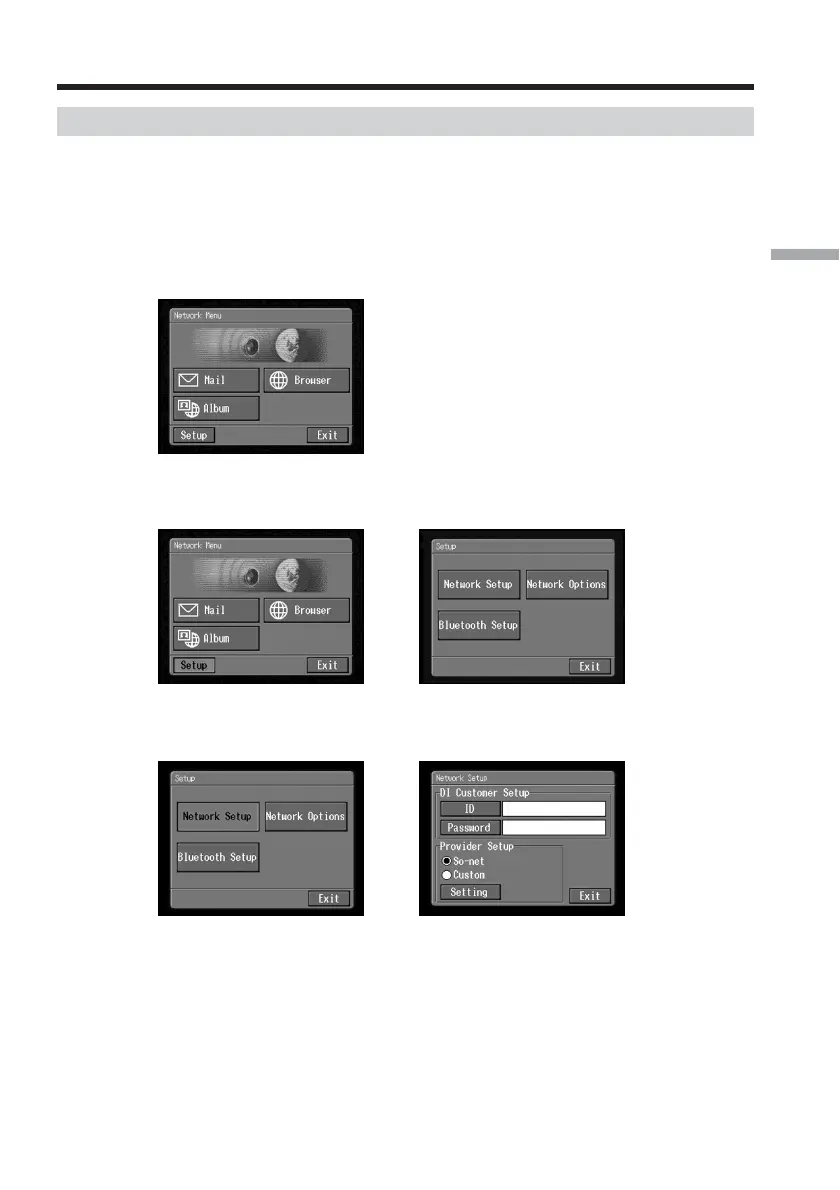
(1) Open the Network Menu.
For details of how to open the Network Menu, see page 7.
(2) Tap [Setup].
The Setup screen appears.
,
(3) Tap [Network Setup].
The Network Setup screen appears.
,
Setting the network preferences














 To Next Page