34-GB
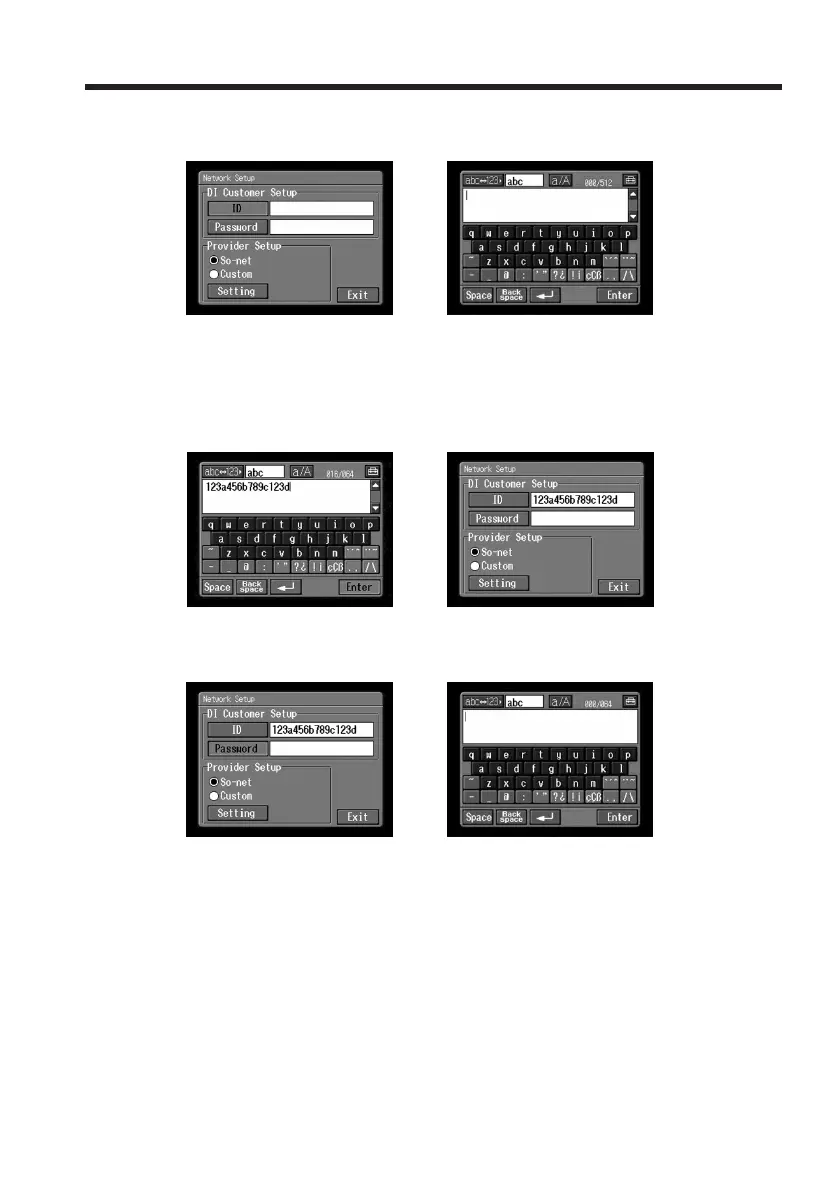
(4) Tap [ID].
The character input screen appears.
,
(5) Enter your Login name (ID).
For details of how to input characters, see “How to input characters” (p. 9).
(6) Tap [Enter].
The Network Setup screen appears again.
,
(7) Tap [Password].
The character input screen appears.
,
(8) Enter your password.
For details of how to input characters, see “How to input characters” (p. 9).
Note
If you have checked the item “Verify Password” in the Network Options
screen (p. 44), you cannot enter your password. If you try to enter it, the
message “Password Already Set Check the Password Profile” appears. To
enable password entry, tap “Verify Password” again to uncheck the item.
Setting the network preferences














 To Next Page