59-GB
Preparation for Network Operation
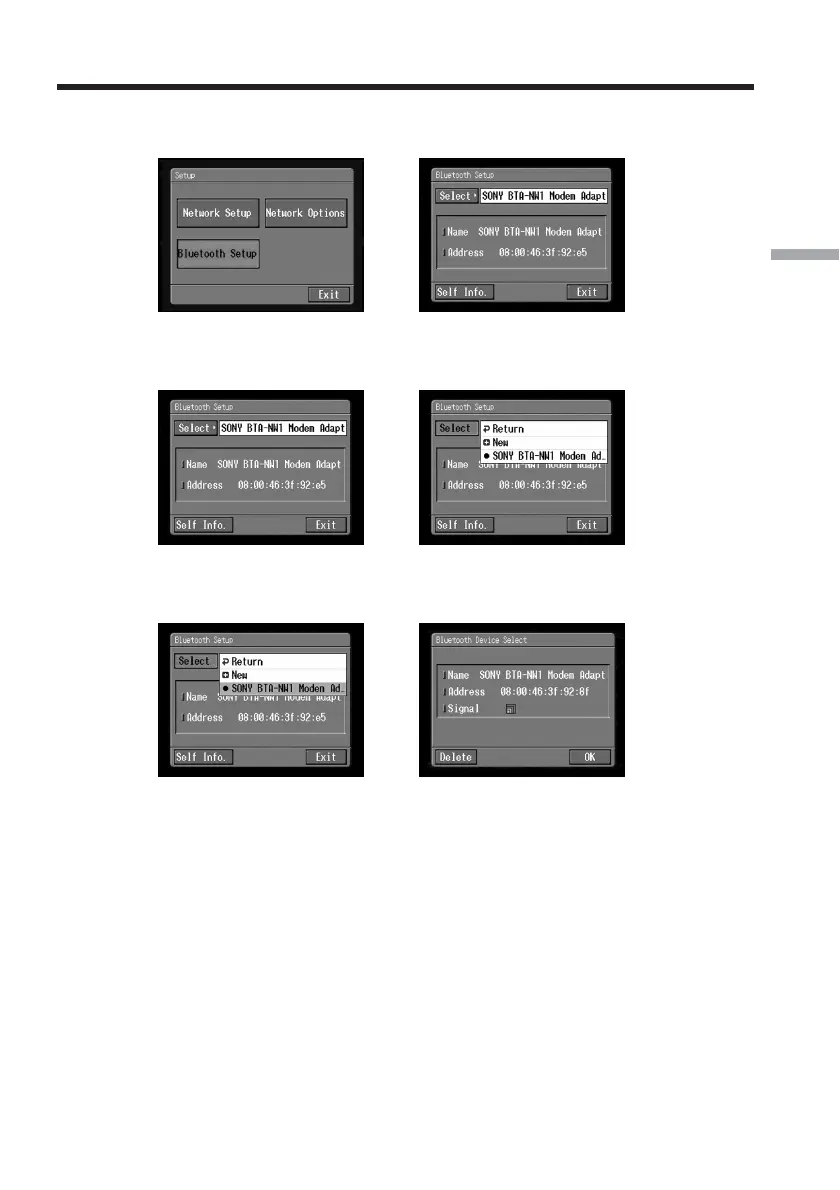
(3) Tap [Bluetooth Setup].
The Bluetooth Setup screen appears.
,
(4) Tap [Select].
The Bluetooth device list appears.
,
(5) Tap the device you want to delete.
The name and address of the selected device are indicated.
,
(6) Tap [Delete].
The selected device is deleted from the list.
Registering Bluetooth devices














 To Next Page