14-GB
Inputting characters
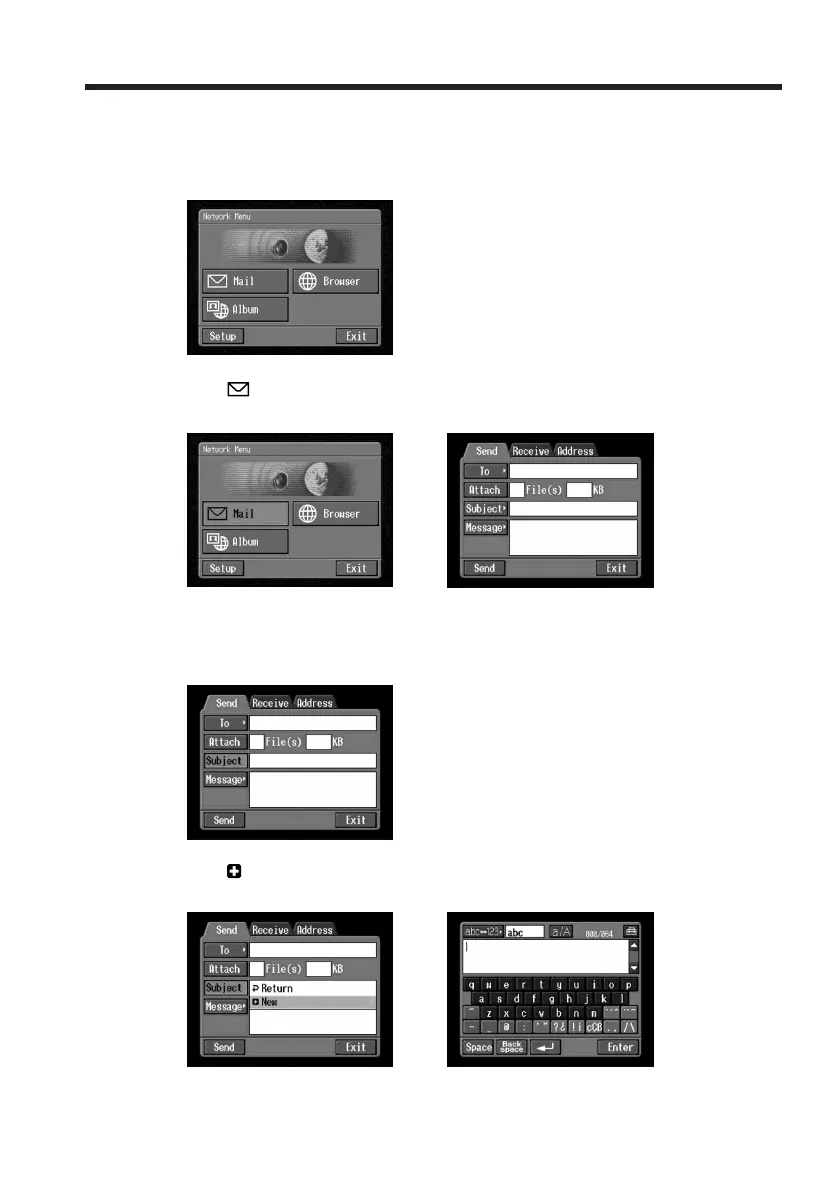
E.g., Enter “Hello” into the Subject item on the Send screen
1
(1) Open the Network Menu.
For details of how to open the Network Menu, see page 7.
(2) Tap [
Mail].
The Send screen appears.
,
2 Entering the subject of a message
(1) Tap [Subject].
(2) Tap [
New].
The character input screen appears.
,














 To Next Page