36-GB
3 Setting your dial-up connection
Set your provider preferences depending on the requirements of your provider. If you
do not understand the setup items, consult your provider.
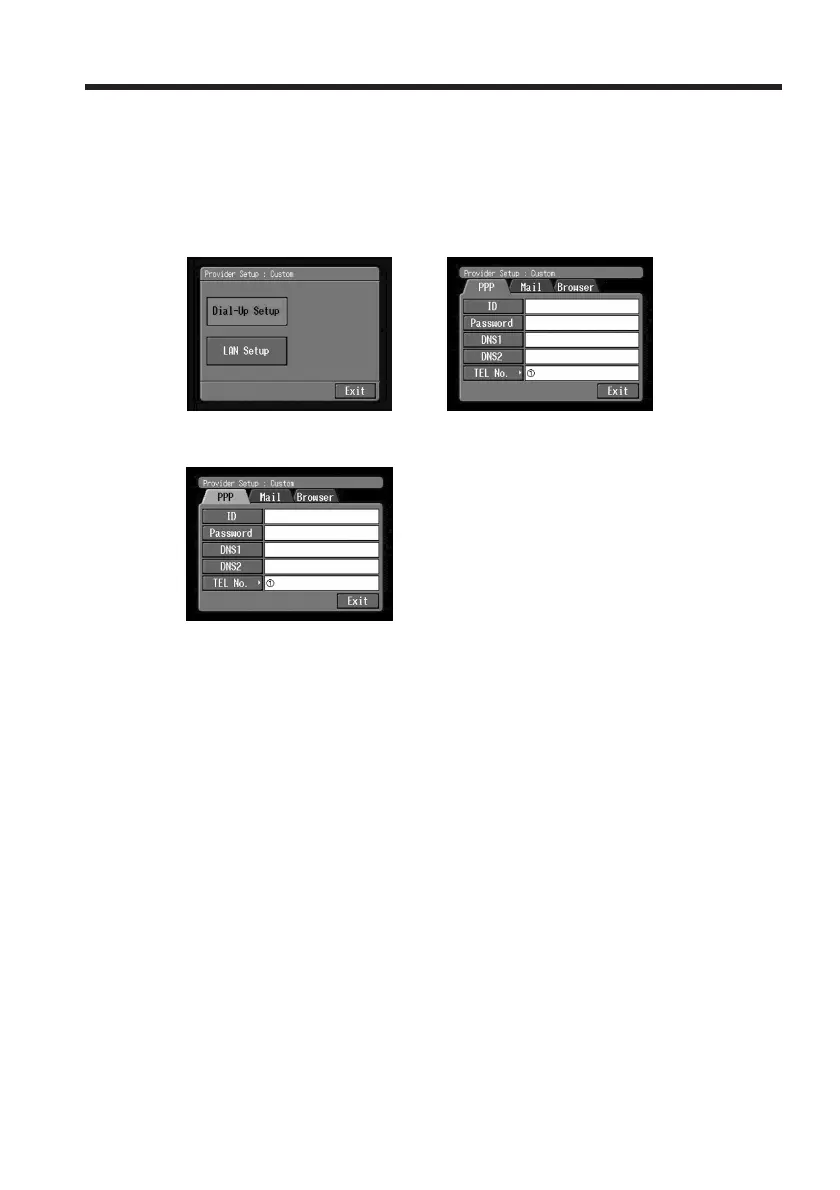
(1) Tap [Dial-Up Setup].
The Provider Setup : Custom screen appears.
,
(2) Tap [PPP].
(3) Set the following items:
ID: Enter the login name you use for accessing your provider with a dial-up
connection.
Tip
This “ID” is sometimes referred to as the “user ID”, “login name”, “PPP
login name”, “network ID”, “account name”, “logon name”, “user name”,
etc.
Password: Enter the password you use for accessing your provider with a
dial-up connection (p. 140).
Tip
This “Password” is sometimes referred to as the “PPP password”, “network
password”, “connection password”, etc.
DNS1: Enter the DNS (Domain Name System) server address of your provider.
Tips
•This “DNS1” is sometimes referred to as the “name server”, “primary DNS
server”, “primary name server”, etc.
•This entry may be unnecessary, depending on your provider. For details,
consult your provider.
Setting the network preferences














 To Next Page