54-GB
2 Specifying your Modem Adaptor with Bluetooth Function as the
connection device
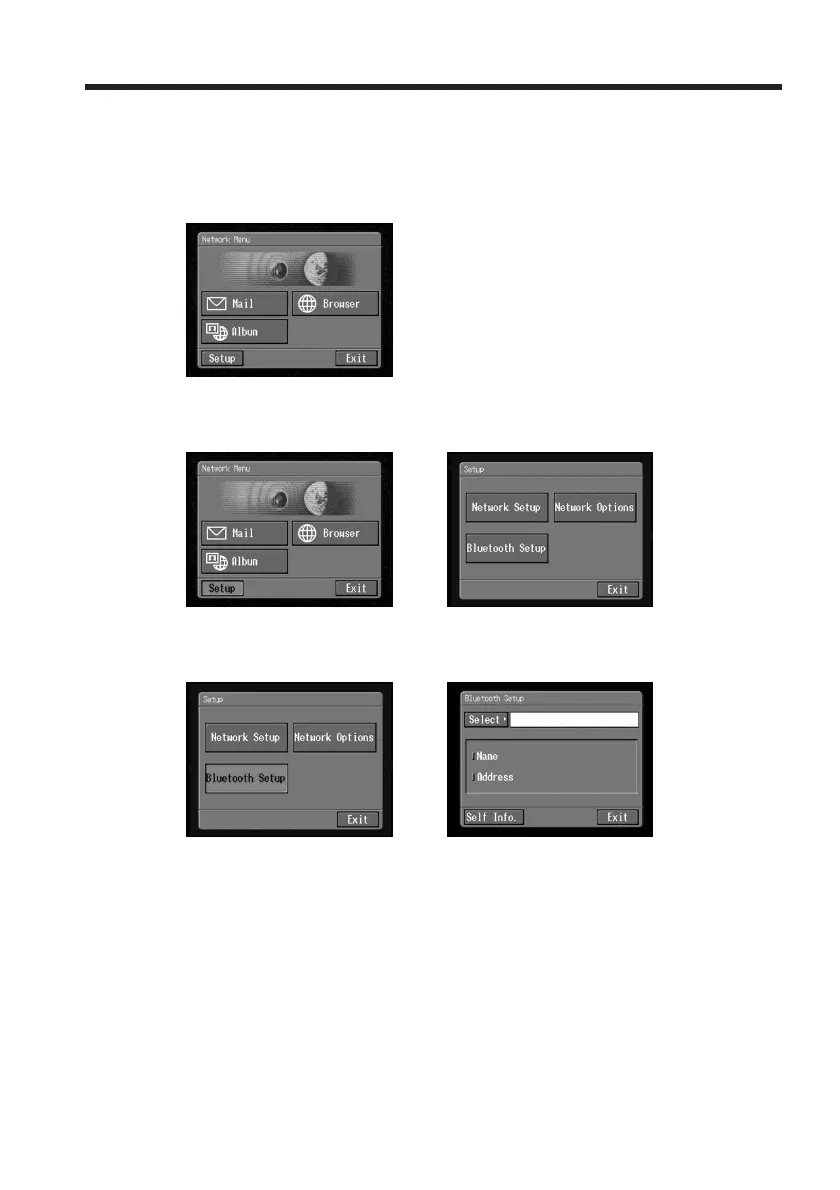
(1) Open the Network Menu.
For details of how to open the Network Menu, see page 7.
(2) Tap [Setup].
The Setup screen appears.
,
(3) Tap [Bluetooth Setup].
The Bluetooth Setup screen appears.
,
Registering Bluetooth devices














 To Next Page