Basic Menu
6-2 Setup Menu
Chapter 6 Setup Menu
Item number Item name Settings
001
PREROLL TIME
002
a)
CHARACTER
H-POSITION
003
a),b)
CHARACTER
V-POSITION
a) When setting items 002, 003, 009, and 011, watch the monitor screen, and adjust to the required
state.
b) When displaying time code values, there is a slight time delay. Therefore, when creating a tape for
off-line editing, the information inserted in the upper half of the screen may be delayed by one
frame.
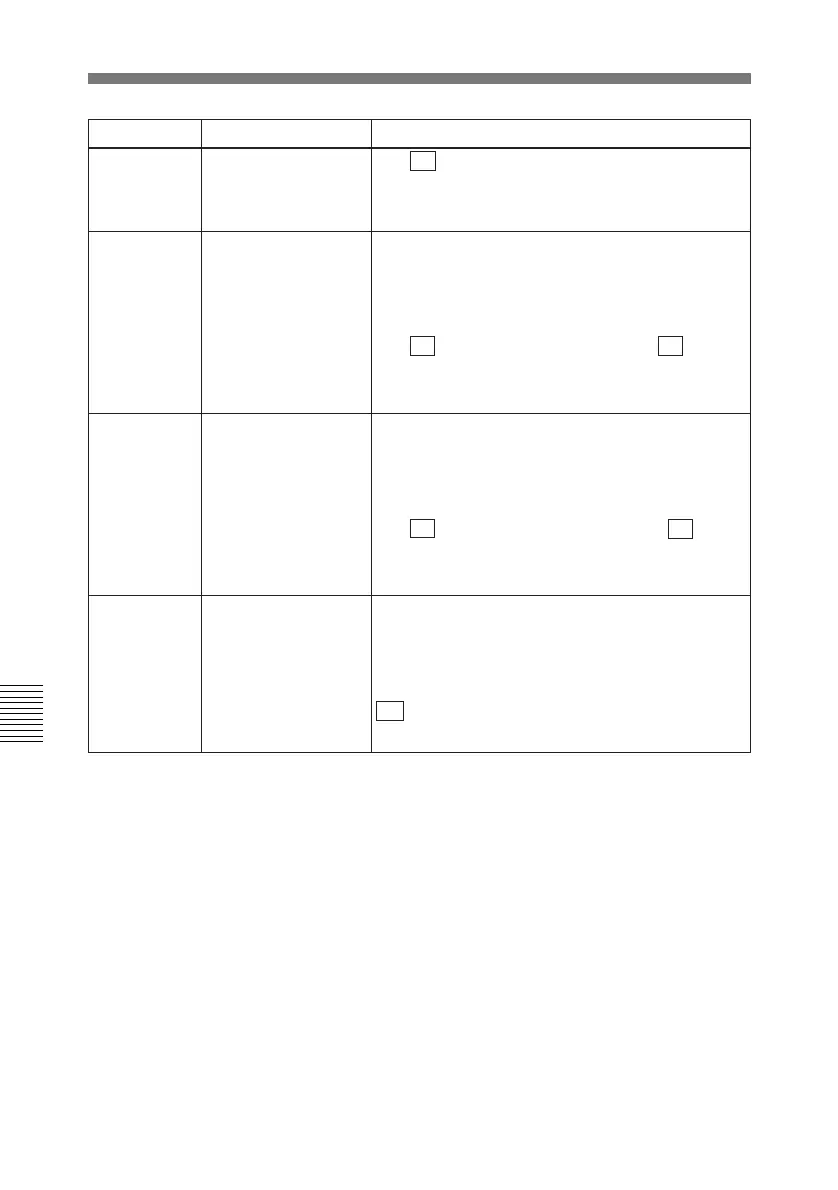
004 SYNCHRONIZE When editing using this unit as a controller and an
external VTR connected to this unit via a 9-pin
remote control cable, this item determines whether
or not to operate the two units in phase
synchronization.
ON : Operate in phase synchronization.
OFF: Do not operate in phase synchronization.
0S... 5S ...30S: Set the preroll time to between 0
and 30 seconds in steps of 1 second. A preroll time
of at least 5 seconds is recommended when using
this unit for editing.
Adjust the horizontal screen position of the
character information (as a hexadecimal value)
which is superimposed on output from the VIDEO
OUTPUT 2(SUPER) connector and display on the
LCD monitor.
00... 14 ...24 (525 mode, 37 steps)/00... 12 ...22
(625 mode, 35 steps): The hexadecimal value 00 is
for the far left of the screen. Increasing the value
moves the position of the characters to the right.
Adjust the vertical screen position of the first line of
the character information (as a hexadecimal value)
which is superimposed on output from the VIDEO
OUTPUT 2(SUPER) connector and display on the
LCD monitor.
00... 56 ...6A (525 mode, 107 steps)/00... 6A ...81
(625 mode, 130 steps): The hexadecimal value 00
is for the top of the screen. Increasing the value
lowers the position of the characters.



 To Next Page