Setup Menu 6-11
Chapter 6 Setup Menu
6-3 Extended Menu
6-3-1 Items in the Extended Menu
The extended menu contains the
following items.
In the “Settings” column of the table,
the factory default settings are
indicated by an enclosing box.
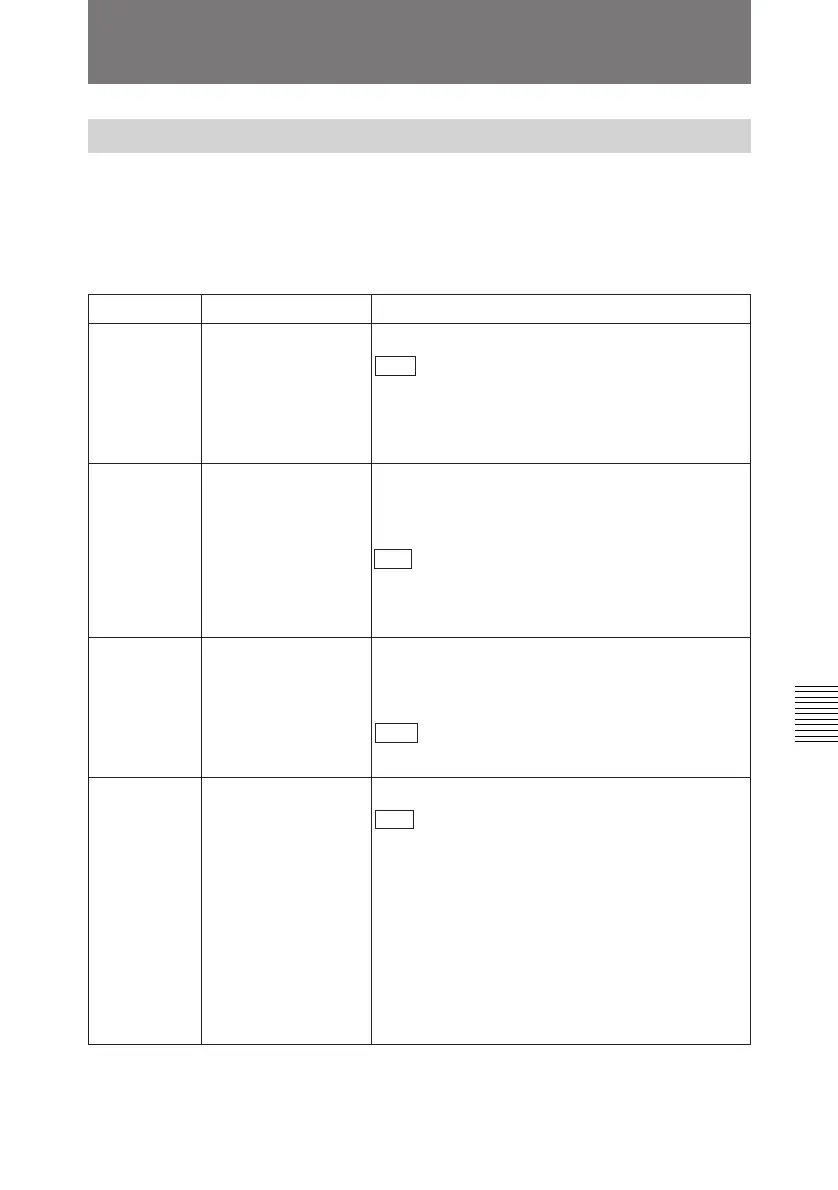
Menu items in the 100s, relating to the control panels
Item number Item name Settings
101
SELECTION FOR
SEARCH DIAL
ENABLE
104 AUDIO MUTING
TIME
105 REFERENCE
SYSTEM ALARM
Select whether or not to display a warning when the
video/audio reference signal selected by the OUT
REF in the sub LCD menu, is not supplied or is out
of phase with the input video signal.
OFF : No warning.
ON: Flash the STOP button as a warning.
Select the length of time for which audio muting
occurs when the unit switches to playback either
from stopped or from still playback in the search
mode (for Betacam or Betacam SP playback only).
OFF : Set the audio muting time to zero (i.e. no
muting).
0.1S... 1.0S: Set the audio muting time from 0.1
seconds to 1.0 second, in 0.1-second increments.
Select how the unit enters the search mode.
DIAL : Turning the jog or shuttle dial switches to
search mode at all times except during recording/
editing.
KEY: The search button must be pressed to switch
to search mode.
106 CAPSTAN LOCK Select the capstan servo lock mode.
SW : The capstan servo lock mode is determined
by the CAPSTAN in the sub LCD menu.
2F: The capstan servo locks every two fields
regardless of the setting of the CAPSTAN in the
sub LCD menu.
4F: The capstan servo locks every four fields
regardless of the setting of the CAPSTAN in the
sub LCD menu.
8F (For 625 mode only): The capstan servo locks
every eight fields regardless of the setting of the
CAPSTAN in the sub LCD menu



 To Next Page